Monster Castle
Monster Castle

Monster Castle

Casual

| Lemix game

Play on PC with BlueStacks or from our cloud

  • Overview
  • Game Features
  • How to Play

Page Modified On: November 10, 2025

Play Monster Castle on PC or Mac

From the innovators and creators at Lemix game, Monster Castle is another fun addition to the World of Casual games. Go beyond your mobile screen and play it bigger and better on your PC or Mac. An immersive experience awaits you.

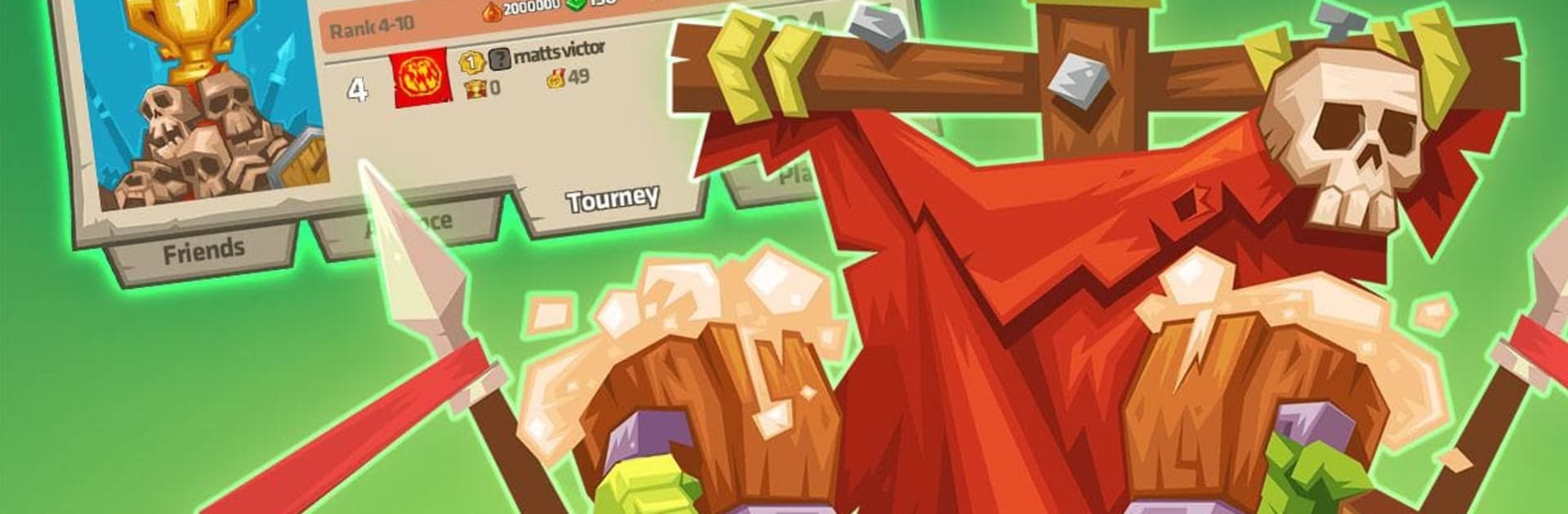
Monster Castle plays like a vertical tower defense where the whole base stacks upward, floor by floor. Think spooky castle energy without going full horror. There are squeaky bats, cranky pumpkins, goblins and orcs guarding narrow hallways, plus a lab door that opens with a little drama. The fun part is laying out rooms and traps so raiders get chewed up while climbing. Each floor can host different defenses, and small tweaks actually matter. One floor change, or moving a healer, and a match can flip. It is simple to understand, but it does push for smarter layouts over time.

Battles are quick, with humans charging in and monsters scrambling to hold the line. There is a dragon that can be trained to roast enemy castles during raids, which never gets old. PvP is the main draw, with lots of back and forth testing odd strategies, then checking replays to see what went wrong or right. Alliances help with group wars and some handy boosts. Daily tasks keep things moving, like topping off a wine barrel for resources, collecting gold, and other small chores. The gold mine keeps producing while offline, so progress does not stall if someone steps away for a day. On PC with BlueStacks, the vertical layout looks clean, dragging rooms with a mouse feels tidy, and targeting skills is easier on a bigger screen. It is playful, a little cheeky, and surprisingly tactical once the castle starts to grow.

Slay your opponents with your epic moves. Play it your way on BlueStacks and dominate the battlefield.


Game Features

Enhancements

  • Macros
  • Multi Instance
  • Script
  • Repeated Tap
  • Enhancements
Macros

Macros

Automate the predictable in Monster Castle and transform your gameplay with Macros. Get access to inventive Macros in the BlueStacks Macro Community
Multi Instance

Multi Instance

Play Monster Castle on one window. And chat with your friend on the other. Press CTRL + Shift + 8 to open the Multi-Instance Manager. And start creating fresh instances or clone an existing one.
Script

Script

Script your way to gaming glory in Monster Castle with BlueStacks Script. Write and run a set of commands to automate repeated tasks. Trigger the command by assigning it to any key.
Repeated Tap

Repeated Tap

BlueStacks lets you master Monster Castle with useful features like the Repeated Tap. Now you do not have to press the same key repeatedly to initiate an action. Just assign it to one key and you are good to go.
Read More

How to Download and Play Monster Castle on PC or Mac

  • Download and install BlueStacks on your PC or Mac

  • Complete Google sign-in to access the Play Store, or do it later

  • Look for Monster Castle in the search bar at the top right corner

  • Click to install Monster Castle from the search results

  • Complete Google sign-in (if you skipped step 2) to install Monster Castle

  • Click the Monster Castle icon on the home screen to start playing

video
Watch Video

Minimum System Requirements

With BlueStacks 5, you can get started on a PC that fulfills the following requirements.

  • Operating System

    Microsoft Windows 7 or above, macOS 11 (Big Sur) or above

  • Processor

    Intel, AMD or Apple Silicon Processor

  • RAM

    at least 4GB

  • HDD

    10GB Free Disk Space

Note:

* You must be an Administrator on your PC. Up to date graphics drivers from Microsoft or the chipset vendor.

Monster Castle - FAQs

  • How to play Monster Castle on Windows PC & Mac?

    Play Monster Castle on your PC or Mac by following these simple steps.

    • Click on 'Play Monster Castle on PC’ to download BlueStacks
    • Install it and log-in to Google Play Store
    • Launch and play the game.
  • Why is BlueStacks the fastest and safest platform to play games on PC?

    BlueStacks respects your privacy and is always safe and secure to use. It does not carry any malware, spyware, or any sort of additional software that could harm your PC.

    It is engineered to optimize speed and performance for a seamless gaming experience.

  • What are Monster Castle PC requirements?

    Minimum requirement to run Monster Castle on your PC

    • OS: Microsoft Windows 7 or above MacOS 11 (Big Sur) or above
    • Processor: Intel, AMD or Apple Silicon Processor
    • RAM: Your PC must have at least 4GB of RAM. (Note that having 4GB or more disk space is not a substitute for RAM)
    • HDD: 10GB Free Disk Space.
    • You must be an Administrator on your PC.