
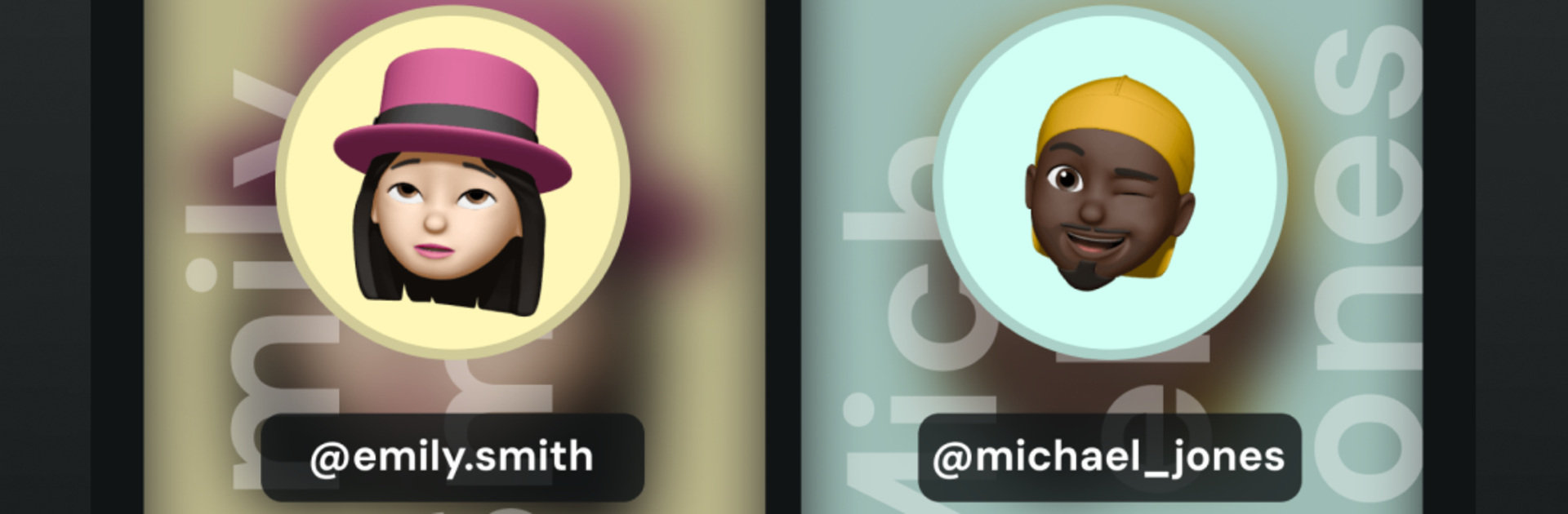
Story Ghost: Hidden mention

Story Ghost: Hidden mention

Casual

| Vinit Hingu

Play on PC with BlueStacks or from our cloud

  • Overview
  • Game Features
  • How to Play

Page Modified On: November 28, 2025

Play Story Ghost: Hidden mention on PC or Mac

Story Ghost: Hidden mention brings the Casual genre to life, and throws up exciting challenges for gamers. Developed by Vinit Hingu, this Android game is best experienced on BlueStacks, the World’s #1 app player for PC and Mac users.

About the Game

Story Ghost: Hidden mention is a Casual sleuthing game from Vinit Hingu where you slip into a social feed as a friendly phantom and snoop around without being noticed. Each round hands you bite-sized stories, secret tags, and sneaky clues to uncover who’s really being talked about. It’s light, quick, and strangely satisfying—perfect when you want a little mystery without the stress.

Game Features

  • Stealth Viewing: Glide through story-style clips without leaving a trace. Stay anonymous while you observe, connect dots, and catch what others might miss.
  • Hidden Mentions Finder: Spot secret shout-outs tucked behind stickers, filters, and busy frames. If someone’s quietly tagged, your detector brings it to the surface.
  • Save Your Clues: Pin interesting moments to your caseboard to rewatch later. Build mini evidence sets and revisit them anytime in-game.
  • Fast Search: Type a name or handle to jump straight to the characters you’re tracking. No endless scrolling—just quick results.
  • Crisp Replays: Saved snippets keep their sharp look, so small details and blink-and-you-miss-it hints stay clear.
  • Quick Sessions: Short, snackable rounds with easy goals make it great for breaks, commutes, or late-night curiosity.
  • Clean, Friendly UI: Simple controls and an intuitive layout let you focus on solving—no learning curve needed.
  • Strategy Mode: Compare patterns across stories, spot trends, and figure out who’s signaling whom behind the scenes.
  • Flexible Play: Play on your phone, or kick back with keyboard and mouse support on BlueStacks if that’s your thing.

Get ready for a buttery smooth, high-performance gaming action only on BlueStacks.

Game Features

Enhancements

  • Macros
  • Multi Instance
  • Script
  • Repeated Tap
  • Enhancements
Macros

Macros

Automate the predictable in Story Ghost: Hidden mention and transform your gameplay with Macros. Get access to inventive Macros in the BlueStacks Macro Community
Multi Instance

Multi Instance

Play Story Ghost: Hidden mention on one window. And chat with your friend on the other. Press CTRL + Shift + 8 to open the Multi-Instance Manager. And start creating fresh instances or clone an existing one.
Script

Script

Script your way to gaming glory in Story Ghost: Hidden mention with BlueStacks Script. Write and run a set of commands to automate repeated tasks. Trigger the command by assigning it to any key.
Repeated Tap

Repeated Tap

BlueStacks lets you master Story Ghost: Hidden mention with useful features like the Repeated Tap. Now you do not have to press the same key repeatedly to initiate an action. Just assign it to one key and you are good to go.
Read More

How to Download and Play Story Ghost: Hidden mention on PC or Mac

  • Download and install BlueStacks on your PC or Mac

  • Complete Google sign-in to access the Play Store, or do it later

  • Look for Story Ghost: Hidden mention in the search bar at the top right corner

  • Click to install Story Ghost: Hidden mention from the search results

  • Complete Google sign-in (if you skipped step 2) to install Story Ghost: Hidden mention

  • Click the Story Ghost: Hidden mention icon on the home screen to start playing

video
Watch Video

Minimum System Requirements

With BlueStacks 5, you can get started on a PC that fulfills the following requirements.

  • Operating System

    Microsoft Windows 7 or above, macOS 11 (Big Sur) or above

  • Processor

    Intel, AMD or Apple Silicon Processor

  • RAM

    at least 4GB

  • HDD

    10GB Free Disk Space

Note:

* You must be an Administrator on your PC. Up to date graphics drivers from Microsoft or the chipset vendor.

Story Ghost: Hidden mention - FAQs

  • How to play Story Ghost: Hidden mention on Windows PC & Mac?

    Play Story Ghost: Hidden mention on your PC or Mac by following these simple steps.

    • Click on 'Play Story Ghost: Hidden mention on PC’ to download BlueStacks
    • Install it and log-in to Google Play Store
    • Launch and play the game.
  • Why is BlueStacks the fastest and safest platform to play games on PC?

    BlueStacks respects your privacy and is always safe and secure to use. It does not carry any malware, spyware, or any sort of additional software that could harm your PC.

    It is engineered to optimize speed and performance for a seamless gaming experience.

  • What are Story Ghost: Hidden mention PC requirements?

    Minimum requirement to run Story Ghost: Hidden mention on your PC

    • OS: Microsoft Windows 7 or above MacOS 11 (Big Sur) or above
    • Processor: Intel, AMD or Apple Silicon Processor
    • RAM: Your PC must have at least 4GB of RAM. (Note that having 4GB or more disk space is not a substitute for RAM)
    • HDD: 10GB Free Disk Space.
    • You must be an Administrator on your PC.








