Zombie Nations
Zombie Nations

Zombie Nations

Casual

| Edenap

Play on PC with BlueStacks or from our cloud

  • Overview
  • Game Features
  • How to Play

Page Modified On: January 09, 2026

Play Zombie Nations on PC or Mac

Join millions to experience Zombie Nations, an exciting Casual game from Edenap. With BlueStacks App Player, you are always a step ahead of your opponent, ready to outplay them with faster gameplay and better control with the mouse and keyboard on your PC or Mac.

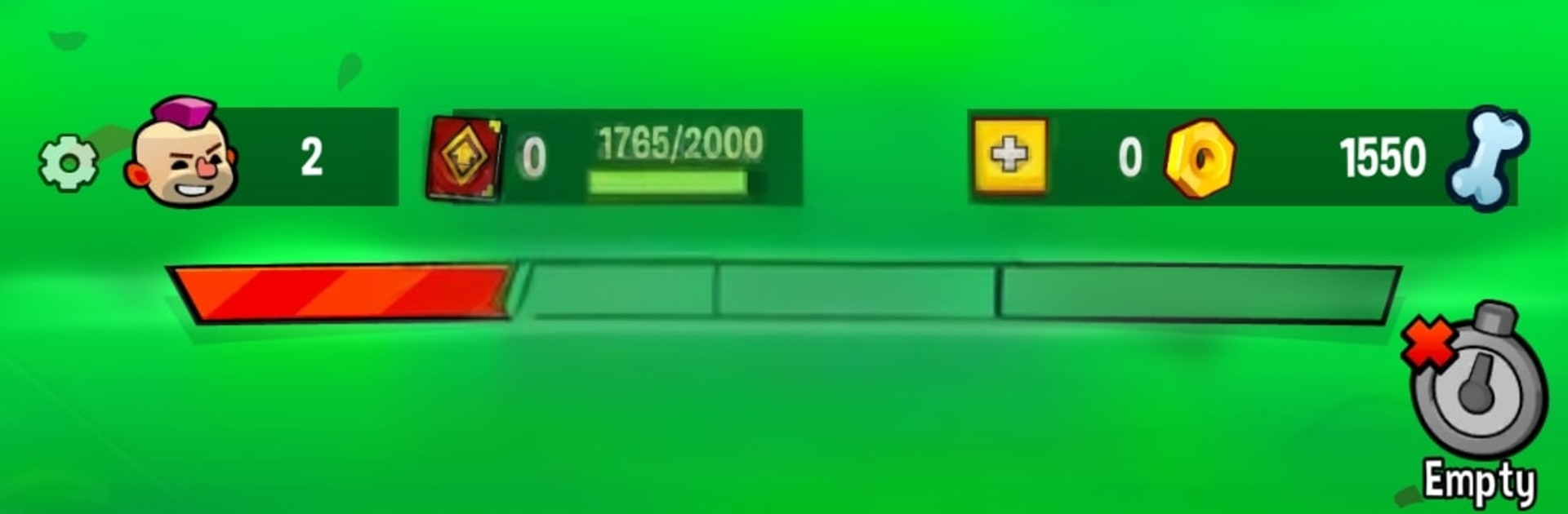
Zombie Nations is a straight-up tower defense game with a gritty city setting, where everything revolves around keeping a base safe while waves of zombies march in from messy angles. Players drop different kinds of towers along the path and try to build a layout that actually holds. The toys have clear roles, like fire that melts groups, rockets that crack tough ones, and support pieces that slow enemies or stretch range. Upgrades feel important, a basic turret turns into a real anchor once it gets a few boosts, so choosing when to spend or save becomes the little brain game every round.

There are clutch power-ups too. A well timed nuke clears a lane that was about to break, while an ice rocket freezes a swarm just long enough for the rest of the setup to chew through it. Stages ramp fast and start mixing enemy types, sprinters, chunky brutes, and weird mixes that force tweaks to the build, so the same placement rarely works for long. The pace stays snappy, money trickles in with each kill, and the tension spikes hard on final waves when one sloppy placement can sink the run. On PC with BlueStacks, the mouse makes dropping and rotating towers feel quick and tidy, and hotkeys make swapping to those emergency power-ups less fumbly. It is all about range overlaps, choke points, and timing, with enough chaos to keep hands busy and a brain ticking.

Slay your opponents with your epic moves. Play it your way on BlueStacks and dominate the battlefield.


Game Features

Enhancements

  • Macros
  • Multi Instance
  • Script
  • Repeated Tap
  • Enhancements
Macros

Macros

Automate the predictable in Zombie Nations and transform your gameplay with Macros. Get access to inventive Macros in the BlueStacks Macro Community
Multi Instance

Multi Instance

Play Zombie Nations on one window. And chat with your friend on the other. Press CTRL + Shift + 8 to open the Multi-Instance Manager. And start creating fresh instances or clone an existing one.
Script

Script

Script your way to gaming glory in Zombie Nations with BlueStacks Script. Write and run a set of commands to automate repeated tasks. Trigger the command by assigning it to any key.
Repeated Tap

Repeated Tap

BlueStacks lets you master Zombie Nations with useful features like the Repeated Tap. Now you do not have to press the same key repeatedly to initiate an action. Just assign it to one key and you are good to go.
Read More

How to Download and Play Zombie Nations on PC or Mac

  • Download and install BlueStacks on your PC or Mac

  • Complete Google sign-in to access the Play Store, or do it later

  • Look for Zombie Nations in the search bar at the top right corner

  • Click to install Zombie Nations from the search results

  • Complete Google sign-in (if you skipped step 2) to install Zombie Nations

  • Click the Zombie Nations icon on the home screen to start playing

video
Watch Video

Minimum System Requirements

With BlueStacks 5, you can get started on a PC that fulfills the following requirements.

  • Operating System

    Microsoft Windows 7 or above, macOS 11 (Big Sur) or above

  • Processor

    Intel, AMD or Apple Silicon Processor

  • RAM

    at least 4GB

  • HDD

    10GB Free Disk Space

Note:

* You must be an Administrator on your PC. Up to date graphics drivers from Microsoft or the chipset vendor.

Zombie Nations - FAQs

  • How to play Zombie Nations on Windows PC & Mac?

    Play Zombie Nations on your PC or Mac by following these simple steps.

    • Click on 'Play Zombie Nations on PC’ to download BlueStacks
    • Install it and log-in to Google Play Store
    • Launch and play the game.
  • Why is BlueStacks the fastest and safest platform to play games on PC?

    BlueStacks respects your privacy and is always safe and secure to use. It does not carry any malware, spyware, or any sort of additional software that could harm your PC.

    It is engineered to optimize speed and performance for a seamless gaming experience.

  • What are Zombie Nations PC requirements?

    Minimum requirement to run Zombie Nations on your PC

    • OS: Microsoft Windows 7 or above MacOS 11 (Big Sur) or above
    • Processor: Intel, AMD or Apple Silicon Processor
    • RAM: Your PC must have at least 4GB of RAM. (Note that having 4GB or more disk space is not a substitute for RAM)
    • HDD: 10GB Free Disk Space.
    • You must be an Administrator on your PC.