




What’s better than using RCForb Client by RemoteHams.com? Well, try it on a big screen, on your PC or Mac, with BlueStacks to see the difference.
About the App
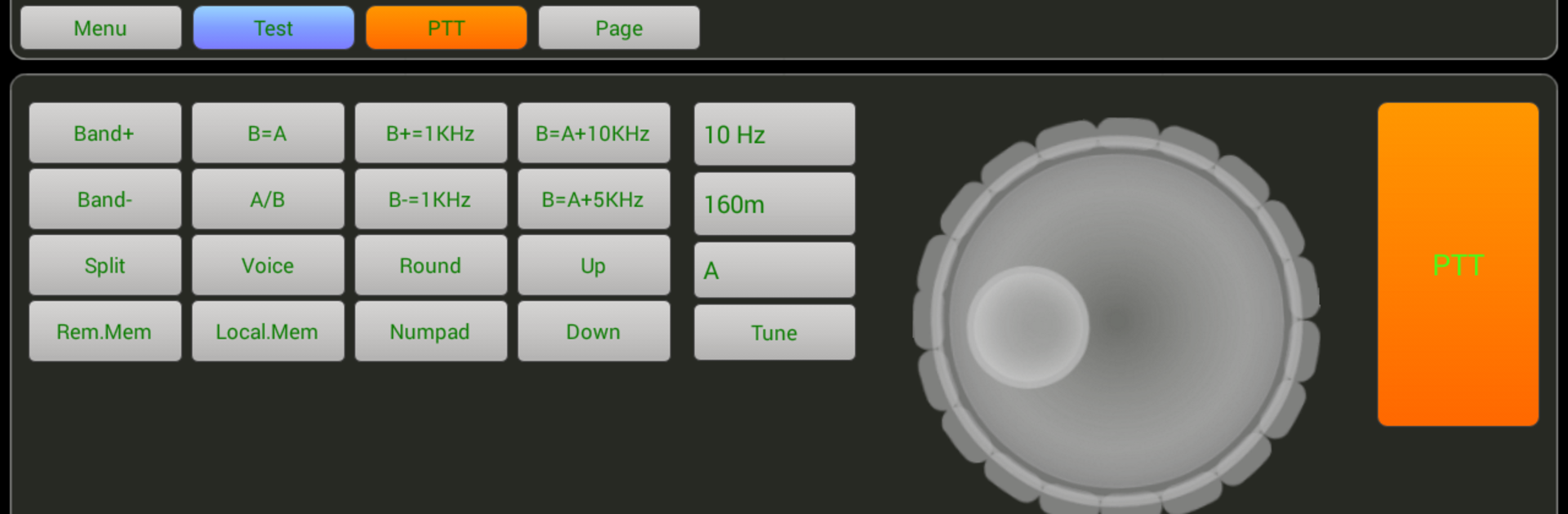
RCForb Client from RemoteHams.com puts real amateur radio stations at your fingertips. Browse and operate community-shared transceivers over the internet, chase rare DX, or simply listen in while you’re away from the shack. It’s a Communication app built for hams who want flexibility, with an experience that keeps getting better as new updates roll out.
App Features
- Remote stations, real gear: Connect to internet-accessible HF/VHF/UHF radios hosted by fellow operators and tune around as if you were sitting in front of the rig.
- DX hunting made easier: Keep an ear on rare openings and grab that elusive contact even when you’re on the move.
- Check your propagation: Curious if your signal is making it across the globe? Use distant receivers to gauge how and where you’re being heard.
- Multi-operator support: Coordinate contests, nets, and roundtables with a mix of RF and remote operators—great for team workflows and shared operating.
- Community-driven access: Sign in with your RemoteHams.com account to discover stations, follow station rules, and use the controls you’re authorized for.
- Smooth listening and control: Tune frequencies, switch modes, and explore bands without needing to be in the shack—perfect for quick checks or long listening sessions.
- Evolving pre-release build: Features are actively being refined, and user feedback helps shape what comes next.
- Optional desktop use: Prefer a bigger screen and full-size controls? You can run RCForb Client on your computer with BlueStacks for a comfortable setup.
BlueStacks brings your apps to life on a bigger screen—seamless and straightforward.





