




What’s better than using Real-Time GPS Tracker 2 by Greenalp? Well, try it on a big screen, on your PC or Mac, with BlueStacks to see the difference.
Real-Time GPS Tracker 2 feels like a proper control room for location sharing. It is not flashy, it is practical. On a PC with BlueStacks the app is easier to handle because the map is big, the labels are readable, and switching between people or routes is not a tiny tap game anymore. The core idea is simple enough. Someone turns on tracking and their movement shows up live, so family can watch a hike, a bike ride, or just the commute home. It also works for small teams that need to see where everyone is during the day, without a lot of setup.
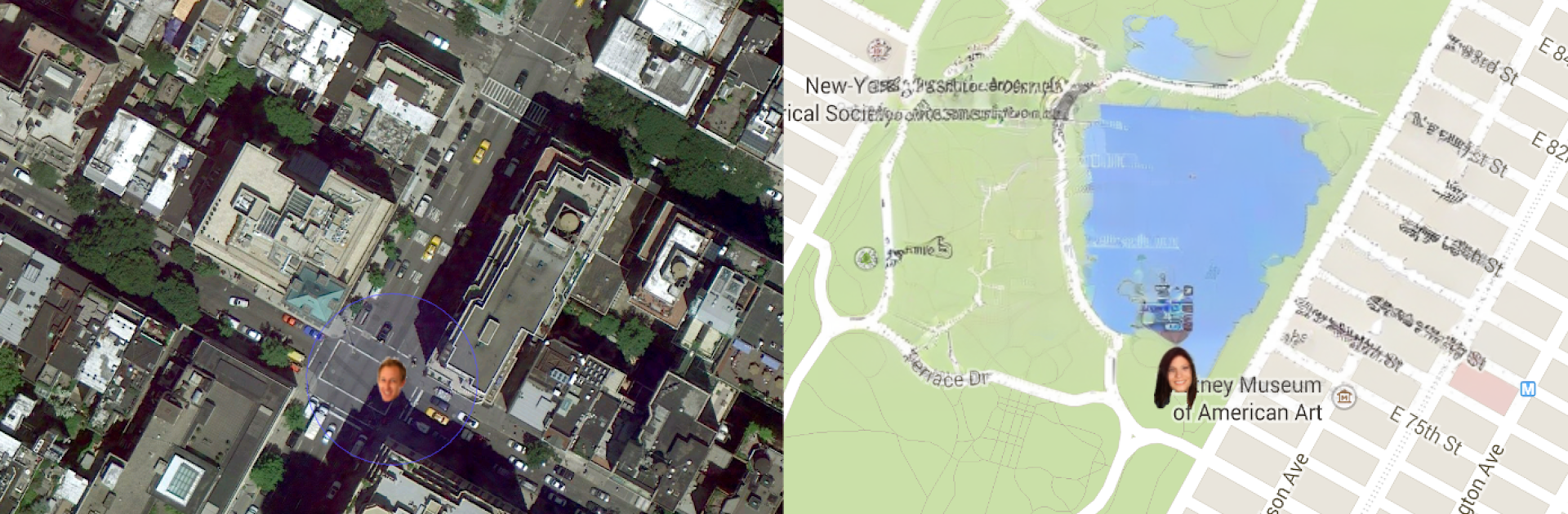
What stands out is the amount of control. There is a battery wizard because the default accuracy is high and that eats power. Users can switch to on‑demand tracking, even start or stop it remotely when saving juice matters. Geofences send a ping when someone enters or leaves an area. Offline maps are available, there is Google and OpenStreetMap, and there is even a multi‑map view to follow more than one person on the same screen. Little details sit right on the map like speed, elevation, and battery level, which is surprisingly helpful. Messaging is built in, so short notes can be sent to the tracked users or to people watching the map. More advanced folks can load KML layers or hook it into automation tools like Tasker, and autostart is supported if this runs every day.
It is serious about transparency. The app shows a status icon while tracking and does not hide it, which is good for trust. Permissions are many because of what it does, and it should not be used to track anyone without consent. There is an ad‑free option if someone wants a cleaner view. Overall it is steady, a bit utilitarian, and on BlueStacks it becomes a nice big dashboard for keeping tabs on trips, family, or a small crew without fuss.
BlueStacks brings your apps to life on a bigger screen—seamless and straightforward.





