
Strangers Chat
Strangers Chat

Strangers Chat

Communication

| Limetric

Play on PC with BlueStacks or from our cloud

  • Overview
  • How to Download

Page Modified On: January 02, 2026

Run Strangers Chat on PC or Mac

Let BlueStacks turn your PC, Mac, or laptop into the perfect home for Strangers Chat, a fun Communication app from Limetric.

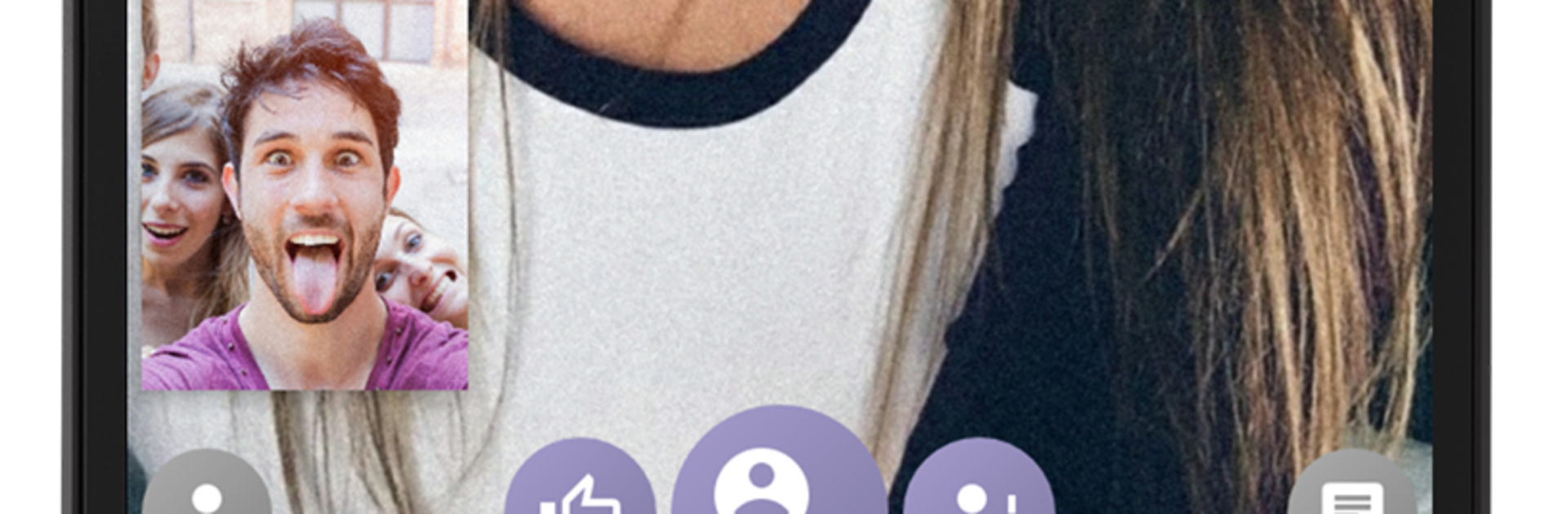
Strangers Chat is basically a live face to face chat shuffle where someone can pop into real conversations with real people, no big setup. On a PC with BlueStacks it feels steadier, since the webcam sits still and the bigger screen makes expressions easier to read, so chats feel more natural. There is a simple distance filter if a person only wants locals, or they can turn that off and meet people from anywhere. Connections spin up fast and it is low effort to move on when a chat is done, so it works for a quick break or a longer hangout without feeling stuck.

What stands out is how safe it feels for something that is so spontaneous. Chats are moderated constantly and the report button is right there if someone is acting off. Tap report and that person will not show up again, which takes a lot of pressure out of random video chat. It is not about long bios or endless swiping, it is about short human moments that sometimes turn into longer talks. A decent webcam and some light help alot, but there is very little to learn. Allow the camera and mic, pick the distance, and start meeting whoever shows up. Anyone who likes casual conversation and discovering people beyond their usual circle will get what this is doing.

Switch to BlueStacks and make the most of your apps on your PC or Mac.

How to Download and Run Strangers Chat on PC or Mac

  • Download and install BlueStacks on your PC or Mac

  • Complete Google sign-in to access the Play Store, or do it later

  • Look for Strangers Chat in the search bar at the top right corner

  • Click to install Strangers Chat from the search results

  • Complete Google sign-in (if you skipped step 2) to install Strangers Chat

  • Click the Strangers Chat icon on the home screen to start playing

video
Watch Video

Minimum System Requirements

With BlueStacks 5, you can get started on a PC that fulfills the following requirements.

  • Operating System

    Microsoft Windows 7 or above, macOS 11 (Big Sur) or above

  • Processor

    Intel, AMD or Apple Silicon Processor

  • RAM

    at least 4GB

  • HDD

    10GB Free Disk Space

Note:

* You must be an Administrator on your PC. Up to date graphics drivers from Microsoft or the chipset vendor.

Strangers Chat - FAQs

  • How to Run Strangers Chat on Windows PC & Mac?

    Run Strangers Chat on your PC or Mac by following these simple steps.

    • Click on ‘Download Strangers Chat on PC’ to download BlueStacks
    • Install it and log-in to Google Play Store
    • Launch and run the app.
  • Why is BlueStacks the fastest and safest platform to play games on PC?

    BlueStacks respects your privacy and is always safe and secure to use. It does not carry any malware, spyware, or any sort of additional software that could harm your PC.

    It is engineered to optimize speed and performance for a seamless gaming experience.

  • What are Strangers Chat PC requirements?

    Minimum requirement to run Strangers Chat on your PC

    • OS: Microsoft Windows 7 and above:
    • Processor: Intel or AMD Processor:
    • RAM: Your PC must have at least 2GB of RAM. (Note that having 2GB or more disk space is not a substitute for RAM):
    • HDD: 5GB Free Disk Space.
    • You must be an Administrator on your PC.



