




Get freedom from your phone’s obvious limitations. Use TeamTalk, made by BearWare.dk, a Communication app on your PC or Mac with BlueStacks, and level up your experience.
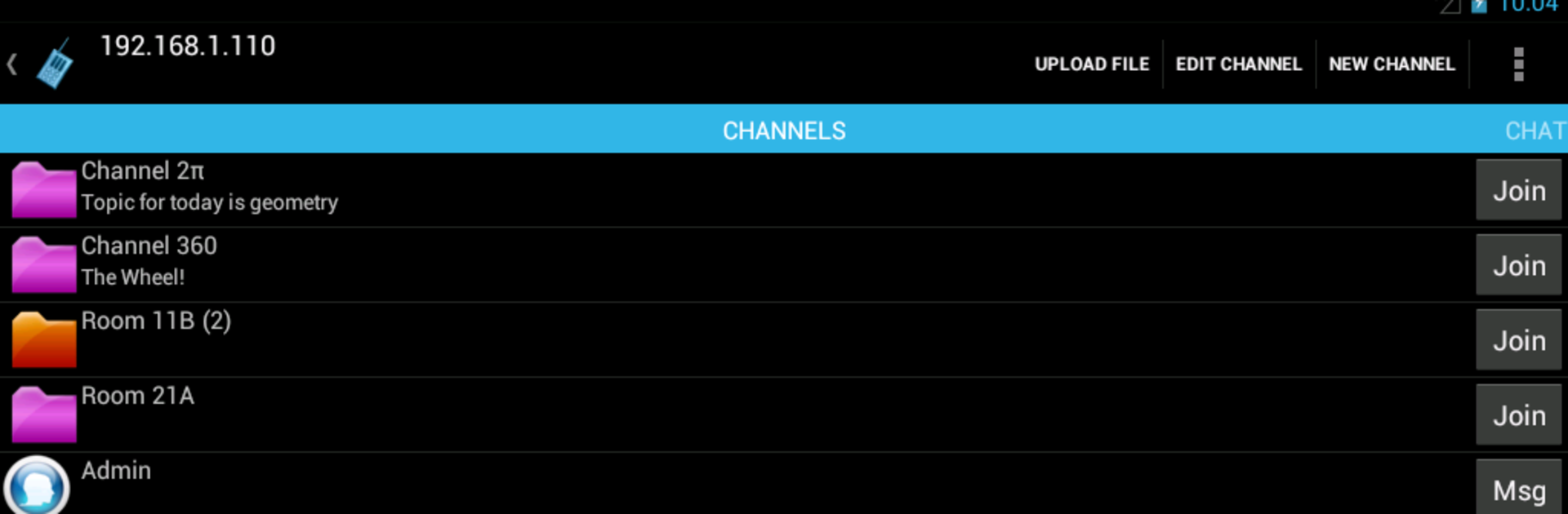
TeamTalk feels like classic group voice chat that just works. People jump into public or private rooms, talk in real time, and send quick text messages without any fuss. Audio stays clean, with options for mono or stereo, and there is both push to talk and voice activation for folks who like to keep hands free. Groups can share files right inside a channel, and someone on a desktop can share an application window like a web browser or a slide deck so everyone can follow along. Running it through BlueStacks on a PC is handy because a push to talk keybind feels natural, and it chugs along quietly in the background while other apps are open.
There is a standalone server if a team wants complete control, whether on a home network or out on the Internet, and it uses user accounts so rooms are not wide open to strangers. The layout is plain but clear, which suits it, and there is strong accessibility with TalkBack so visually impaired users can navigate everything without guesswork. It comes off more like old school VoIP channels than a busy social feed, which makes it easy to focus on the conversation. For study groups, small communities, or gaming sessions that want steady audio, file drops, and a bit of structure, it covers the essentials without piling on fluff.
Big screen. Bigger performance. Use BlueStacks on your PC or Mac to run your favorite apps.





