We Are Lidl
We Are Lidl

We Are Lidl

Play on PC with BlueStacks or from our cloud

  • Overview
  • How to Download

Page Modified On: November 10, 2025

Run We Are Lidl on PC or Mac

What’s better than using We Are Lidl by Lidl? Well, try it on a big screen, on your PC or Mac, with BlueStacks to see the difference.

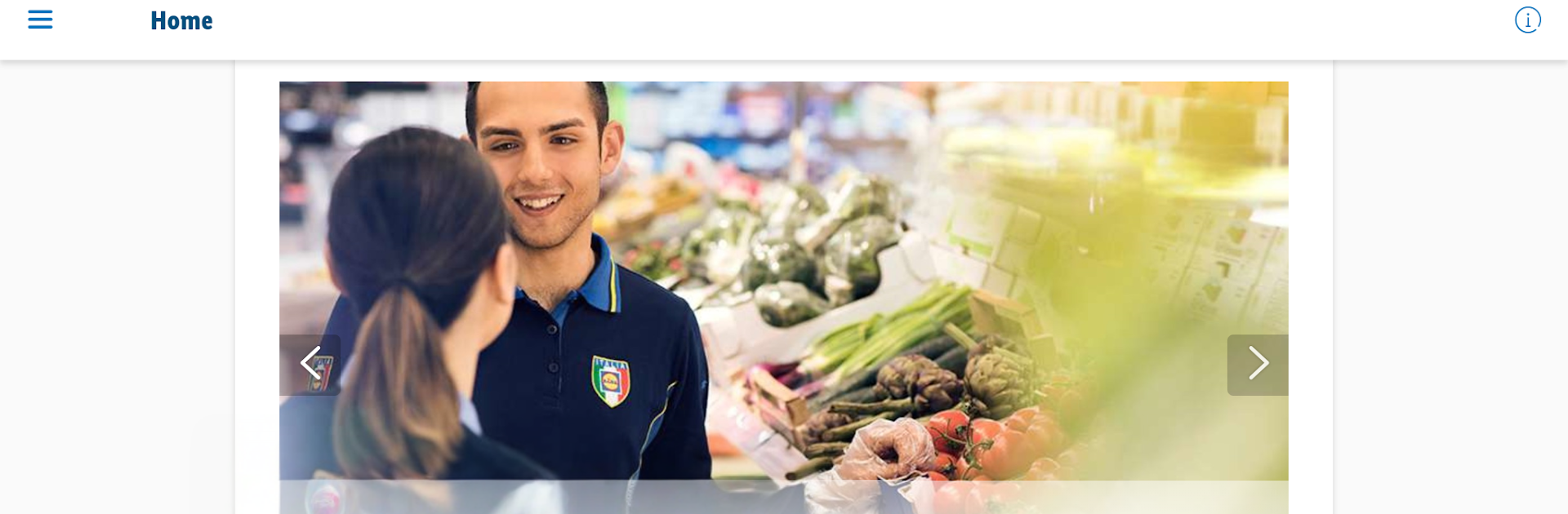
We Are Lidl feels like a central hub for all things Lidl, more newsy than shoppy. The front page is a steady stream of updates, stories, and behind the scenes bits from a supermarket group that is spread across dozens of countries. Think quick reads about projects, people, stores, and how the company runs day to day. It is not a place to order groceries, it is more about getting to know the brand and what it is up to in Europe and Germany without digging through press pages.

There is also a separate employee area that unlocks after logging in. That part is aimed at the huge workforce, with extra information and services that make more sense if someone works there. From the outside, it looks like a practical way for staff to keep in touch with internal updates and the wider network of more than ten thousand stores and a lot of distribution centers. On PC with BlueStacks, the app is easy to browse like a simple website. Scrolling through articles with a mouse, opening sections on a bigger screen, and keeping it pinned while doing other tasks makes it feel calm and tidy. Anyone curious about how a big retailer operates will get a clean, straightforward feed, and staff get a clear path to their own tools once they sign in.

BlueStacks brings your apps to life on a bigger screen—seamless and straightforward.

How to Download and Run We Are Lidl on PC or Mac

  • Download and install BlueStacks on your PC or Mac

  • Complete Google sign-in to access the Play Store, or do it later

  • Look for We Are Lidl in the search bar at the top right corner

  • Click to install We Are Lidl from the search results

  • Complete Google sign-in (if you skipped step 2) to install We Are Lidl

  • Click the We Are Lidl icon on the home screen to start playing

video
Watch Video

Minimum System Requirements

With BlueStacks 5, you can get started on a PC that fulfills the following requirements.

  • Operating System

    Microsoft Windows 7 or above, macOS 11 (Big Sur) or above

  • Processor

    Intel, AMD or Apple Silicon Processor

  • RAM

    at least 4GB

  • HDD

    10GB Free Disk Space

Note:

* You must be an Administrator on your PC. Up to date graphics drivers from Microsoft or the chipset vendor.

We Are Lidl - FAQs

  • How to Run We Are Lidl on Windows PC & Mac?

    Run We Are Lidl on your PC or Mac by following these simple steps.

    • Click on ‘Download We Are Lidl on PC’ to download BlueStacks
    • Install it and log-in to Google Play Store
    • Launch and run the app.
  • Why is BlueStacks the fastest and safest platform to play games on PC?

    BlueStacks respects your privacy and is always safe and secure to use. It does not carry any malware, spyware, or any sort of additional software that could harm your PC.

    It is engineered to optimize speed and performance for a seamless gaming experience.

  • What are We Are Lidl PC requirements?

    Minimum requirement to run We Are Lidl on your PC

    • OS: Microsoft Windows 7 and above:
    • Processor: Intel or AMD Processor:
    • RAM: Your PC must have at least 2GB of RAM. (Note that having 2GB or more disk space is not a substitute for RAM):
    • HDD: 5GB Free Disk Space.
    • You must be an Administrator on your PC.