




Let BlueStacks turn your PC, Mac, or laptop into the perfect home for 1000 Mots CP-CE1 / Apprendre à lire, a fun Education app from netizis.fr.
About the App
Getting started with reading can feel tricky for young kids, but 1000 Mots CP-CE1 / Apprendre à lire from netizis.fr makes it a little more playful, a little less daunting, and totally hands-on. This Education app is geared for children just beginning their reading journey, whether they’re discovering their very first syllables or mastering more complex sounds in first and second grade. Packed with interactive exercises, the app lets kids explore the building blocks of words at their own pace—nothing rushed, just friendly practice that adapts to them.
App Features
-
Syllable & Phoneme Play
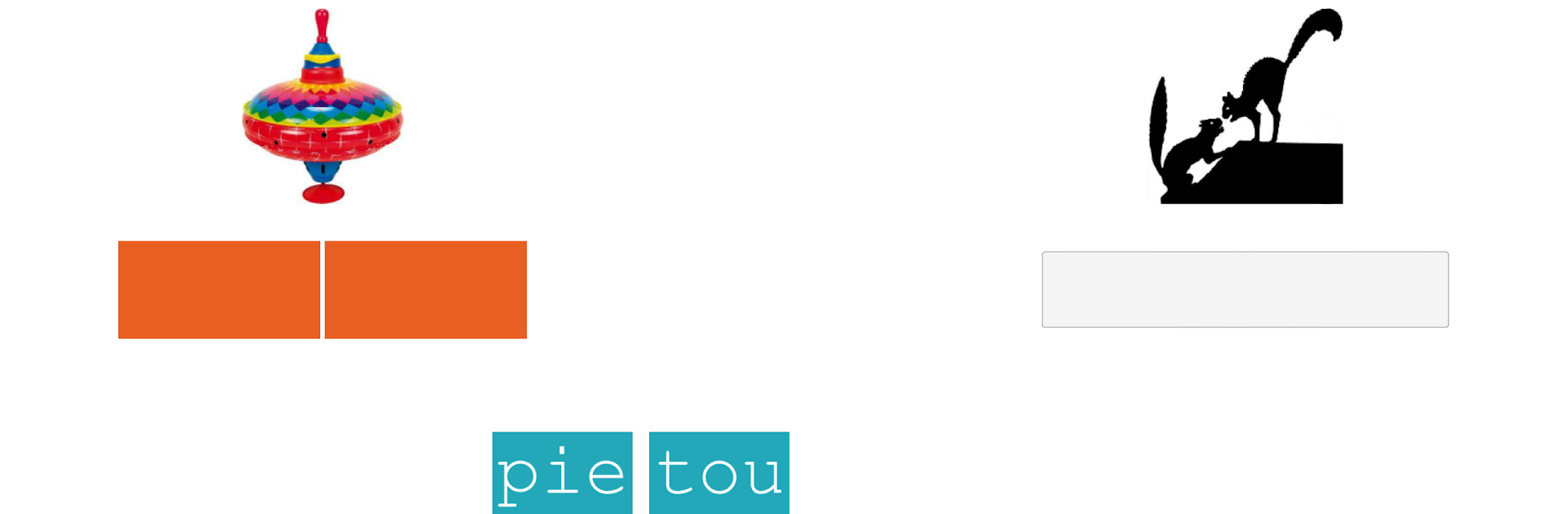
Kids can freely mix and match syllables or phonemes, helping them see how words come together. They get to break apart and rebuild words, getting a real sense of how spelling fits with sound. -
Progressive Learning Path
Starting in CP (first grade), the app moves through 46 essential French sounds and letter combinations with a progression that works alongside whatever reading manual their class might use. No need to worry about keeping up—lessons can be revisited anytime. -
Grapheme Variability Practice
Some sounds have more than one way to write them, and this app lets kids get comfortable with all those little quirks. Think “o,” “au,” or “eau”—it’s all here, and it’s all explained through familiar examples. -
Phoneme and Orthography Training
Through repetition and playful recomposition tasks, learners practice both how to say a word and how to spell it. The app even brings in challenges like sounds that look the same but are spoken differently (like c = [s] or c = [k]) and those tricky sound blends. -
Tackling Difficulties in CE1
Once in CE1 (second grade), the app jumps into 29 advanced areas—from confusing sound similarities and letter swap issues, to more complex combinations and spelling rules—so children build real reading fluency. -
Ideal as a Complement or Solo Tool
Whether you’re looking to reinforce what’s taught in class or want some playful extra practice at home, 1000 Mots CP-CE1 / Apprendre à lire fits both situations. The activities are engaging enough for solo use, so kids are happy to pick it up on their own. -
Multi-User Friendly
Got more than one young reader at home? Not a problem—a single tablet can handle up to three users, keeping track of progress separately for each child. -
Wide Selection of Exercises
The free version starts with 35 exercises to get a feel for things. For those wanting even more practice, there’s an in-app purchase unlocking over 660 activities. -
Smooth Experience on BlueStacks
If you feel like trying these activities on a bigger screen, the app runs smoothly with BlueStacks, so you can help your child from your PC or Mac just as easily. -
Extra Versions & Content
Looking for something for even younger kids or for French language learners? There’s a “1000 mots Pro” version with even more variety, suited for GS and FLE learners.
This friendly reading companion from netizis.fr really aims to make early reading and spelling feel approachable, flexible, and—dare we say—pretty fun.
Big screen. Bigger performance. Use BlueStacks on your PC or Mac to run your favorite apps.





