



What’s better than using 3D Biology + by Vaibhav Kokare? Well, try it on a big screen, on your PC or Mac, with BlueStacks to see the difference.
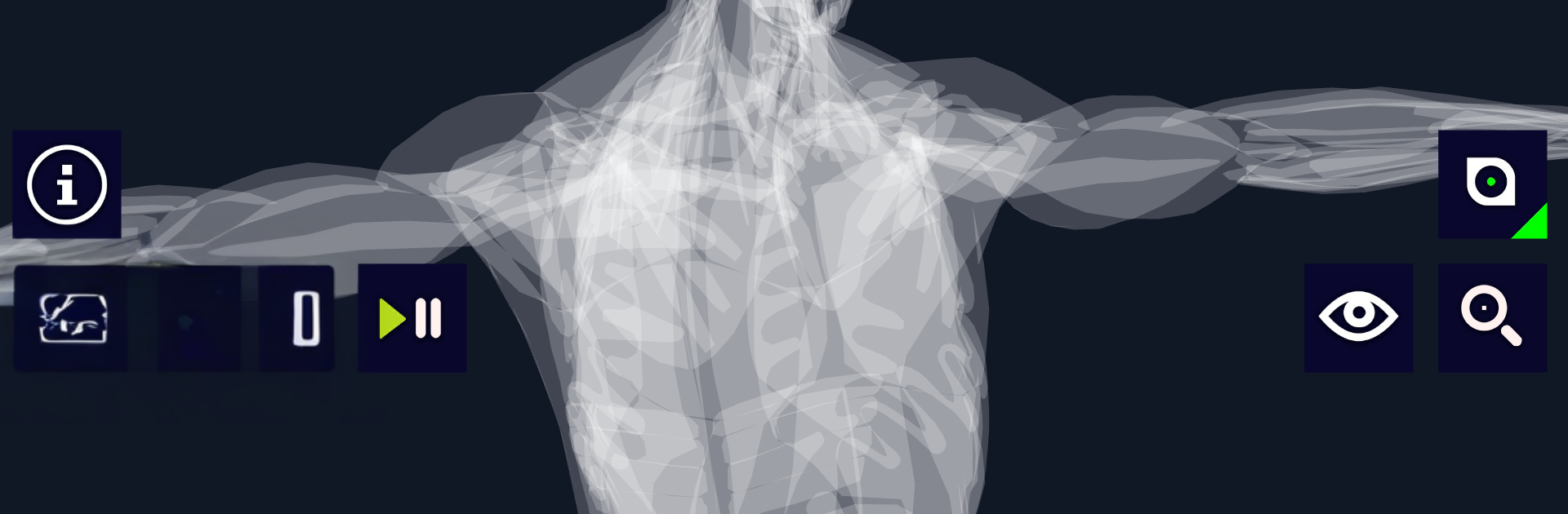
3D Biology + feels like a clean, hands-on viewer for biology models, more like a digital lab bench than a textbook. On a PC with BlueStacks, the mouse and big screen make it simple to spin a cell around, zoom way in, and pan without fiddling. Parts can be turned on or off, and there is a focus mode that locks the camera to one structure, which helps when things get crowded. Rotation and scale sensitivity can be tuned, so the model does not fly off with tiny movements. The Eagle’s Eye view is neat, it lets someone see through layers for a kind of skeletal cutaway that makes tricky structures click. When things get messy, a quick camera reset puts everything back.
The online library has the usual must-haves, like a human cell, full human anatomy, a bacteriophage, a sperm cell, and a neuron, with more added over time. Models are small, a few megabytes, so downloading is quick, then they can be viewed offline. There is searchable info for each part, plus optional dictation that reads details out loud in several languages, which is handy for studying or for anyone who likes listening while looking. It is not a full course, more a fast way to see how pieces fit together, which is the point. Textures are straightforward but clear, so models load fast and stay smooth. For someone who learns by poking around and seeing, this gets the job done without drama.
Big screen. Bigger performance. Use BlueStacks on your PC or Mac to run your favorite apps.





