
3D Crystal Forms Lite

3D Crystal Forms Lite

Education

| farcraft

Play on PC with BlueStacks or from our cloud

  • Overview
  • How to Download

Page Modified On: December 05, 2025

Run 3D Crystal Forms Lite on PC or Mac

Why limit yourself to your small screen on the phone? Run 3D Crystal Forms Lite, an app by farcraft, best experienced on your PC or Mac with BlueStacks, the world’s #1 Android emulator.

About the App

3D Crystal Forms Lite puts classic crystal geometry in your hands so you can actually see how these shapes work in space. Made by a geologist, it takes tricky symmetry ideas and turns them into something you can rotate, zoom, and understand fast. Great for Earth Science courses or solo study, this Education app helps you build real spatial intuition. Prefer a bigger screen now and then? It also runs smoothly with BlueStacks on your PC.

App Features

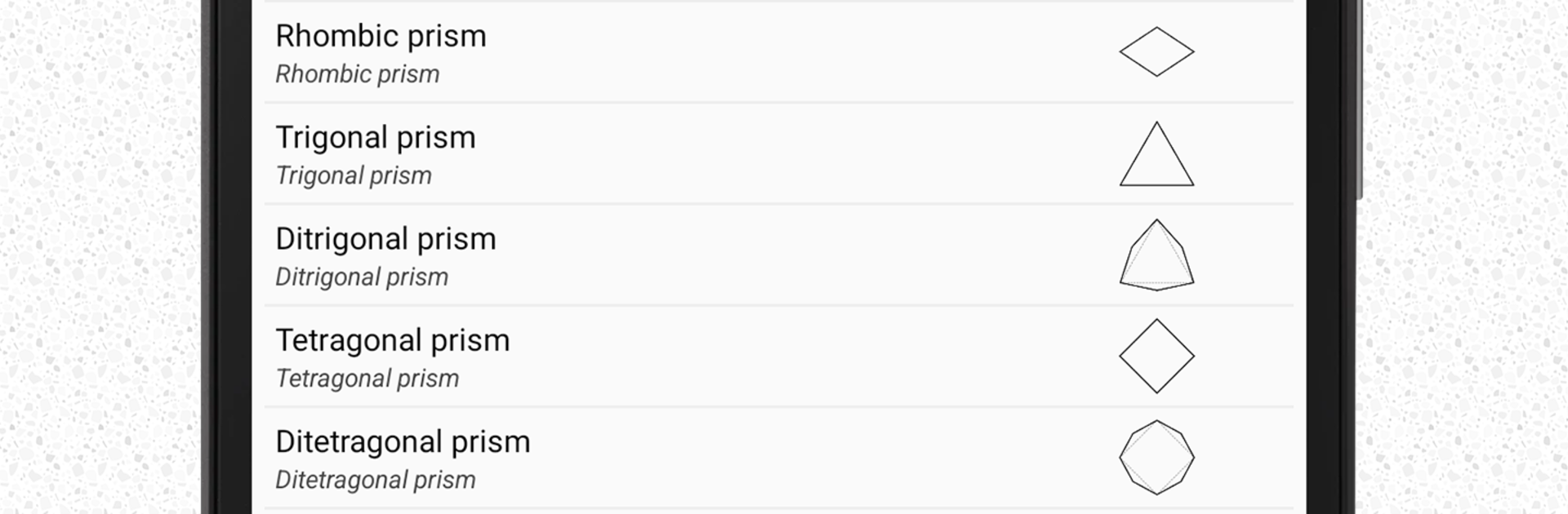
  • Full library (48 forms): Explore a complete set of the standard crystal forms, including open, closed, and isometric examples.
  • True 3D control: Orbit freely, zoom in close, and align the model to clean, repeatable views for lab or homework.
  • Symmetry tools: Toggle axes and symmetry planes on or off to see relationships that are hard to picture on paper.
  • Rotation options: Spin around a chosen axis or let the model autorotate so details reveal themselves without fuss.
  • Quick reset: One tap brings the view back to a neutral starting point when you want a fresh angle.
  • Smart search: Find forms by name or filter by center of symmetry to jump right where you need to be.
  • Clear reference notes: Each form includes a concise description to reinforce terminology and key features.
  • Built for learners: Designed with Earth Science students, undergraduates, and geologists in mind—ideal for supervised labs or self-guided practice.
  • Intuitive touch gestures: Drag with one finger to move the camera; pinch to zoom for precise inspection.

Big screen. Bigger performance. Use BlueStacks on your PC or Mac to run your favorite apps.

How to Download and Run 3D Crystal Forms Lite on PC or Mac

  • Download and install BlueStacks on your PC or Mac

  • Complete Google sign-in to access the Play Store, or do it later

  • Look for 3D Crystal Forms Lite in the search bar at the top right corner

  • Click to install 3D Crystal Forms Lite from the search results

  • Complete Google sign-in (if you skipped step 2) to install 3D Crystal Forms Lite

  • Click the 3D Crystal Forms Lite icon on the home screen to start playing

video
Watch Video

Minimum System Requirements

With BlueStacks 5, you can get started on a PC that fulfills the following requirements.

  • Operating System

    Microsoft Windows 7 or above, macOS 11 (Big Sur) or above

  • Processor

    Intel, AMD or Apple Silicon Processor

  • RAM

    at least 4GB

  • HDD

    10GB Free Disk Space

Note:

* You must be an Administrator on your PC. Up to date graphics drivers from Microsoft or the chipset vendor.

3D Crystal Forms Lite - FAQs

  • How to Run 3D Crystal Forms Lite on Windows PC & Mac?

    Run 3D Crystal Forms Lite on your PC or Mac by following these simple steps.

    • Click on ‘Download 3D Crystal Forms Lite on PC’ to download BlueStacks
    • Install it and log-in to Google Play Store
    • Launch and run the app.
  • Why is BlueStacks the fastest and safest platform to play games on PC?

    BlueStacks respects your privacy and is always safe and secure to use. It does not carry any malware, spyware, or any sort of additional software that could harm your PC.

    It is engineered to optimize speed and performance for a seamless gaming experience.

  • What are 3D Crystal Forms Lite PC requirements?

    Minimum requirement to run 3D Crystal Forms Lite on your PC

    • OS: Microsoft Windows 7 and above:
    • Processor: Intel or AMD Processor:
    • RAM: Your PC must have at least 2GB of RAM. (Note that having 2GB or more disk space is not a substitute for RAM):
    • HDD: 5GB Free Disk Space.
    • You must be an Administrator on your PC.




