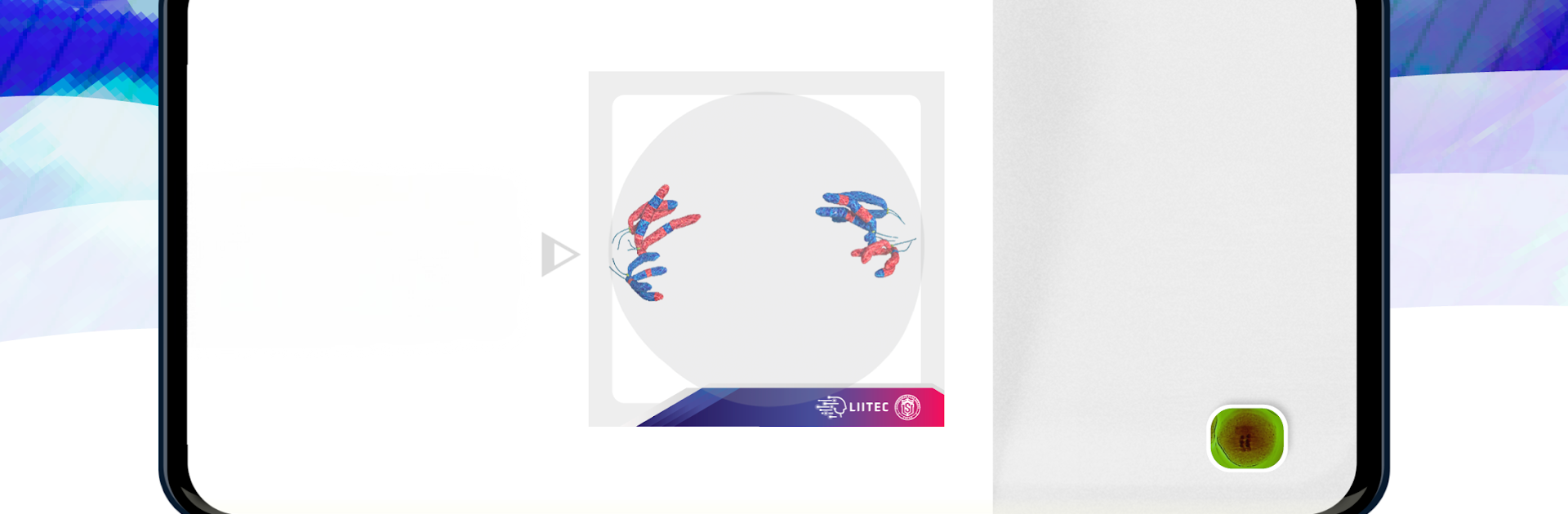


What’s better than using 3D Meiotic Division by LIITEC-ULS? Well, try it on a big screen, on your PC or Mac, with BlueStacks to see the difference.
About the App
Ever wondered how to bring those biology textbook diagrams to life? 3D Meiotic Division by LIITEC-ULS lets you see cell division in action—right on your phone or tablet. Designed for anyone teaching or studying biology, this app lets you interact with augmented reality models so you can actually visualize how meiosis works, not just read about it. Just grab the companion activity guide, print the image triggers, and you’re ready to make your learning space way more hands-on.
App Features
-
Augmented Reality Visualization
See every phase of meiotic division in 3D. Point your device’s camera at the printed image triggers and watch cell division jump out from the page, letting you examine all the stages up close and from different angles. -
Interactive Learning for All Levels
Whether you’re a high schooler struggling to picture chromosome behavior, a college student in a genetics course, or a teacher who wants something fresh for the classroom, this tool offers something everyone can use. -
Seamless Integration with Printed Guide
The app works with a downloadable and printable activity guide—just download, print, and you’re set. The printed images act as “triggers” that launch the 3D models, blending hands-on exploration with digital technology. -
Educational Focus on Fundamental Biology
Dive deep into the cell division process that’s fundamental for understanding genetics, inheritance, and overall cell biology. It’s a handy way to build biological knowledge by seeing genetic variability and cellular mechanisms unravel in real time. -
Flexible for Different Devices
3D Meiotic Division is good to go on most smartphones and tablets, and you can even use it on a bigger screen with BlueStacks if you feel like getting an even closer look during study sessions or lectures. -
Developed by Experts
Created by the LIITEC-ULS team known for tech-forward science education tools, the app’s content and models are designed for both accuracy and ease of use for teachers and students alike.
Big screen. Bigger performance. Use BlueStacks on your PC or Mac to run your favorite apps.