
400 Must Have Words for the TO

400 Must Have Words for the TO

Education

| Kelyn Le Studio

Play on PC with BlueStacks or from our cloud

  • Overview
  • How to Download

Page Modified On: September 19, 2025

Run 400 Must Have Words for the TO on PC or Mac

Get freedom from your phone’s obvious limitations. Use 400 Must Have Words for the TO, made by Kelyn Le Studio, a Education app on your PC or Mac with BlueStacks, and level up your experience.

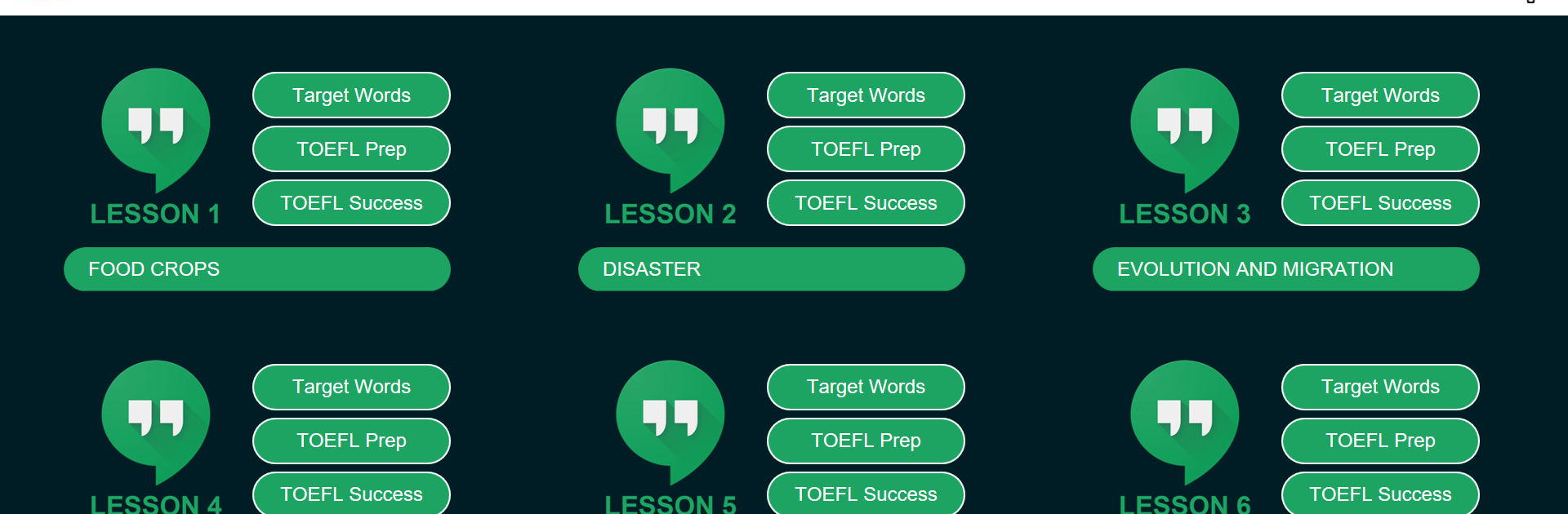
400 Must Have Words for the TOEFL feels like a neat little workbook turned into an app, very straightforward and focused on building test vocabulary without wasting time. Each short lesson gives ten useful words, explains what they mean in plain language, shows them in simple sentences, and points out little usage notes or related forms so they actually stick. The flow is easy to follow, about twenty five minutes per chapter, and then it moves into a few quick drills before a final mini reading that uses nearly all the new words. One or two TOEFL style questions come after that, and there is a key so users can check themselves right away.

There is a small starter section with six practical test tips that sets the tone, very no nonsense. The word list does not feel random either, it is drawn from real exam language and the kind of academic topics the test loves. It works for solo study or class practice, since the parts are bite sized and repeatable. On PC with BlueStacks, the bigger screen makes the definitions and example sentences easier to scan, and typing answers with a keyboard is faster than pecking on a phone, which suits those quick sessions. Nothing flashy here, just a clear routine that keeps adding to the pile of words users actually need for TOEFL style reading and listening.

Ready to experience 400 Must Have Words for the TO on a bigger screen, in all its glory? Download BlueStacks now.


How to Download and Run 400 Must Have Words for the TO on PC or Mac

  • Download and install BlueStacks on your PC or Mac

  • Complete Google sign-in to access the Play Store, or do it later

  • Look for 400 Must Have Words for the TO in the search bar at the top right corner

  • Click to install 400 Must Have Words for the TO from the search results

  • Complete Google sign-in (if you skipped step 2) to install 400 Must Have Words for the TO

  • Click the 400 Must Have Words for the TO icon on the home screen to start playing

video
Watch Video

Minimum System Requirements

With BlueStacks 5, you can get started on a PC that fulfills the following requirements.

  • Operating System

    Microsoft Windows 7 or above, macOS 11 (Big Sur) or above

  • Processor

    Intel, AMD or Apple Silicon Processor

  • RAM

    at least 4GB

  • HDD

    10GB Free Disk Space

Note:

* You must be an Administrator on your PC. Up to date graphics drivers from Microsoft or the chipset vendor.

400 Must Have Words for the TO - FAQs

  • How to Run 400 Must Have Words for the TO on Windows PC & Mac?

    Run 400 Must Have Words for the TO on your PC or Mac by following these simple steps.

    • Click on ‘Download 400 Must Have Words for the TO on PC’ to download BlueStacks
    • Install it and log-in to Google Play Store
    • Launch and run the app.
  • Why is BlueStacks the fastest and safest platform to play games on PC?

    BlueStacks respects your privacy and is always safe and secure to use. It does not carry any malware, spyware, or any sort of additional software that could harm your PC.

    It is engineered to optimize speed and performance for a seamless gaming experience.

  • What are 400 Must Have Words for the TO PC requirements?

    Minimum requirement to run 400 Must Have Words for the TO on your PC

    • OS: Microsoft Windows 7 and above:
    • Processor: Intel or AMD Processor:
    • RAM: Your PC must have at least 2GB of RAM. (Note that having 2GB or more disk space is not a substitute for RAM):
    • HDD: 5GB Free Disk Space.
    • You must be an Administrator on your PC.



