
ABRSM Theory Works
ABRSM Theory Works

ABRSM Theory Works

Education

| ABRSM Publishing Ltd

Play on PC with BlueStacks or from our cloud

  • Overview
  • How to Download

Page Modified On: July 22, 2025

Run ABRSM Theory Works on PC or Mac

Why limit yourself to your small screen on the phone? Run ABRSM Theory Works, an app by ABRSM Publishing Ltd, best experienced on your PC or Mac with BlueStacks, the world’s #1 Android emulator.

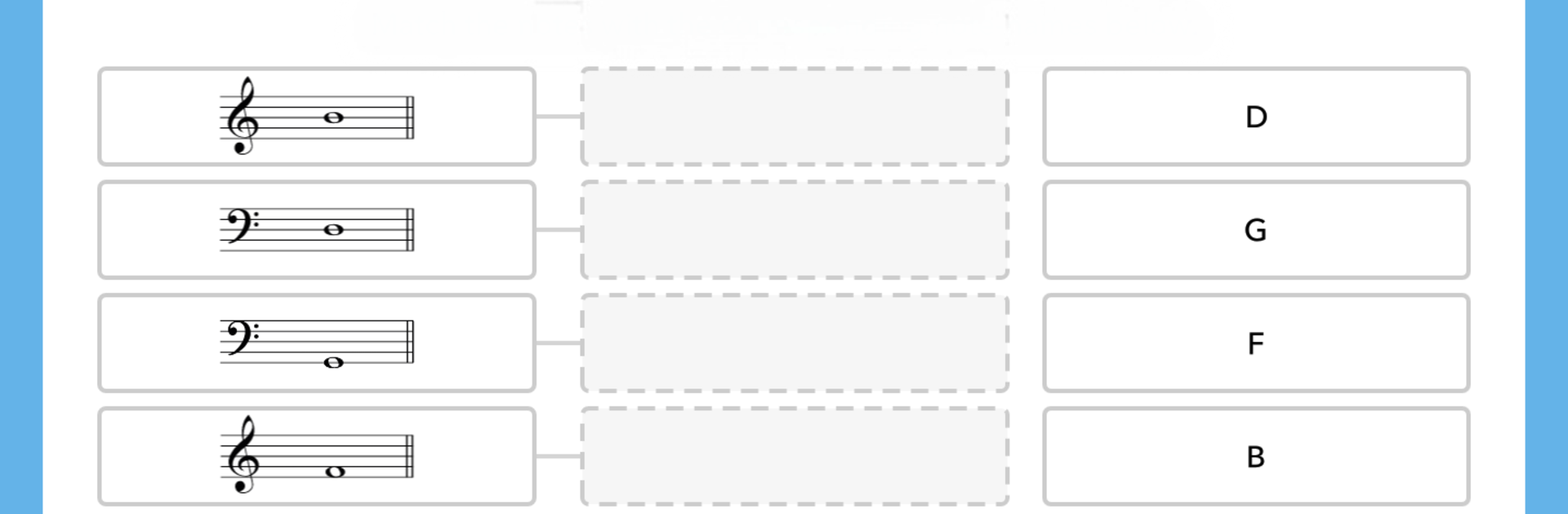
So ABRSM Theory Works is basically this big music theory quiz app, but it covers a lot more than just basic questions — there are thousands, and they’re all tailored for actually learning, not just rote memorization. The app breaks down music theory into bite-sized rounds, covering everything from reading notes on the stave, understanding clefs, working out scales and keys, to recognizing rhythms, time signatures, chords, and a bunch of those Italian musical words that always turn up. What’s nice is these aren’t random trivia-style questions; they really seem to target what someone would want to know before an exam or just to understand how music fits together.

The interface is pretty clean, with questions that start easy and get tougher the further you go, which is handy because it lets you actually see the stuff you’re getting better at. And for anyone who’s working towards a music grade, this covers most of the ground—notation, instruments, terminology, even how scores are put together. It’s very much designed for repeated practice. Feels kind of like a game sometimes, since you unlock new levels after each round.

Using it on a computer through BlueStacks, everything’s bigger and easier to read than squinting at phone notation, though it works on phones and tablets too. But with the PC, it definitely feels less cramped, which helps a lot when dealing with the more detailed questions. Music apps don’t always translate well to small screens, so this is one of those where a bigger display is actually useful. If someone’s curious about the technical side of music or needs a tool for practice between lessons, this is set up to keep them busy for hours. It’s structured enough to not be overwhelming, but also has enough depth for people who really want to nail music theory.

Switch to BlueStacks and make the most of your apps on your PC or Mac.

How to Download and Run ABRSM Theory Works on PC or Mac

  • Download and install BlueStacks on your PC or Mac

  • Complete Google sign-in to access the Play Store, or do it later

  • Look for ABRSM Theory Works in the search bar at the top right corner

  • Click to install ABRSM Theory Works from the search results

  • Complete Google sign-in (if you skipped step 2) to install ABRSM Theory Works

  • Click the ABRSM Theory Works icon on the home screen to start playing

video
Watch Video

Minimum System Requirements

With BlueStacks 5, you can get started on a PC that fulfills the following requirements.

  • Operating System

    Microsoft Windows 7 or above, macOS 11 (Big Sur) or above

  • Processor

    Intel, AMD or Apple Silicon Processor

  • RAM

    at least 4GB

  • HDD

    10GB Free Disk Space

Note:

* You must be an Administrator on your PC. Up to date graphics drivers from Microsoft or the chipset vendor.

ABRSM Theory Works - FAQs

  • How to Run ABRSM Theory Works on Windows PC & Mac?

    Run ABRSM Theory Works on your PC or Mac by following these simple steps.

    • Click on ‘Download ABRSM Theory Works on PC’ to download BlueStacks
    • Install it and log-in to Google Play Store
    • Launch and run the app.
  • Why is BlueStacks the fastest and safest platform to play games on PC?

    BlueStacks respects your privacy and is always safe and secure to use. It does not carry any malware, spyware, or any sort of additional software that could harm your PC.

    It is engineered to optimize speed and performance for a seamless gaming experience.

  • What are ABRSM Theory Works PC requirements?

    Minimum requirement to run ABRSM Theory Works on your PC

    • OS: Microsoft Windows 7 and above:
    • Processor: Intel or AMD Processor:
    • RAM: Your PC must have at least 2GB of RAM. (Note that having 2GB or more disk space is not a substitute for RAM):
    • HDD: 5GB Free Disk Space.
    • You must be an Administrator on your PC.




