
Arabic - English
Arabic - English

Arabic - English

Education

| eflasoft

Play on PC with BlueStacks or from our cloud

  • Overview
  • How to Download

Page Modified On: November 10, 2025

Run Arabic - English on PC or Mac

What’s better than using Arabic – English by eflasoft? Well, try it on a big screen, on your PC or Mac, with BlueStacks to see the difference.

Arabic – English feels like a mix of a speedy offline dictionary, a simple translator, and a bunch of little study games that keep things from getting boring. It looks straightforward and gets to the point fast. Type a word and it suggests results right away, shows the most common meanings first with a little percentage next to them, and even gives example sentences you can listen to. The offline part is strong, with a huge pile of entries in both directions, so it works fine on a train or airplane. There is also an online translator when needed, and it saves everything to history so nothing gets lost.

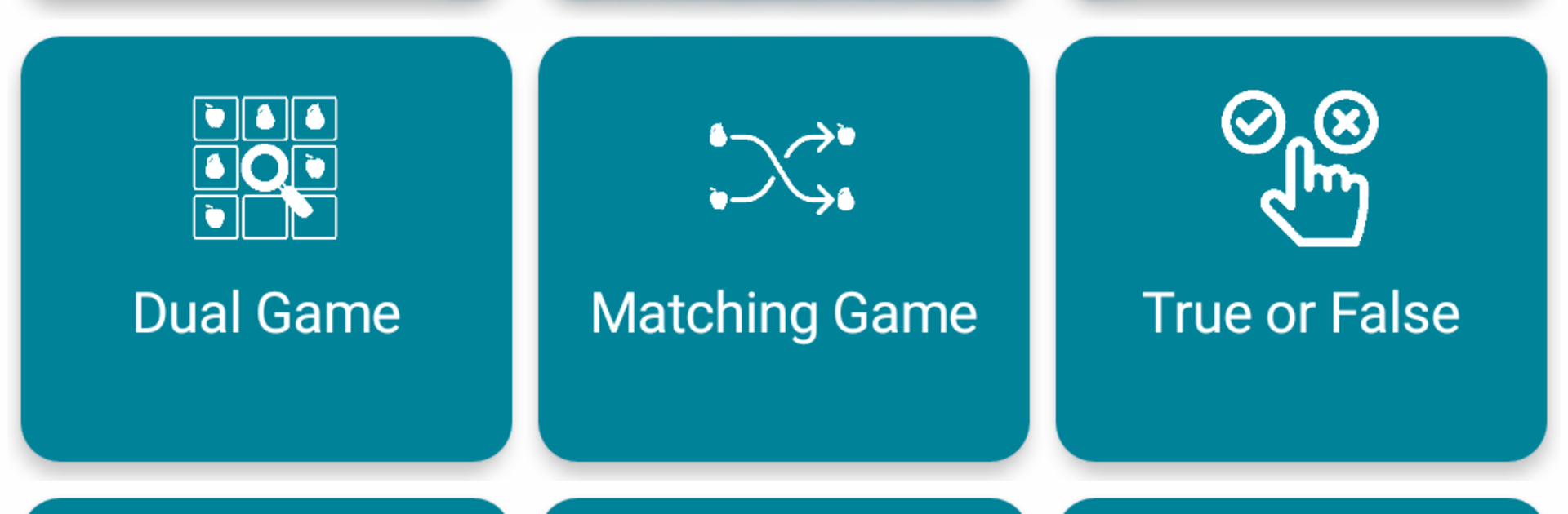
What stands out is how many ways it lets someone practice. There are flashcards, multiple choice quizzes, writing tests that ask for the meaning or the missing letters, and listening tests that make you pick or spell what you heard. The speaking test checks pronunciation with the mic. There are quick games like matching pairs, a 4×4 grid hunt, a falling words timer, a gap fill for sentences, and a little word finding puzzle. It also has a phrases section with everyday expressions, lists for irregular and phrasal verbs, plus an audio player that can read through custom word lists. Favorites can be exported or imported as csv, txt, xml, or html. On PC with BlueStacks it is nice having a bigger screen for Arabic script, the keyboard makes the writing tests easier, and the mic pickup is clear enough. The home widget is a quiet bonus when someone wants a quick glance without opening the app.

BlueStacks gives you the much-needed freedom to experience your favorite apps on a bigger screen. Get it now.


How to Download and Run Arabic - English on PC or Mac

  • Download and install BlueStacks on your PC or Mac

  • Complete Google sign-in to access the Play Store, or do it later

  • Look for Arabic - English in the search bar at the top right corner

  • Click to install Arabic - English from the search results

  • Complete Google sign-in (if you skipped step 2) to install Arabic - English

  • Click the Arabic - English icon on the home screen to start playing

video
Watch Video

Minimum System Requirements

With BlueStacks 5, you can get started on a PC that fulfills the following requirements.

  • Operating System

    Microsoft Windows 7 or above, macOS 11 (Big Sur) or above

  • Processor

    Intel, AMD or Apple Silicon Processor

  • RAM

    at least 4GB

  • HDD

    10GB Free Disk Space

Note:

* You must be an Administrator on your PC. Up to date graphics drivers from Microsoft or the chipset vendor.

Arabic - English - FAQs

  • How to Run Arabic - English on Windows PC & Mac?

    Run Arabic - English on your PC or Mac by following these simple steps.

    • Click on ‘Download Arabic - English on PC’ to download BlueStacks
    • Install it and log-in to Google Play Store
    • Launch and run the app.
  • Why is BlueStacks the fastest and safest platform to play games on PC?

    BlueStacks respects your privacy and is always safe and secure to use. It does not carry any malware, spyware, or any sort of additional software that could harm your PC.

    It is engineered to optimize speed and performance for a seamless gaming experience.

  • What are Arabic - English PC requirements?

    Minimum requirement to run Arabic - English on your PC

    • OS: Microsoft Windows 7 and above:
    • Processor: Intel or AMD Processor:
    • RAM: Your PC must have at least 2GB of RAM. (Note that having 2GB or more disk space is not a substitute for RAM):
    • HDD: 5GB Free Disk Space.
    • You must be an Administrator on your PC.



