
Arcademics
Arcademics

Arcademics

Education

| Arcademics

Play on PC with BlueStacks or from our cloud

  • Overview
  • How to Download

Page Modified On: January 12, 2026

Run Arcademics on PC or Mac

What’s better than using Arcademics by Arcademics? Well, try it on a big screen, on your PC or Mac, with BlueStacks to see the difference.

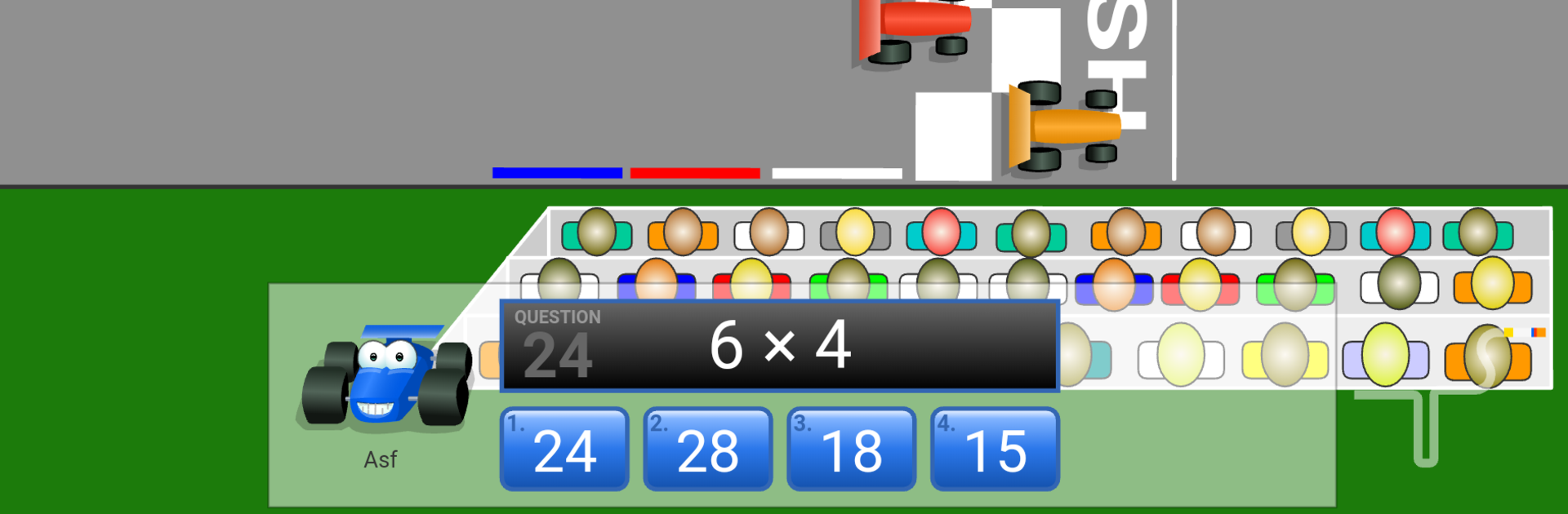
Arcademics bundles a ton of quick arcade-style learning games into one place, the kind that feel like mini races or little challenges more than homework. There are over sixty games covering math facts, spelling, simple grammar, and even geography. Capital Penguin asks state capitals, Grand Prix Multiplication and Division Derby are straight math races, Ratio Stadium and Orbit Integers lean into tougher topics, and things like Spelling Bees or Word Frog handle language. Most of them play the same way: answer correctly and the character speeds up, miss and it slows down, so it is easy to understand and jump between titles. On a PC with BlueStacks, the big screen and keyboard make the rapid-fire questions and cartoony action easy to manage, and swapping games is quick.

Real-time multiplayer is the hook. Kids can race classmates or random players and see names on the track in real time, which adds a fun little push to concentrate. Short rounds mean fast wins and fast do-overs, and the app keeps track of scores and achievements so progress actually shows up over time. There is adaptive practice that nudges content toward a student’s level, plus basic reports that teachers or parents can glance at. The art is bright with lots of puppies, penguins, and karts, simple but cheerful. Some games feel like reskins of the same idea, but with over sixty of them there is usually another theme that clicks, so practice does not go stale fast.

Big screen. Bigger performance. Use BlueStacks on your PC or Mac to run your favorite apps.

How to Download and Run Arcademics on PC or Mac

  • Download and install BlueStacks on your PC or Mac

  • Complete Google sign-in to access the Play Store, or do it later

  • Look for Arcademics in the search bar at the top right corner

  • Click to install Arcademics from the search results

  • Complete Google sign-in (if you skipped step 2) to install Arcademics

  • Click the Arcademics icon on the home screen to start playing

video
Watch Video

Minimum System Requirements

With BlueStacks 5, you can get started on a PC that fulfills the following requirements.

  • Operating System

    Microsoft Windows 7 or above, macOS 11 (Big Sur) or above

  • Processor

    Intel, AMD or Apple Silicon Processor

  • RAM

    at least 4GB

  • HDD

    10GB Free Disk Space

Note:

* You must be an Administrator on your PC. Up to date graphics drivers from Microsoft or the chipset vendor.

Arcademics - FAQs

  • How to Run Arcademics on Windows PC & Mac?

    Run Arcademics on your PC or Mac by following these simple steps.

    • Click on ‘Download Arcademics on PC’ to download BlueStacks
    • Install it and log-in to Google Play Store
    • Launch and run the app.
  • Why is BlueStacks the fastest and safest platform to play games on PC?

    BlueStacks respects your privacy and is always safe and secure to use. It does not carry any malware, spyware, or any sort of additional software that could harm your PC.

    It is engineered to optimize speed and performance for a seamless gaming experience.

  • What are Arcademics PC requirements?

    Minimum requirement to run Arcademics on your PC

    • OS: Microsoft Windows 7 and above:
    • Processor: Intel or AMD Processor:
    • RAM: Your PC must have at least 2GB of RAM. (Note that having 2GB or more disk space is not a substitute for RAM):
    • HDD: 5GB Free Disk Space.
    • You must be an Administrator on your PC.




