
Ankommen
Ankommen

Ankommen

Education

| Bundesamt für Migration und Flüchtlinge

Play on PC with BlueStacks or from our cloud

  • Overview
  • How to Download

Page Modified On: August 26, 2025

Run Ankommen on PC or Mac

Let BlueStacks turn your PC, Mac, or laptop into the perfect home for Ankommen, a fun Education app from Bundesamt für Migration und Flüchtlinge.

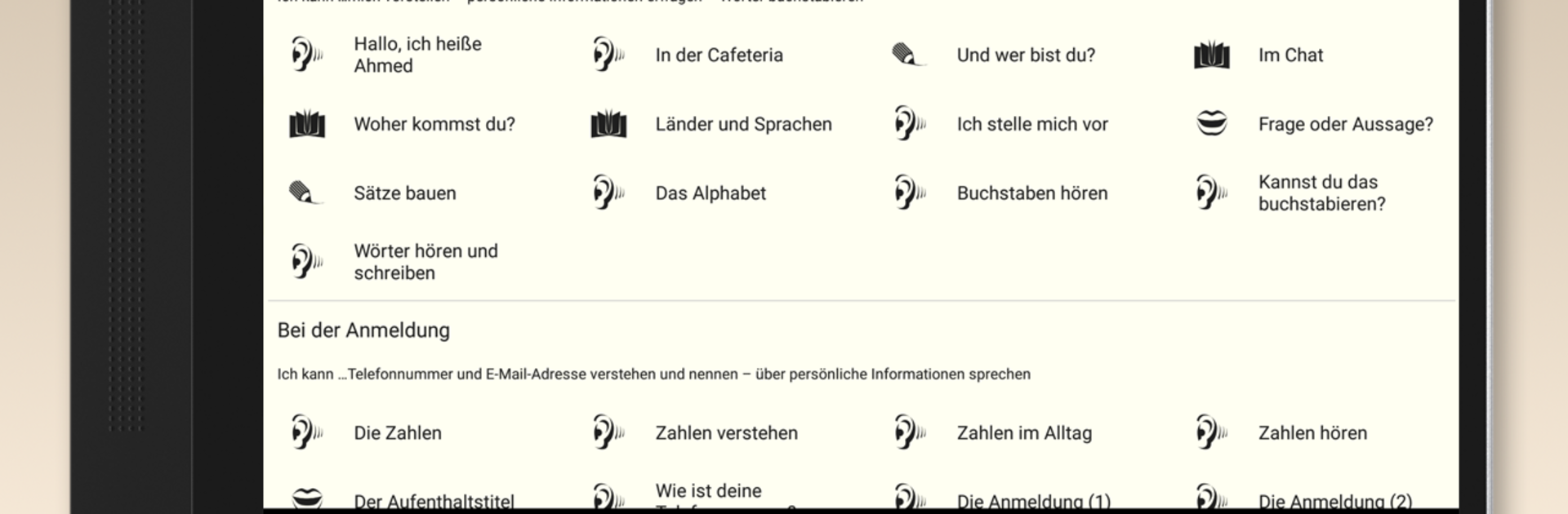
Ankommen comes across like a calm, no-nonsense companion for anyone trying to figure out the first days in Germany. It does not try to be flashy; the screens are simple, the lessons are short, and everything feels focused on practical stuff rather than show. On a PC the text and exercises are easier to handle, and running it with BlueStacks makes scrolling and typing less fiddly than on a small phone screen. It is free, ad free, and a lot of content can be used offline, so it is convenient when internet is patchy.

The parts that stand out are the bite-sized German lessons from the Goethe Institute, with listening, reading and writing practice that do not overwhelm, and the plain-language walkthrough of asylum steps from registration through hearing, which reads like someone laying out what to expect next. There is also concrete help finding vocational training and jobs, material from the employment agency, and practical tips about living in Germany plus short pieces from people who have settled here. A daily stream of short offers for learning and reading keeps things moving without pressure. One small caveat: the legal information reflects the situation as of mid-December 2015, so users should check for updates elsewhere for the newest rules.

Big screen. Bigger performance. Use BlueStacks on your PC or Mac to run your favorite apps.

How to Download and Run Ankommen on PC or Mac

  • Download and install BlueStacks on your PC or Mac

  • Complete Google sign-in to access the Play Store, or do it later

  • Look for Ankommen in the search bar at the top right corner

  • Click to install Ankommen from the search results

  • Complete Google sign-in (if you skipped step 2) to install Ankommen

  • Click the Ankommen icon on the home screen to start playing

video
Watch Video

Minimum System Requirements

With BlueStacks 5, you can get started on a PC that fulfills the following requirements.

  • Operating System

    Microsoft Windows 7 or above, macOS 11 (Big Sur) or above

  • Processor

    Intel, AMD or Apple Silicon Processor

  • RAM

    at least 4GB

  • HDD

    10GB Free Disk Space

Note:

* You must be an Administrator on your PC. Up to date graphics drivers from Microsoft or the chipset vendor.

Ankommen - FAQs

  • How to Run Ankommen on Windows PC & Mac?

    Run Ankommen on your PC or Mac by following these simple steps.

    • Click on ‘Download Ankommen on PC’ to download BlueStacks
    • Install it and log-in to Google Play Store
    • Launch and run the app.
  • Why is BlueStacks the fastest and safest platform to play games on PC?

    BlueStacks respects your privacy and is always safe and secure to use. It does not carry any malware, spyware, or any sort of additional software that could harm your PC.

    It is engineered to optimize speed and performance for a seamless gaming experience.

  • What are Ankommen PC requirements?

    Minimum requirement to run Ankommen on your PC

    • OS: Microsoft Windows 7 and above:
    • Processor: Intel or AMD Processor:
    • RAM: Your PC must have at least 2GB of RAM. (Note that having 2GB or more disk space is not a substitute for RAM):
    • HDD: 5GB Free Disk Space.
    • You must be an Administrator on your PC.




