




Upgrade your experience. Try โหราศาสตร์ พลโชติ, the fantastic Education app from palachote, from the comfort of your laptop, PC, or Mac, only on BlueStacks.
About the App
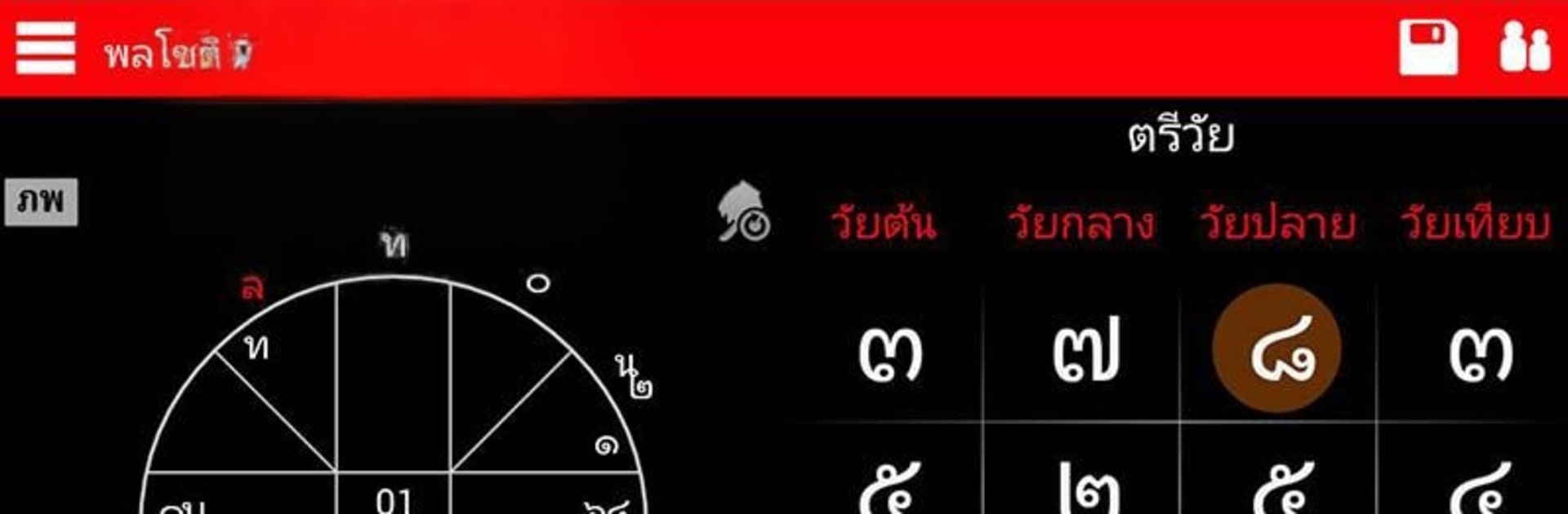
โหราศาสตร์ พลโชติ is a focused charting tool for Thai and Western astrology—no auto-generated predictions, just precise calculations you can trust. Built for learners, hobbyists, and working astrologers, it helps you cast, explore, and compare charts with Thai techniques front and center. Expect clean wheels, deep data, and flexible controls that feel great on a phone and scale nicely on tablets. Prefer a larger canvas? It also runs smoothly on BlueStacks.
App Features
- Thai + Western charts: Create charts using Thai methods alongside Western systems (Lahiri/Fagan styles supported), so you can study both approaches in one place.
- Planet options you control: Toggle outer bodies like Neptune, Pluto, and Bacchus when you need more context—or keep things classic when you don’t.
- Detailed chart readouts: See degrees, minutes, ingress dates, and other essentials at a glance, with Thai-specific details that students and pros expect.
- Divisional and specialty wheels: Work with 10 lagnas, Navamsa, and related Thai wheels for deeper analysis beyond the base chart.
- Time techniques built in: Use minute-level ascendant (Anto-natee), five-tier Mahanatee, and Nakshatra views to refine timing.
- Thai Taksa tools: Explore Taksa pairings, elemental matches, and moving Taksa with age/period indicators to enrich interpretation.
- Transit handling made easy: Set transits to today with a quick tap on the date under the wheel—fast and practical.
- Interactive ascendant control: Drag the ascendant in natal or transit charts to test scenarios and study outcomes instantly.
- Phone-first design: Optimized for smartphones, with an optional tablet layout when you want more space.
- Practical safeguards: Built-in reminders encourage you to back up your data regularly.
- Clear scope: Designed for Education and study—there’s no canned prediction text, keeping analysis in your hands.
- Trial note: A trial mode is available; Jupiter data stays hidden until you unlock full access.
Created by palachote in the Education genre.
BlueStacks gives you the much-needed freedom to experience your favorite apps on a bigger screen. Get it now.





