



What’s better than using AtomApp by ConceptCraft? Well, try it on a big screen, on your PC or Mac, with BlueStacks to see the difference.
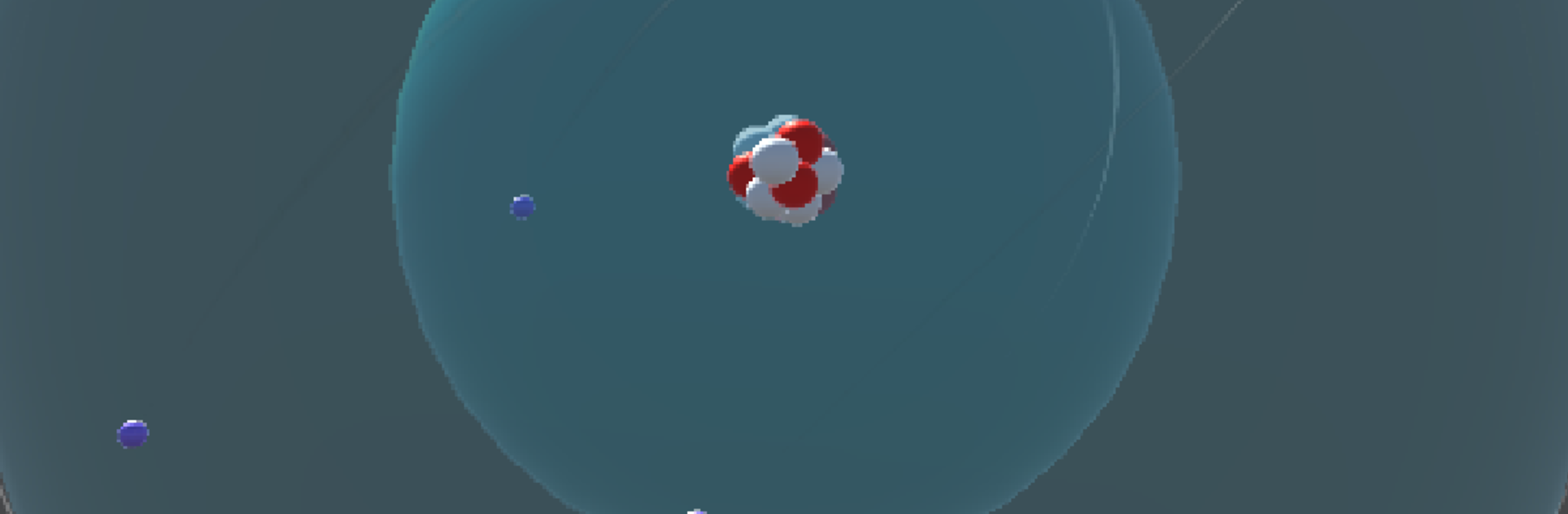
AtomApp is a straight shot for anyone starting out with chemistry and wondering what an atom actually looks like on paper. It focuses on the first 18 elements, from hydrogen to argon, and lays them out with Bohr style orbits, so the nucleus sits in the middle with protons and neutrons, and the electrons circle in neat shells. Pick an element and the structure snaps into place, which makes it easy to count what is what and see how the shells fill up. No fluff, no maze of menus, just simple diagrams that do their job.
On a PC with BlueStacks, the bigger screen helps a lot. The rings and tiny particle counts are clearer, and clicking through elements feels quicker than swiping on a phone. It suits short study bursts, like checking electron configuration before a quiz, or getting a feel for why neon is stable and sodium is not. It does not try to be a full simulator or a quantum model, so no complex animations or advanced settings. That restraint actually stands out, because the focus stays on making the Bohr model easy to grasp. The app says it is still in development, so a few bits feel basic, but the core idea is solid and already useful for first encounters with atomic models.
Switch to BlueStacks and make the most of your apps on your PC or Mac.





