
Bedtime supplication - MP3

Bedtime supplication - MP3

Education

| Ayatapps

Play on PC with BlueStacks or from our cloud

  • Overview
  • How to Download

Page Modified On: January 15, 2026

Run Bedtime supplication - MP3 on PC or Mac

Get freedom from your phone’s obvious limitations. Use Bedtime supplication – MP3, made by Ayatapps, a Education app on your PC or Mac with BlueStacks, and level up your experience.

About the App

Bedtime supplication – MP3 is a calm, no-fuss companion for your nightly and early-morning routine. It brings together authentic bedtime and wake-up duas with clear audio so you can listen, follow along, and make it part of your day. It’s an Education app from Ayatapps, designed around sources like Hisn Almuslim and the sunnah. Prefer a bigger screen while you listen? It also runs smoothly on BlueStacks.

App Features

  • Authentic content: Supplications are based on trusted sources, including Hisn Almuslim and the sunnah, so you can recite with confidence.
  • Clear recitation audio: High-quality MP3 readings by Sheikh Mishari Alafasy make it easy to listen, learn, and repeat.
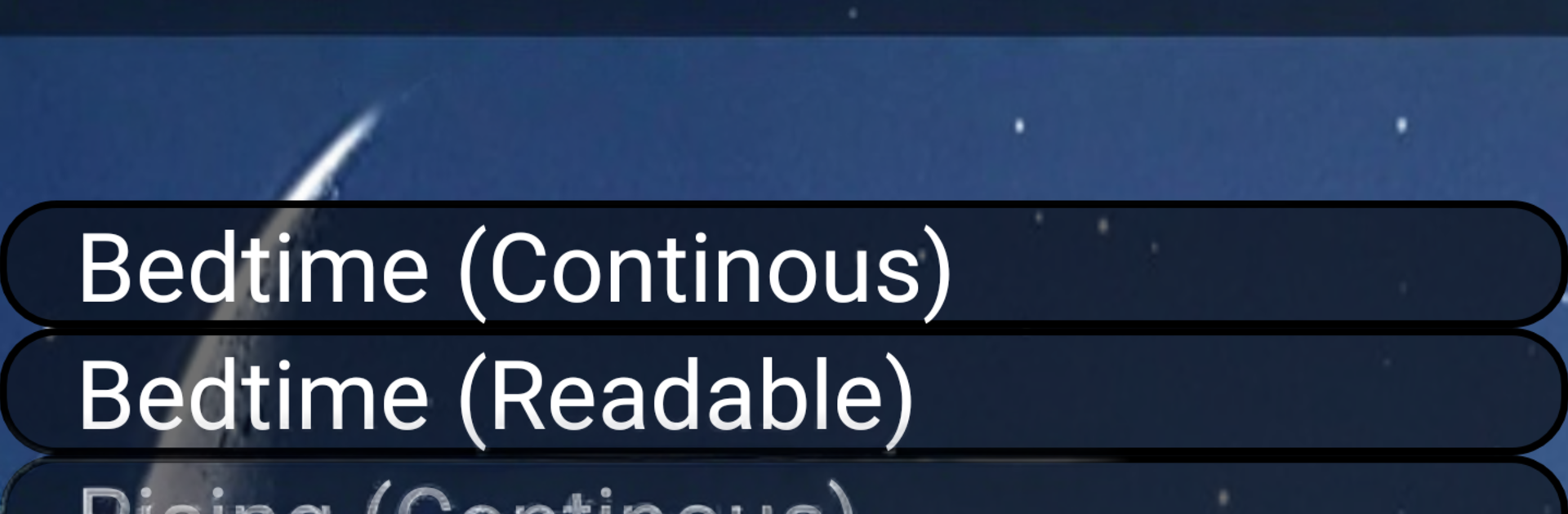
  • Night-to-morning flow: Play all the bedtime duas in order, then, when you wake up, the app switches to morning supplications automatically.
  • Works offline: Download once and use it anywhere—no Internet needed for your nightly routine or early start.
  • Multilingual support: Available in Arabic, English, French, German, Spanish, Indonesian, and Turkish, with more languages planned.
  • Simple, focused experience: Choose a single supplication or let them play in sequence—great for memorizing sleeping dua and sleeping azkar at your own pace.
  • Share with ease: Send a favorite track or the app to friends and family through your social apps.
  • Free access: All the essentials are included at no cost, keeping the focus on listening and learning.

BlueStacks brings your apps to life on a bigger screen—seamless and straightforward.

How to Download and Run Bedtime supplication - MP3 on PC or Mac

  • Download and install BlueStacks on your PC or Mac

  • Complete Google sign-in to access the Play Store, or do it later

  • Look for Bedtime supplication - MP3 in the search bar at the top right corner

  • Click to install Bedtime supplication - MP3 from the search results

  • Complete Google sign-in (if you skipped step 2) to install Bedtime supplication - MP3

  • Click the Bedtime supplication - MP3 icon on the home screen to start playing

video
Watch Video

Minimum System Requirements

With BlueStacks 5, you can get started on a PC that fulfills the following requirements.

  • Operating System

    Microsoft Windows 7 or above, macOS 11 (Big Sur) or above

  • Processor

    Intel, AMD or Apple Silicon Processor

  • RAM

    at least 4GB

  • HDD

    10GB Free Disk Space

Note:

* You must be an Administrator on your PC. Up to date graphics drivers from Microsoft or the chipset vendor.

Bedtime supplication - MP3 - FAQs

  • How to Run Bedtime supplication - MP3 on Windows PC & Mac?

    Run Bedtime supplication - MP3 on your PC or Mac by following these simple steps.

    • Click on ‘Download Bedtime supplication - MP3 on PC’ to download BlueStacks
    • Install it and log-in to Google Play Store
    • Launch and run the app.
  • Why is BlueStacks the fastest and safest platform to play games on PC?

    BlueStacks respects your privacy and is always safe and secure to use. It does not carry any malware, spyware, or any sort of additional software that could harm your PC.

    It is engineered to optimize speed and performance for a seamless gaming experience.

  • What are Bedtime supplication - MP3 PC requirements?

    Minimum requirement to run Bedtime supplication - MP3 on your PC

    • OS: Microsoft Windows 7 and above:
    • Processor: Intel or AMD Processor:
    • RAM: Your PC must have at least 2GB of RAM. (Note that having 2GB or more disk space is not a substitute for RAM):
    • HDD: 5GB Free Disk Space.
    • You must be an Administrator on your PC.




