
bekids Coding - Code Games

bekids Coding - Code Games

Education

| bekids

Play on PC with BlueStacks or from our cloud

  • Overview
  • How to Download

Page Modified On: November 10, 2025

Run bekids Coding - Code Games on PC or Mac

Get freedom from your phone’s obvious limitations. Use bekids Coding – Code Games, made by bekids, a Education app on your PC or Mac with BlueStacks, and level up your experience.

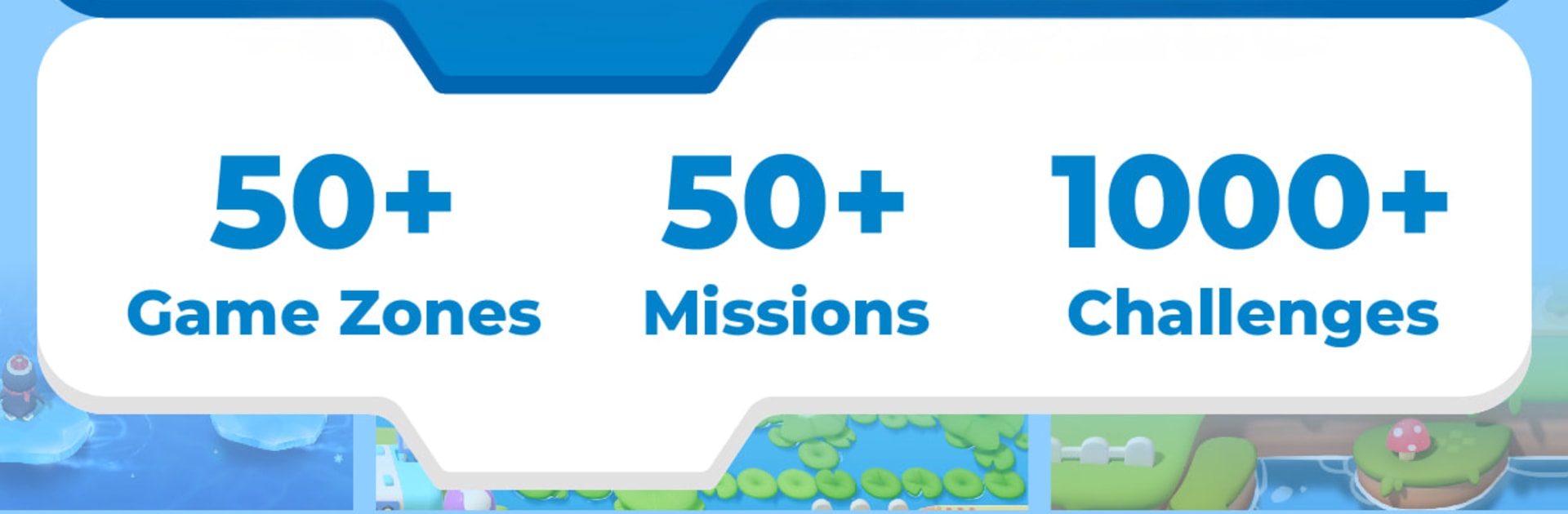
bekids Coding feels like a Saturday morning cartoon wrapped around a bunch of bite-size coding puzzles. It drops kids on Planet Algorith with Grace, Zak, and DOT the Robot, and the whole goal is to chase down stolen Energy Cores while hopping through oceans, jungles, and space. Every stage kicks off with a short animated scene, then it gets right into snapping little coding tiles together to move characters, press buttons, open doors, and sometimes build a rocket. The way it teaches is gradual and clear. First it is basic commands and patterns, then sequencing, loops, simple choices, and later juggling multiple things at once. There is a lot to do here too, around 150 missions and a bunch more quick challenges spread across different zones, so it never feels empty.

The puzzles are playful rather than stressful. Failures are gentle, and the three guidance modes let kids pick lots of hints or go freer and figure things out. The controls are tidy, with tiles and on-screen actions that make sense. On a PC with BlueStacks, the bigger screen makes it easier to read tiles and watch the little cartoons, and mouse or key controls feel natural. It is ad free, menus are super clear, and there are parental controls to set time limits and check progress. Missions mix it up with hidden items, secret doors, and a few goofy enemies, so there is enough amoutn of variety to keep new coders interested without it turning into homework. Regular new levels and characters show up, which is nice for kids who love a steady trickle of fresh stuff.

BlueStacks gives you the much-needed freedom to experience your favorite apps on a bigger screen. Get it now.


How to Download and Run bekids Coding - Code Games on PC or Mac

  • Download and install BlueStacks on your PC or Mac

  • Complete Google sign-in to access the Play Store, or do it later

  • Look for bekids Coding - Code Games in the search bar at the top right corner

  • Click to install bekids Coding - Code Games from the search results

  • Complete Google sign-in (if you skipped step 2) to install bekids Coding - Code Games

  • Click the bekids Coding - Code Games icon on the home screen to start playing

video
Watch Video

Minimum System Requirements

With BlueStacks 5, you can get started on a PC that fulfills the following requirements.

  • Operating System

    Microsoft Windows 7 or above, macOS 11 (Big Sur) or above

  • Processor

    Intel, AMD or Apple Silicon Processor

  • RAM

    at least 4GB

  • HDD

    10GB Free Disk Space

Note:

* You must be an Administrator on your PC. Up to date graphics drivers from Microsoft or the chipset vendor.

bekids Coding - Code Games - FAQs

  • How to Run bekids Coding - Code Games on Windows PC & Mac?

    Run bekids Coding - Code Games on your PC or Mac by following these simple steps.

    • Click on ‘Download bekids Coding - Code Games on PC’ to download BlueStacks
    • Install it and log-in to Google Play Store
    • Launch and run the app.
  • Why is BlueStacks the fastest and safest platform to play games on PC?

    BlueStacks respects your privacy and is always safe and secure to use. It does not carry any malware, spyware, or any sort of additional software that could harm your PC.

    It is engineered to optimize speed and performance for a seamless gaming experience.

  • What are bekids Coding - Code Games PC requirements?

    Minimum requirement to run bekids Coding - Code Games on your PC

    • OS: Microsoft Windows 7 and above:
    • Processor: Intel or AMD Processor:
    • RAM: Your PC must have at least 2GB of RAM. (Note that having 2GB or more disk space is not a substitute for RAM):
    • HDD: 5GB Free Disk Space.
    • You must be an Administrator on your PC.



