

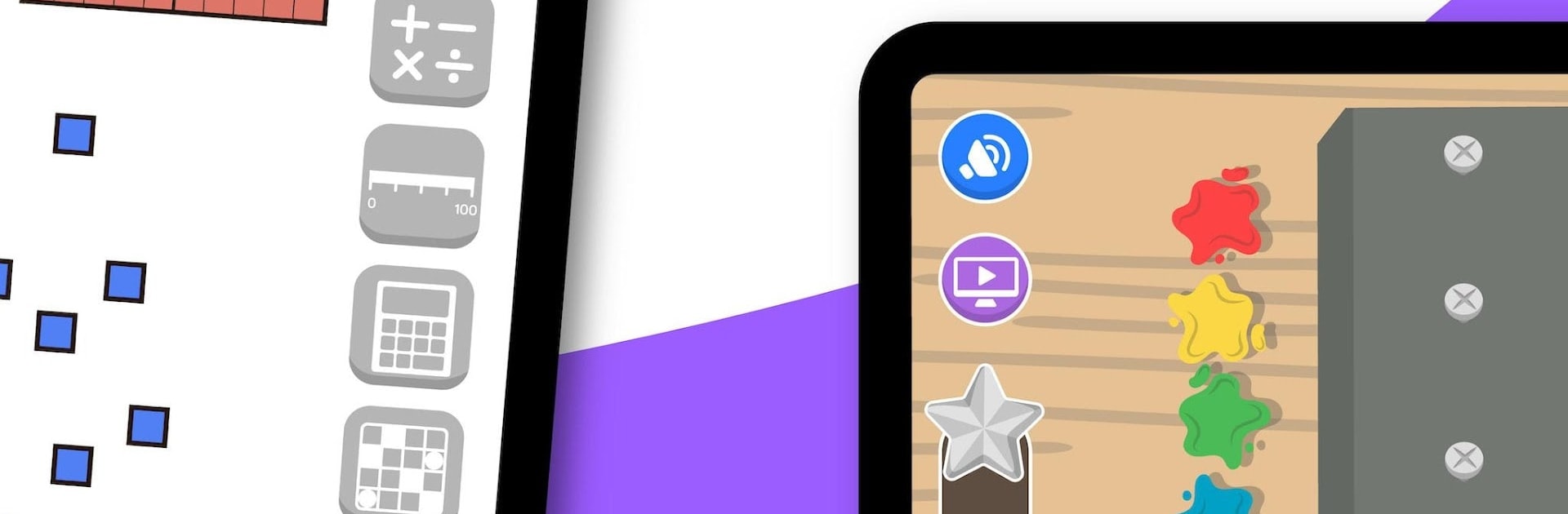


Why limit yourself to your small screen on the phone? Run bmath – Mathematics Games for Elementary Kids, an app by InnovaMat Education, best experienced on your PC or Mac with BlueStacks, the world’s #1 Android emulator.
About the App
bmath – Mathematics Games for Elementary Kids from InnovaMat Education is all about making math enjoyable and approachable for young learners. This Education app combines interactive games and challenges with helpful tutorials, so kids ages 5 to 10 can genuinely engage with numbers—without the pressure or boredom that sometimes comes with traditional math homework. If you’re looking for an app that feels like a playground of math adventures, this one stands out with its playful spirit and science-backed learning approach.
App Features
-
Playful Problem Solving
Kids tackle math by facing a wide mix of challenges that encourage hands-on thinking. It’s all about practicing what they’ve learned—solving real problems keeps things interesting and fresh. -
Tons of Fun Games
There’s a huge collection—over 400 games and activities—covering everything from addition and subtraction (including those with carry), to understanding Roman numerals, working out volumes, and learning about shapes and turns. It’s variety galore, so they’ll never be bored. -
Guided Video Lessons
Sometimes, a little explanation goes a long way. The app offers simple, visual tutorials on key math concepts—like how to multiply, tricks to remember times tables, or understanding basic geometry. Everything is designed for young kids to grasp with ease. -
Build & Unlock
As kids play and learn, they unlock fun characters, special buildings, and surprise rewards. It’s a playful twist that keeps motivation high while working through new material. -
Personalized Learning Paths
Using a smart adaptive algorithm, bmath gives each child activities that match their current level—so the work feels just right, never too easy or too tough. -
Covers All the Essentials
Topics span numbering, calculation (addition, subtraction, multiplication, division), geometry, measurement, statistics and probability, and even a little bit of early algebra. No math corner left unexplored. -
Printable Study Aids
For families who like a little screen break, the app also offers printable materials for off-screen learning and practice. -
Safe for Kids
bmath is COPPA-compliant, keeping the experience secure and completely kid-friendly. -
Always Growing
Fresh activities get added regularly, so there’s always something new to explore. -
Play Anywhere—Even on a Bigger Screen
bmath works great on your device, but if your kid prefers to spread out on a bigger screen, BlueStacks makes it easy to play and learn on a PC or Mac, too.
Ready to experience bmath – Mathematics Games for Elementary Kids on a bigger screen, in all its glory? Download BlueStacks now.





