
Booktab
Booktab

Booktab

Education

| Zanichelli Editore S.p.a.

Play on PC with BlueStacks or from our cloud

  • Overview
  • How to Download

Page Modified On: November 10, 2025

Run Booktab on PC or Mac

Why limit yourself to your small screen on the phone? Run Booktab, an app by Zanichelli Editore S.p.a., best experienced on your PC or Mac with BlueStacks, the world’s #1 Android emulator.

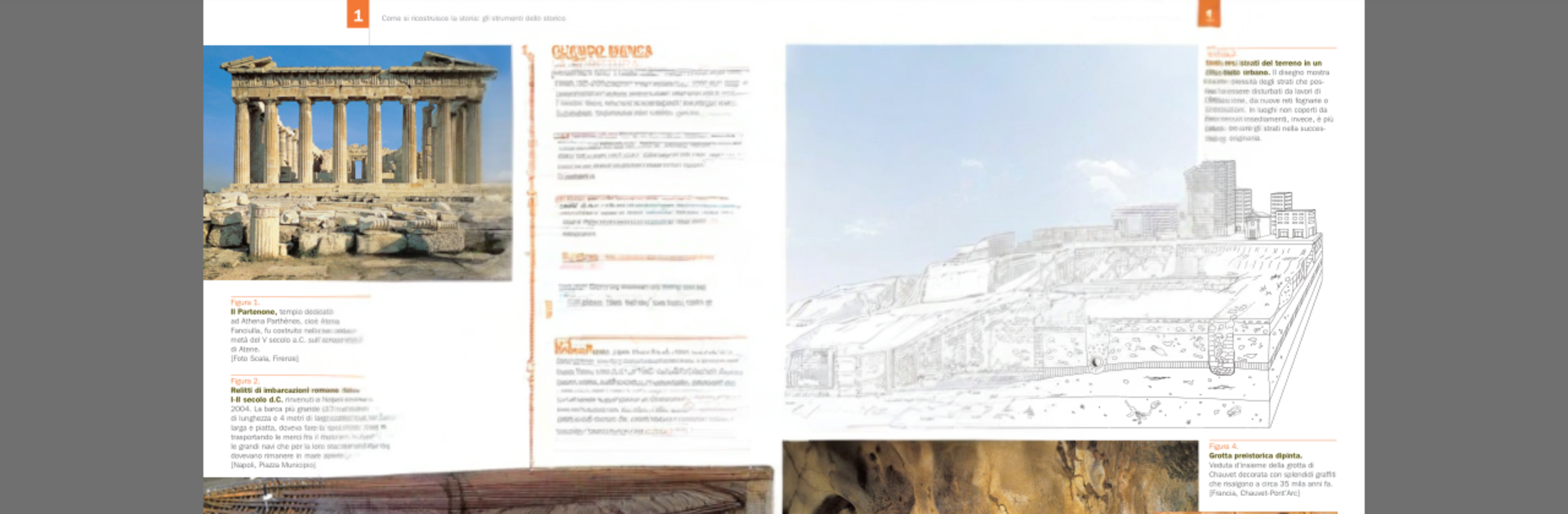
Quick heads up, the whole app is in Italian. Booktab feels like a digital shelf for school textbooks that are not just static PDFs. On PC with BlueStacks, it comes across like flipping through a neat binder on a bigger screen. A mouse scroll turns pages smoothly, keyboard typing makes note taking faster, and it sits nicely next to a browser or a doc for studying. It is focused and school friendly rather than flashy.

Each book packs a lot in. There are videos, interactive animations, high resolution images, and audio tracks in Italian and in English, all tied to the exact page. Exercises show up inside chapters so a student can check understanding without leaving the book. Notes, highlights, a pen tool, and bookmarks keep everything organized. Search runs through the entire text to find a word, a phrase, or even a page number. Chapters download one by one, old ones can be removed to save space and pulled back later, and the app flags content updates when they are available. Progress can sync online across devices, which helps when switching between school and home. There are CLIL activities included, and it supports textbooks from Zanichelli, Loescher, Clitt, Bovolenta, and more.

Media files can be large, so first downloads may take a bit, and some pinch style gestures feel a little different with a mouse, but it all works fine on a laptop. It is not a casual ebook reader, it is more of a study workspace that makes sense for students who want extras and practice tied tightly to the book pages.

Big screen. Bigger performance. Use BlueStacks on your PC or Mac to run your favorite apps.

How to Download and Run Booktab on PC or Mac

  • Download and install BlueStacks on your PC or Mac

  • Complete Google sign-in to access the Play Store, or do it later

  • Look for Booktab in the search bar at the top right corner

  • Click to install Booktab from the search results

  • Complete Google sign-in (if you skipped step 2) to install Booktab

  • Click the Booktab icon on the home screen to start playing

video
Watch Video

Minimum System Requirements

With BlueStacks 5, you can get started on a PC that fulfills the following requirements.

  • Operating System

    Microsoft Windows 7 or above, macOS 11 (Big Sur) or above

  • Processor

    Intel, AMD or Apple Silicon Processor

  • RAM

    at least 4GB

  • HDD

    10GB Free Disk Space

Note:

* You must be an Administrator on your PC. Up to date graphics drivers from Microsoft or the chipset vendor.

Booktab - FAQs

  • How to Run Booktab on Windows PC & Mac?

    Run Booktab on your PC or Mac by following these simple steps.

    • Click on ‘Download Booktab on PC’ to download BlueStacks
    • Install it and log-in to Google Play Store
    • Launch and run the app.
  • Why is BlueStacks the fastest and safest platform to play games on PC?

    BlueStacks respects your privacy and is always safe and secure to use. It does not carry any malware, spyware, or any sort of additional software that could harm your PC.

    It is engineered to optimize speed and performance for a seamless gaming experience.

  • What are Booktab PC requirements?

    Minimum requirement to run Booktab on your PC

    • OS: Microsoft Windows 7 and above:
    • Processor: Intel or AMD Processor:
    • RAM: Your PC must have at least 2GB of RAM. (Note that having 2GB or more disk space is not a substitute for RAM):
    • HDD: 5GB Free Disk Space.
    • You must be an Administrator on your PC.




