
Builda - Create and Play

Builda - Create and Play

Education

| Hortor Interactive

Play on PC with BlueStacks or from our cloud

  • Overview
  • How to Download

Page Modified On: December 15, 2025

Run Builda - Create and Play on PC or Mac

Multitask effortlessly on your PC or Mac as you try out Builda – Create and Play, a Education app by Hortor Interactive on BlueStacks.

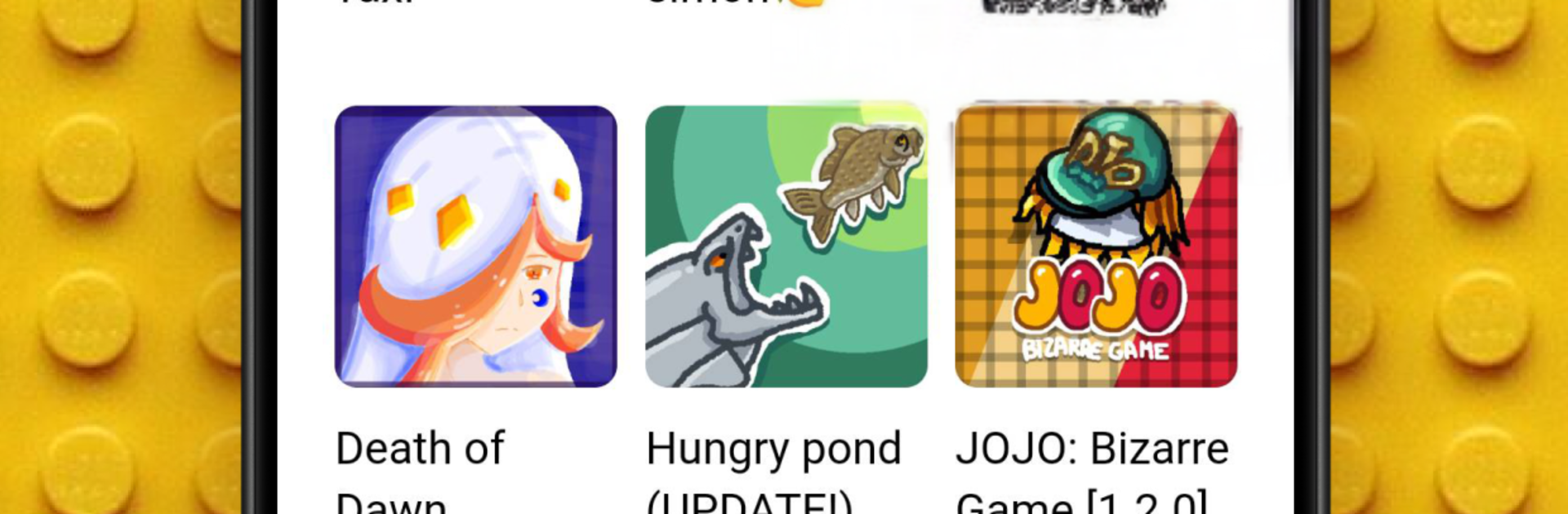
Builda feels like a mashup of a game maker and a chill social space where people actually build stuff together. It lets anyone put together small games with block coding, so there is no scary programming window, just snapping logic pieces to make characters jump, collect coins, take damage, that sort of thing. The art side is a big deal here. Draw a character, use onion skin to line up frames, then plug that animation right into a game. Sprites, scenes, little stories, goofy stickmen, even meme-ish doodles, it all fits. Remixing is fun too. Take a community game, swap in custom characters or tweak the rules with the editor, and it becomes something new. Avatar dressing is simple and oddly addictive.

On PC with BlueStacks, the whole thing is easier to control. The mouse helps with precise drawing and dragging code blocks, and the bigger screen makes the animation timeline and onion skin layers way less fiddly. Collaboration is baked in, so teaming up with friends, chatting, sharing builds, and running group projects feels natural. The community feed is a mix of quick mini games, art posts, and trend jokes, so quality jumps around, but that is part of the charm. It suits beginners who want to learn game logic and animation without stress, and there is still enough depth to toy with more complex mechanics. People wanting pro-level engines or flashy 3D might bounce off it, but if making and playing small creative games sounds good, this hits the spot.

BlueStacks gives you the much-needed freedom to experience your favorite apps on a bigger screen. Get it now.


How to Download and Run Builda - Create and Play on PC or Mac

  • Download and install BlueStacks on your PC or Mac

  • Complete Google sign-in to access the Play Store, or do it later

  • Look for Builda - Create and Play in the search bar at the top right corner

  • Click to install Builda - Create and Play from the search results

  • Complete Google sign-in (if you skipped step 2) to install Builda - Create and Play

  • Click the Builda - Create and Play icon on the home screen to start playing

video
Watch Video

Minimum System Requirements

With BlueStacks 5, you can get started on a PC that fulfills the following requirements.

  • Operating System

    Microsoft Windows 7 or above, macOS 11 (Big Sur) or above

  • Processor

    Intel, AMD or Apple Silicon Processor

  • RAM

    at least 4GB

  • HDD

    10GB Free Disk Space

Note:

* You must be an Administrator on your PC. Up to date graphics drivers from Microsoft or the chipset vendor.

Builda - Create and Play - FAQs

  • How to Run Builda - Create and Play on Windows PC & Mac?

    Run Builda - Create and Play on your PC or Mac by following these simple steps.

    • Click on ‘Download Builda - Create and Play on PC’ to download BlueStacks
    • Install it and log-in to Google Play Store
    • Launch and run the app.
  • Why is BlueStacks the fastest and safest platform to play games on PC?

    BlueStacks respects your privacy and is always safe and secure to use. It does not carry any malware, spyware, or any sort of additional software that could harm your PC.

    It is engineered to optimize speed and performance for a seamless gaming experience.

  • What are Builda - Create and Play PC requirements?

    Minimum requirement to run Builda - Create and Play on your PC

    • OS: Microsoft Windows 7 and above:
    • Processor: Intel or AMD Processor:
    • RAM: Your PC must have at least 2GB of RAM. (Note that having 2GB or more disk space is not a substitute for RAM):
    • HDD: 5GB Free Disk Space.
    • You must be an Administrator on your PC.



