

Get freedom from your phone’s obvious limitations. Use cadaVR anatomy, made by Mozaik Education, a Education app on your PC or Mac with BlueStacks, and level up your experience.
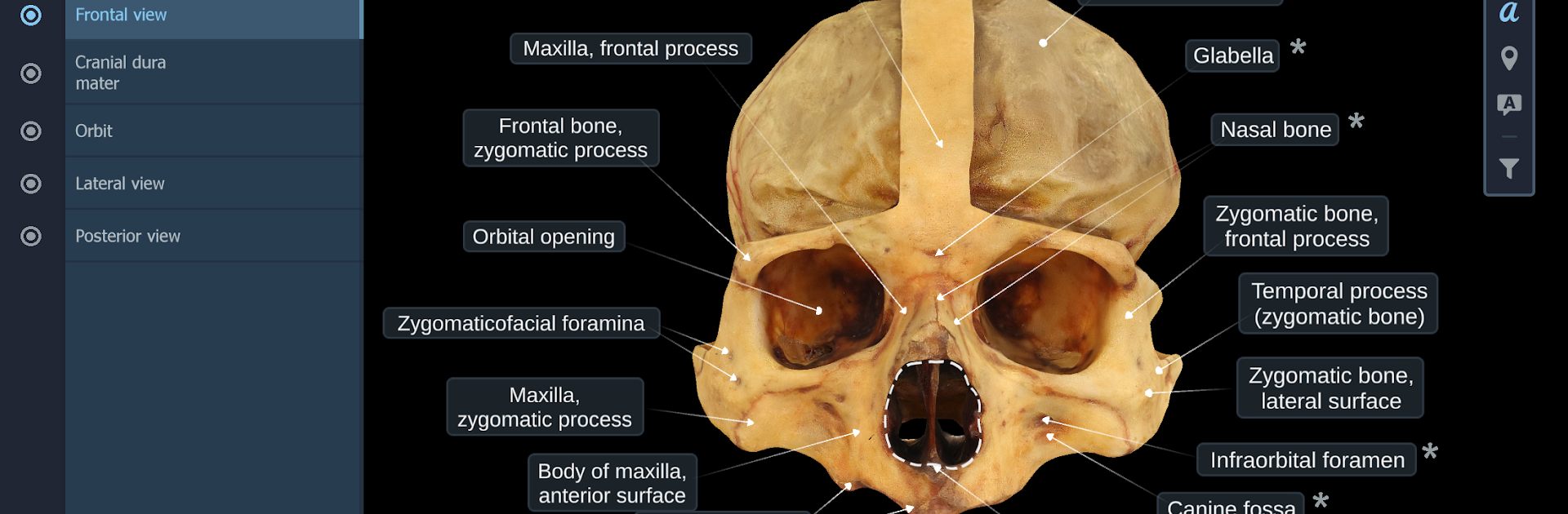
cadaVR anatomy feels less like an app and more like stepping into a well stocked anatomy lab on a screen. Instead of glossy textbook drawings, the models are built from real cadavers and museum specimens using photogrammetry, so muscles, nerves, and tiny textures look convincingly real. Everything is in 3D, so someone can rotate, zoom, peel back layers, and see how parts connect without guessing. On a PC with BlueStacks, the mouse makes that back and forth super smooth, and a bigger monitor helps when checking small structures that would be cramped on a phone.
What stands out is that it is not only normal anatomy. There are scenes that show how diseases alter tissues, with clear visual changes that make tricky topics click. There are also step by step views of surgical techniques, so the app is useful for medical students, residents, or anyone curious who wants to see how a procedure actually looks, not just a diagram. The models load fast, the labels are tidy, and navigation is straightforward, more point and explore than deep menu diving. It supports popular VR headsets if someone wants that route, but even flat on a PC screen the detail carries the experience. The source material coming from a medical faculty collection in Szeged gives it a serious, grounded feel, and it shows in the little things like tissue color and the way layers sit on each other.
Ready to experience cadaVR anatomy on a bigger screen, in all its glory? Download BlueStacks now.