
CDL Prep Test 2025
CDL Prep Test 2025

CDL Prep Test 2025

Education

| VZ INC APPS

Play on PC with BlueStacks or from our cloud

  • Overview
  • How to Download

Page Modified On: November 03, 2025

Run CDL Prep Test 2025 on PC or Mac

Get freedom from your phone’s obvious limitations. Use CDL Prep Test 2025, made by VZ INC APPS, a Education app on your PC or Mac with BlueStacks, and level up your experience.

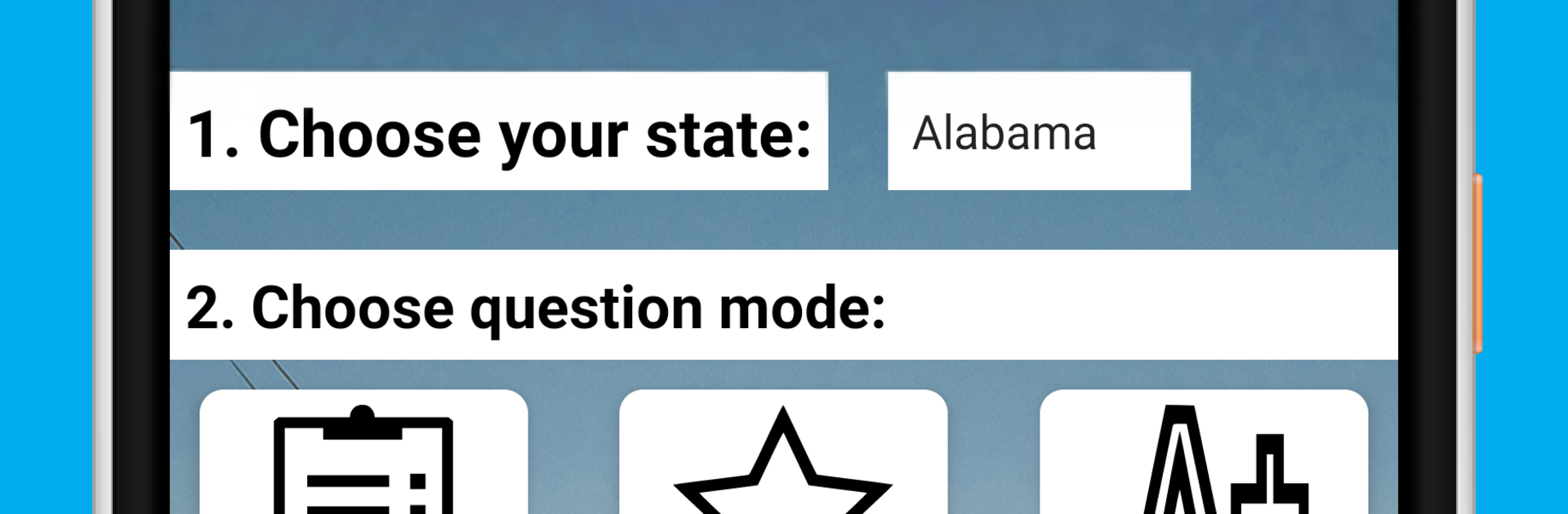
CDL Prep Test 2025 feels like a straight shooter for studying the CDL written test. It keeps things simple and uncluttered. Choose a state, pick a set, and start answering. There is a big pool of questions and it sticks to what a new commercial driver actually needs to know for the permit. On a PC with BlueStacks, the extra screen space is nice, scrolling is smoother, and clicking through answers with a mouse is quick when doing longer sessions.

The app has three study styles that make sense. Test mode mimics the real exam so the routine does not feel surprising on test day. Starred mode lets the user mark questions that keep tripping them up, so those come back later instead of getting lost. Cramming mode is a rapid review where answers show up right away, helpful the night before or when there are 10 spare minutes. Everything is organized by state and it covers all 50 plus D.C., so picking the exact ruleset for Alabama or New York or wherever is easy and not a guess.

There is not much fluff here, which is kind of the point. The layout is plain, readable, and focused on practice. It works for steady drills or quick refreshers. Someone who wants a pile of realistic questions and a clean way to track problem areas would find it useful, especially running it on a desktop with BlueStacks.

Ready to experience CDL Prep Test 2025 on a bigger screen, in all its glory? Download BlueStacks now.


How to Download and Run CDL Prep Test 2025 on PC or Mac

  • Download and install BlueStacks on your PC or Mac

  • Complete Google sign-in to access the Play Store, or do it later

  • Look for CDL Prep Test 2025 in the search bar at the top right corner

  • Click to install CDL Prep Test 2025 from the search results

  • Complete Google sign-in (if you skipped step 2) to install CDL Prep Test 2025

  • Click the CDL Prep Test 2025 icon on the home screen to start playing

video
Watch Video

Minimum System Requirements

With BlueStacks 5, you can get started on a PC that fulfills the following requirements.

  • Operating System

    Microsoft Windows 7 or above, macOS 11 (Big Sur) or above

  • Processor

    Intel, AMD or Apple Silicon Processor

  • RAM

    at least 4GB

  • HDD

    10GB Free Disk Space

Note:

* You must be an Administrator on your PC. Up to date graphics drivers from Microsoft or the chipset vendor.

CDL Prep Test 2025 - FAQs

  • How to Run CDL Prep Test 2025 on Windows PC & Mac?

    Run CDL Prep Test 2025 on your PC or Mac by following these simple steps.

    • Click on ‘Download CDL Prep Test 2025 on PC’ to download BlueStacks
    • Install it and log-in to Google Play Store
    • Launch and run the app.
  • Why is BlueStacks the fastest and safest platform to play games on PC?

    BlueStacks respects your privacy and is always safe and secure to use. It does not carry any malware, spyware, or any sort of additional software that could harm your PC.

    It is engineered to optimize speed and performance for a seamless gaming experience.

  • What are CDL Prep Test 2025 PC requirements?

    Minimum requirement to run CDL Prep Test 2025 on your PC

    • OS: Microsoft Windows 7 and above:
    • Processor: Intel or AMD Processor:
    • RAM: Your PC must have at least 2GB of RAM. (Note that having 2GB or more disk space is not a substitute for RAM):
    • HDD: 5GB Free Disk Space.
    • You must be an Administrator on your PC.



