
Cell World
Cell World

Cell World

Education

| V.I.E.W.

Play on PC with BlueStacks or from our cloud

  • Overview
  • How to Download

Page Modified On: January 05, 2026

Run Cell World on PC or Mac

Upgrade your experience. Try Cell World, the fantastic Education app from V.I.E.W., from the comfort of your laptop, PC, or Mac, only on BlueStacks.

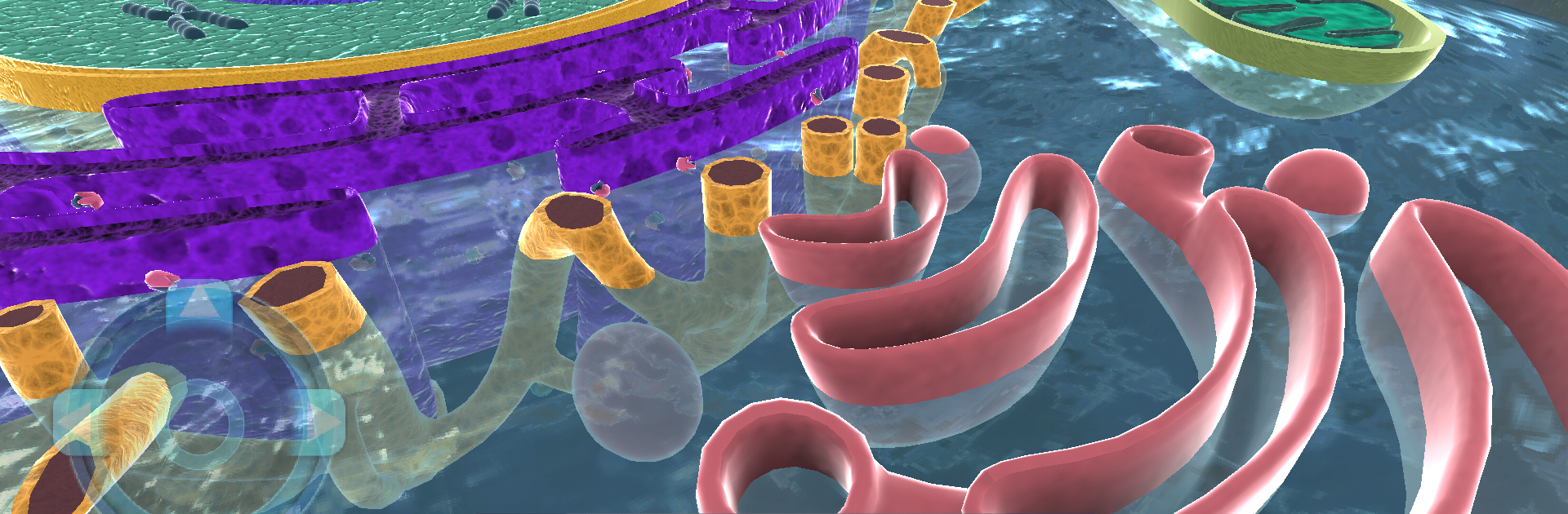
Cell World feels like a quiet little tour inside a cell, more relaxing than gamey. The screen fills with this soft, almost glassy blue cytoplasm, and the membrane has a slow ripple that makes the whole thing feel alive. Navigation is simple. Move around, zoom a bit, and tap on the big landmarks: the nucleus, mitochondria, ribosomes, and a few other parts that show up as clear targets. Each stop opens a close view with plain, direct info about what that part does for the cell and the body. There is no score, no timer, no pressure. It is basically an interactive model that lets someone wander and poke at details until things click.

On a PC with BlueStacks it plays nicely, because the mouse makes panning feel smooth and the larger screen helps the tiny details stand out. The tone is calm and a little hypnotic, which is great for studying or just getting curious for a few minutes between tasks. It suits visual learners, students who need a quick refresh on cell parts, or anyone who wants a high level look without a wall of text. Do not expect puzzles or minigames. The draw here is the clean look, the gentle movement, and clear explanations that make the cell feel less abstract and more like a place someone can visit.

Big screen. Bigger performance. Use BlueStacks on your PC or Mac to run your favorite apps.

How to Download and Run Cell World on PC or Mac

  • Download and install BlueStacks on your PC or Mac

  • Complete Google sign-in to access the Play Store, or do it later

  • Look for Cell World in the search bar at the top right corner

  • Click to install Cell World from the search results

  • Complete Google sign-in (if you skipped step 2) to install Cell World

  • Click the Cell World icon on the home screen to start playing

video
Watch Video

Minimum System Requirements

With BlueStacks 5, you can get started on a PC that fulfills the following requirements.

  • Operating System

    Microsoft Windows 7 or above, macOS 11 (Big Sur) or above

  • Processor

    Intel, AMD or Apple Silicon Processor

  • RAM

    at least 4GB

  • HDD

    10GB Free Disk Space

Note:

* You must be an Administrator on your PC. Up to date graphics drivers from Microsoft or the chipset vendor.

Cell World - FAQs

  • How to Run Cell World on Windows PC & Mac?

    Run Cell World on your PC or Mac by following these simple steps.

    • Click on ‘Download Cell World on PC’ to download BlueStacks
    • Install it and log-in to Google Play Store
    • Launch and run the app.
  • Why is BlueStacks the fastest and safest platform to play games on PC?

    BlueStacks respects your privacy and is always safe and secure to use. It does not carry any malware, spyware, or any sort of additional software that could harm your PC.

    It is engineered to optimize speed and performance for a seamless gaming experience.

  • What are Cell World PC requirements?

    Minimum requirement to run Cell World on your PC

    • OS: Microsoft Windows 7 and above:
    • Processor: Intel or AMD Processor:
    • RAM: Your PC must have at least 2GB of RAM. (Note that having 2GB or more disk space is not a substitute for RAM):
    • HDD: 5GB Free Disk Space.
    • You must be an Administrator on your PC.




