
Chinese 90000 words & pictures

Chinese 90000 words & pictures

Education

| 90.000 Words & Pictures - © Frome 2017 Education

Play on PC with BlueStacks or from our cloud

  • Overview
  • How to Download

Page Modified On: January 02, 2026

Run Chinese 90000 words & pictures on PC or Mac

What’s better than using Chinese 90000 words & pictures by 90.000 Words & Pictures – © Frome 2017 Education? Well, try it on a big screen, on your PC or Mac, with BlueStacks to see the difference.

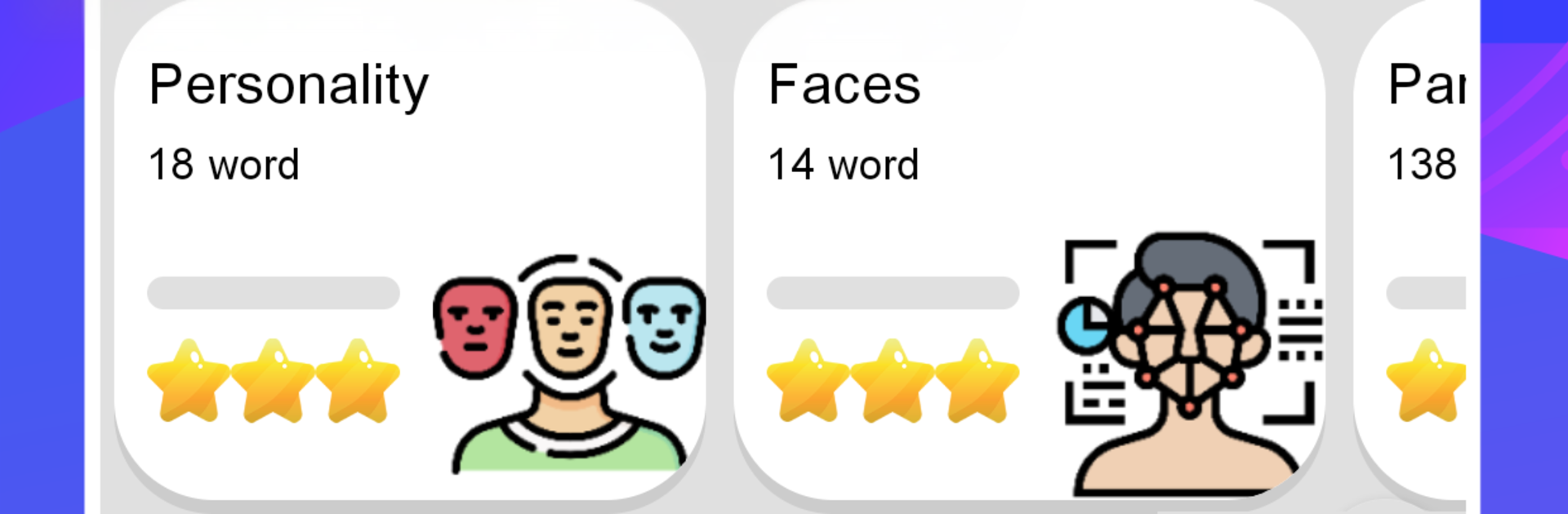
Chinese 90000 Words & Pictures feels like a giant set of photo flashcards for learning Chinese, only smarter. It drops a word with a clear image, pinyin, and tidy audio recorded by native speakers, so a person sees it, hears it, and then locks it in with quick mini games. There are loads of categories, from food and travel to tools, animals, and daily life, and it claims around 90,000 words, which is a lot of ground to cover. The app works fully offline, so study does not stop when the internet does. On a PC with BlueStacks the photos and characters are larger, which makes recognition easier, and clicking through the matching games with a mouse feels fast.

A nice touch is that translations can be shown in many languages, so learners can keep Chinese front and center while still checking meaning in their own language. The reminder feature nudges users to review new words each day, which helps with consistency. Audio quality is clean, pictures are straightforward, and repetition comes in short bursts that feel manageable. It is not a full grammar course or conversation coach, but for building vocabulary it does its job well. Everything inside appears open without a paywall, so exploring categories does not feel restricted. The design is simple and functional rather than flashy, which actually helps keep focus on the words and pictures instead of menus and effects. Someone who likes visual learning and small game-like reviews would likely settle into it fast.

Eager to take your app experience to the next level? Start right away by downloading BlueStacks on your PC or Mac.


How to Download and Run Chinese 90000 words & pictures on PC or Mac

  • Download and install BlueStacks on your PC or Mac

  • Complete Google sign-in to access the Play Store, or do it later

  • Look for Chinese 90000 words & pictures in the search bar at the top right corner

  • Click to install Chinese 90000 words & pictures from the search results

  • Complete Google sign-in (if you skipped step 2) to install Chinese 90000 words & pictures

  • Click the Chinese 90000 words & pictures icon on the home screen to start playing

video
Watch Video

Minimum System Requirements

With BlueStacks 5, you can get started on a PC that fulfills the following requirements.

  • Operating System

    Microsoft Windows 7 or above, macOS 11 (Big Sur) or above

  • Processor

    Intel, AMD or Apple Silicon Processor

  • RAM

    at least 4GB

  • HDD

    10GB Free Disk Space

Note:

* You must be an Administrator on your PC. Up to date graphics drivers from Microsoft or the chipset vendor.

Chinese 90000 words & pictures - FAQs

  • How to Run Chinese 90000 words & pictures on Windows PC & Mac?

    Run Chinese 90000 words & pictures on your PC or Mac by following these simple steps.

    • Click on ‘Download Chinese 90000 words & pictures on PC’ to download BlueStacks
    • Install it and log-in to Google Play Store
    • Launch and run the app.
  • Why is BlueStacks the fastest and safest platform to play games on PC?

    BlueStacks respects your privacy and is always safe and secure to use. It does not carry any malware, spyware, or any sort of additional software that could harm your PC.

    It is engineered to optimize speed and performance for a seamless gaming experience.

  • What are Chinese 90000 words & pictures PC requirements?

    Minimum requirement to run Chinese 90000 words & pictures on your PC

    • OS: Microsoft Windows 7 and above:
    • Processor: Intel or AMD Processor:
    • RAM: Your PC must have at least 2GB of RAM. (Note that having 2GB or more disk space is not a substitute for RAM):
    • HDD: 5GB Free Disk Space.
    • You must be an Administrator on your PC.



