
Codenza Pro
Codenza Pro

Codenza Pro

Education

| Divyendra Patil

Play on PC with BlueStacks or from our cloud

  • Overview
  • How to Download

Page Modified On: December 09, 2025

Run Codenza Pro on PC or Mac

Upgrade your experience. Try Codenza Pro, the fantastic Education app from Divyendra Patil, from the comfort of your laptop, PC, or Mac, only on BlueStacks.

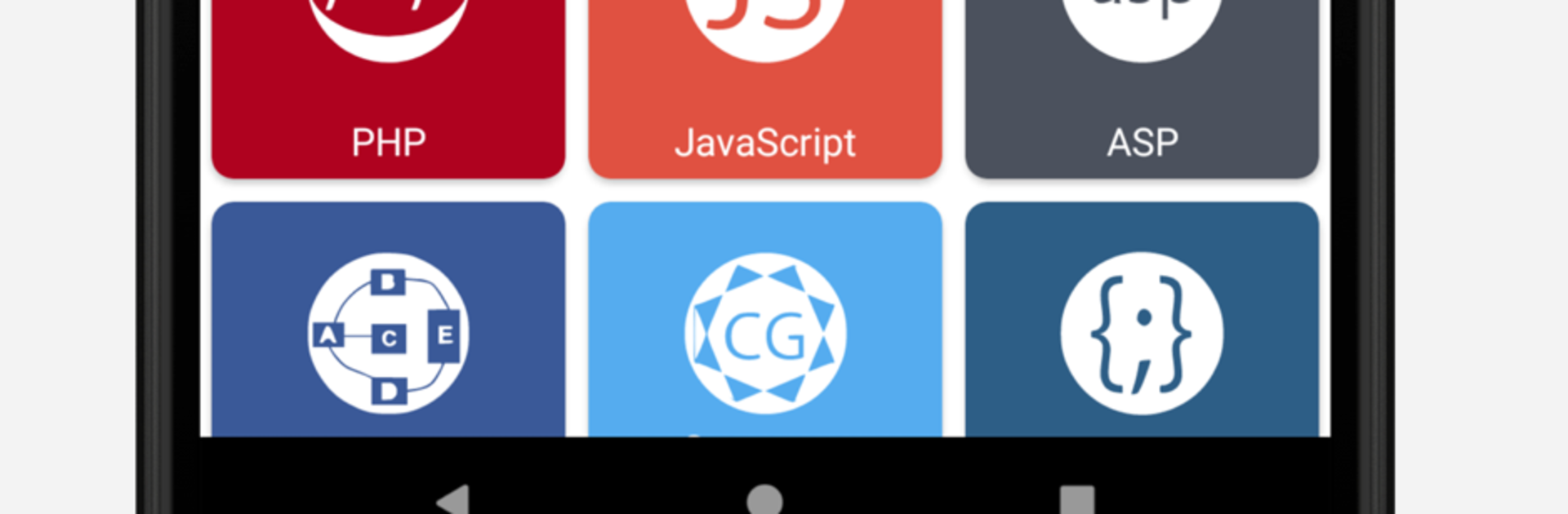
Codenza Pro feels less like a course and more like a giant code handbook that sits on the desk and answers the “how do I do this” stuff fast. Everything is broken into clean sections, so someone can hop from basics to advanced without getting lost. It covers a wide range of topics that students and self learners keep bumping into: variables and operators, conditionals and loops, arrays, classes and objects, methods and functions, exception handling, object oriented ideas like encapsulation, inheritance, polymorphism, interfaces, plus things like regular expressions, functional programming, anonymous and inner classes, and threads. It reads like a practical reference, with snippets that are easy to scan, copy, and tweak. Running it on BlueStacks is simple too, and the bigger screen makes browsing long examples a lot nicer.

The free set is solid on its own, with C, C++, Java, data structures and algorithms in those, computer graphics, plus PHP, Python, C Sharp, Perl, JavaScript, HTML, CSS, Ruby, and ASP. The pro library opens the door to the more academic and specialist stuff like SQL and PL SQL, MySQL, R, Lua, artificial intelligence, cryptography and security, big data topics, operating systems, microprocessor, digital signal processing, parallel and distributed systems, data warehouse and mining, system programming and compiler construction, computer networks, and even assembly. It is not a full IDE, more a quick reference and code sample stash, which is exactly why it helps for revision, interview prep, or knocking together a working template fast. Ads exist in the free build, but the content is the real draw, and the ability to download and share code is handy when a teammate needs the same snippet.

BlueStacks brings your apps to life on a bigger screen—seamless and straightforward.

How to Download and Run Codenza Pro on PC or Mac

  • Download and install BlueStacks on your PC or Mac

  • Complete Google sign-in to access the Play Store, or do it later

  • Look for Codenza Pro in the search bar at the top right corner

  • Click to install Codenza Pro from the search results

  • Complete Google sign-in (if you skipped step 2) to install Codenza Pro

  • Click the Codenza Pro icon on the home screen to start playing

video
Watch Video

Minimum System Requirements

With BlueStacks 5, you can get started on a PC that fulfills the following requirements.

  • Operating System

    Microsoft Windows 7 or above, macOS 11 (Big Sur) or above

  • Processor

    Intel, AMD or Apple Silicon Processor

  • RAM

    at least 4GB

  • HDD

    10GB Free Disk Space

Note:

* You must be an Administrator on your PC. Up to date graphics drivers from Microsoft or the chipset vendor.

Codenza Pro - FAQs

  • How to Run Codenza Pro on Windows PC & Mac?

    Run Codenza Pro on your PC or Mac by following these simple steps.

    • Click on ‘Download Codenza Pro on PC’ to download BlueStacks
    • Install it and log-in to Google Play Store
    • Launch and run the app.
  • Why is BlueStacks the fastest and safest platform to play games on PC?

    BlueStacks respects your privacy and is always safe and secure to use. It does not carry any malware, spyware, or any sort of additional software that could harm your PC.

    It is engineered to optimize speed and performance for a seamless gaming experience.

  • What are Codenza Pro PC requirements?

    Minimum requirement to run Codenza Pro on your PC

    • OS: Microsoft Windows 7 and above:
    • Processor: Intel or AMD Processor:
    • RAM: Your PC must have at least 2GB of RAM. (Note that having 2GB or more disk space is not a substitute for RAM):
    • HDD: 5GB Free Disk Space.
    • You must be an Administrator on your PC.




