
Comet
Comet

Comet

Education

| Pr. Sidi HAMADY

Play on PC with BlueStacks or from our cloud

  • Overview
  • How to Download

Page Modified On: January 19, 2026

Run Comet on PC or Mac

Get freedom from your phone’s obvious limitations. Use Comet, made by Pr. Sidi HAMADY, a Education app on your PC or Mac with BlueStacks, and level up your experience.

About the App

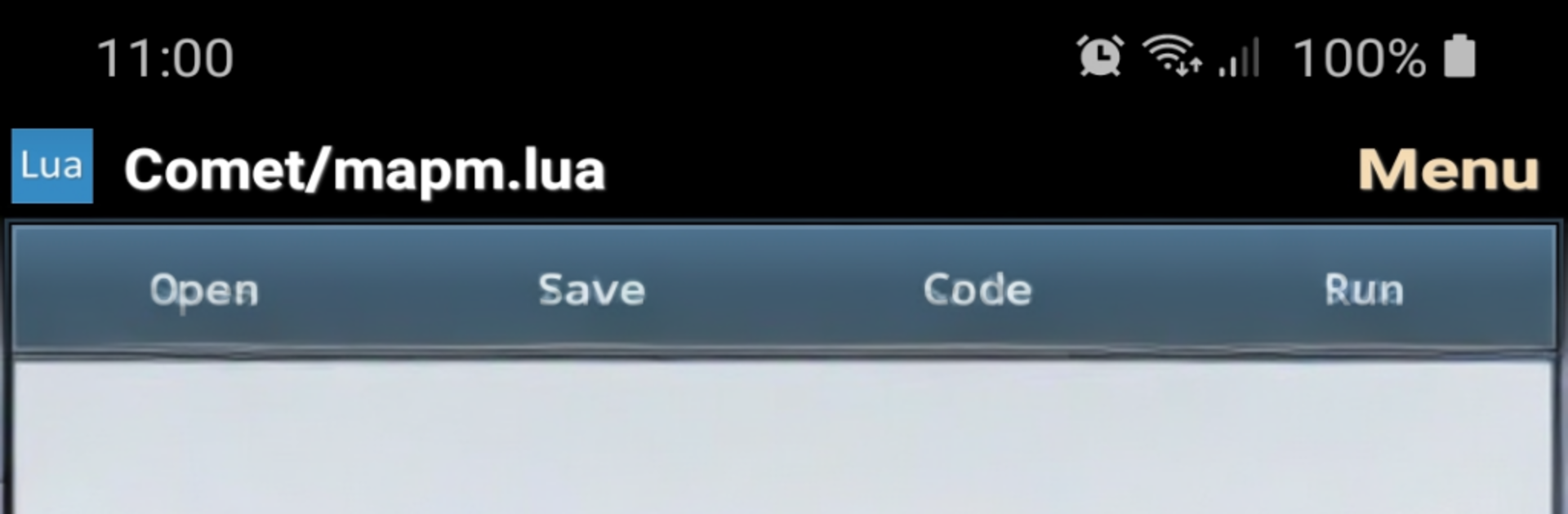
Comet is a clean, fast way to write and run Lua scripts on Android. Built by Pr. Sidi HAMADY, it’s geared toward numerical computing and data analysis, but it’s just as handy for quick experiments or full-on algorithm prototypes. Open it, type your code, hit run, and watch the results roll in.

App Features

  • Built-in Lua engine — Execute scripts instantly inside the app, without juggling extra tools or setup.
  • Smart code editor — Enjoy syntax highlighting, handy code templates, and ready-to-use Lua samples that help you move faster.
  • Numerical computing toolkit — Work with linear algebra operations and other math-heavy tasks right from your phone or tablet.
  • Differential equations — Solve ordinary differential equations when your project needs more serious math.
  • Data analysis & plotting — Analyze datasets and generate plots to explore results visually.
  • SQLite integration — Query, update, and explore local databases for data-driven projects.
  • Clear output area — Track printouts and results in a dedicated console so you can iterate quickly.
  • Flexible storage — Open and save projects on internal storage or an external card, keeping your workspace organized.
  • Learning-friendly — Great for the Education genre: study Lua, test ideas, and understand algorithms through hands-on scripting.
  • On-the-go workflow — Build and refine scripts anywhere, whether you’re polishing a homework assignment or validating a research idea.
  • Bigger screen option — Prefer a keyboard and more space? Run Comet on your PC or Mac with BlueStacks and keep coding comfortably.

Big screen. Bigger performance. Use BlueStacks on your PC or Mac to run your favorite apps.

How to Download and Run Comet on PC or Mac

  • Download and install BlueStacks on your PC or Mac

  • Complete Google sign-in to access the Play Store, or do it later

  • Look for Comet in the search bar at the top right corner

  • Click to install Comet from the search results

  • Complete Google sign-in (if you skipped step 2) to install Comet

  • Click the Comet icon on the home screen to start playing

video
Watch Video

Minimum System Requirements

With BlueStacks 5, you can get started on a PC that fulfills the following requirements.

  • Operating System

    Microsoft Windows 7 or above, macOS 11 (Big Sur) or above

  • Processor

    Intel, AMD or Apple Silicon Processor

  • RAM

    at least 4GB

  • HDD

    10GB Free Disk Space

Note:

* You must be an Administrator on your PC. Up to date graphics drivers from Microsoft or the chipset vendor.

Comet - FAQs

  • How to Run Comet on Windows PC & Mac?

    Run Comet on your PC or Mac by following these simple steps.

    • Click on ‘Download Comet on PC’ to download BlueStacks
    • Install it and log-in to Google Play Store
    • Launch and run the app.
  • Why is BlueStacks the fastest and safest platform to play games on PC?

    BlueStacks respects your privacy and is always safe and secure to use. It does not carry any malware, spyware, or any sort of additional software that could harm your PC.

    It is engineered to optimize speed and performance for a seamless gaming experience.

  • What are Comet PC requirements?

    Minimum requirement to run Comet on your PC

    • OS: Microsoft Windows 7 and above:
    • Processor: Intel or AMD Processor:
    • RAM: Your PC must have at least 2GB of RAM. (Note that having 2GB or more disk space is not a substitute for RAM):
    • HDD: 5GB Free Disk Space.
    • You must be an Administrator on your PC.




