




Get freedom from your phone’s obvious limitations. Use КонсультантПлюс: Студент, made by Consultant Plus Inc., a Education app on your PC or Mac with BlueStacks, and level up your experience.
About the App
КонсультантПлюс: Студент brings a serious legal and finance library to your phone, without the stuffy vibe. It’s built for students, grad students, and instructors who need trustworthy sources fast—whether you’re prepping for exams, writing a paper, or double-checking a rule. Expect clear structure, powerful search, and offline access when you need it most. Prefer working on a desktop? You can also use it with BlueStacks to keep sources open alongside your notes.
App Features
- Comprehensive legal library
-
Access the Constitution of the Russian Federation, all RF codes, key legal acts (including USSR documents), international legal instruments, and court practice—all in one place.
-
Expert materials and textbooks
-
Browse Consultant Plus guides, finance consultations, articles from legal and accounting publications, plus up-to-date textbooks across law, finance, economics, and accounting.
-
Quick, natural-language search
-
Type a question the way you’d say it—terms, issues, even casual wording—and get documents with practical answers. It understands common abbreviations like бухучет, НДФЛ, НДС, УСН, and more.
-
Find specific documents instantly
-
Search by title or code names—think “44‑ФЗ,” Budget Code, Family Code, Land Code—or use familiar abbreviations: УК, НК, ГК, КоАП, ГПК, УПК, ТК.
-
Advanced filters
-
Zero in on documents by adoption date, issuing authority, and other legal details when you know exactly what you’re after.
-
Smooth navigation
-
Work easily inside large texts with a built-in table of contents and in-document search for quick jumping.
-
Versions and future edits
-
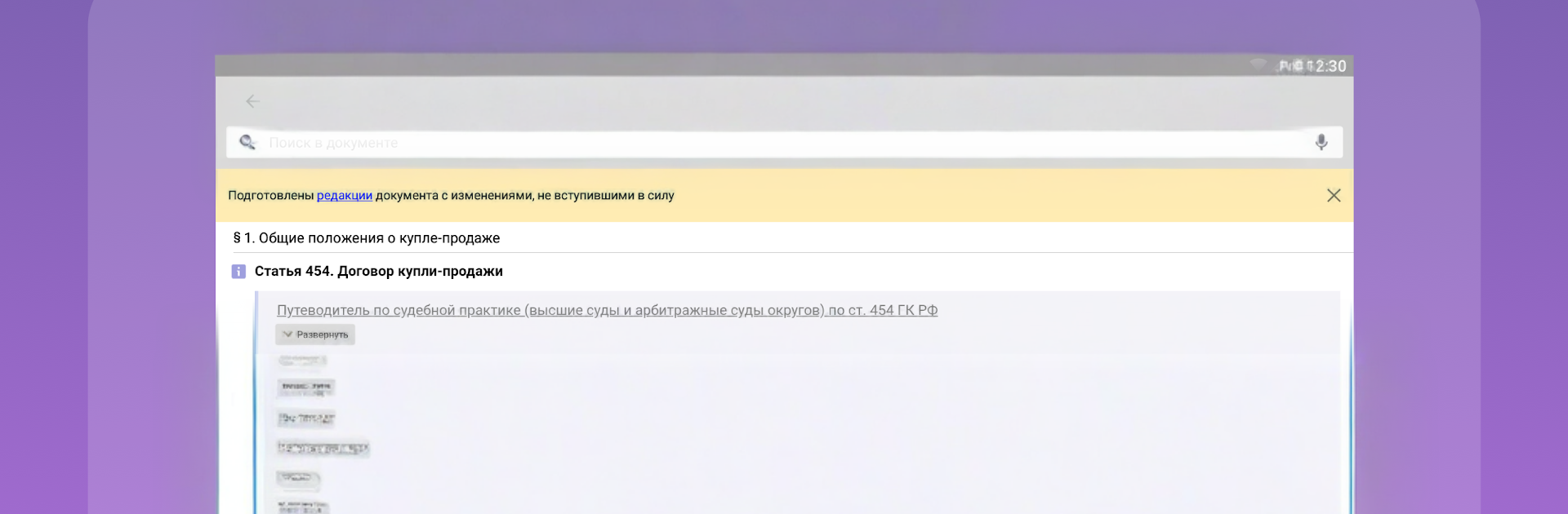
View any edition of a legal act, including changes that haven’t taken effect yet, so you’re never caught off guard.
-
Context and clarifications
-
Open helpful notes and related materials for each paragraph or article to understand how a rule applies and its effective period.
-
Bookmarks and offline access
-
Save sections to Favorites and read them anytime—your bookmarked codes, laws, and textbooks stay available without internet.
-
Built for Education
- Created by Consultant Plus Inc., this Education tool is tailored to learning workflows across law and finance-focused disciplines.
Switch to BlueStacks and make the most of your apps on your PC or Mac.





