
CRDP-Ebooks
CRDP-Ebooks

CRDP-Ebooks

Education

| ISBViewer Team

Play on PC with BlueStacks or from our cloud

  • Overview
  • How to Download

Page Modified On: January 02, 2026

Run CRDP-Ebooks on PC or Mac

Multitask effortlessly on your PC or Mac as you try out CRDP-Ebooks, a Education app by ISBViewer Team on BlueStacks.

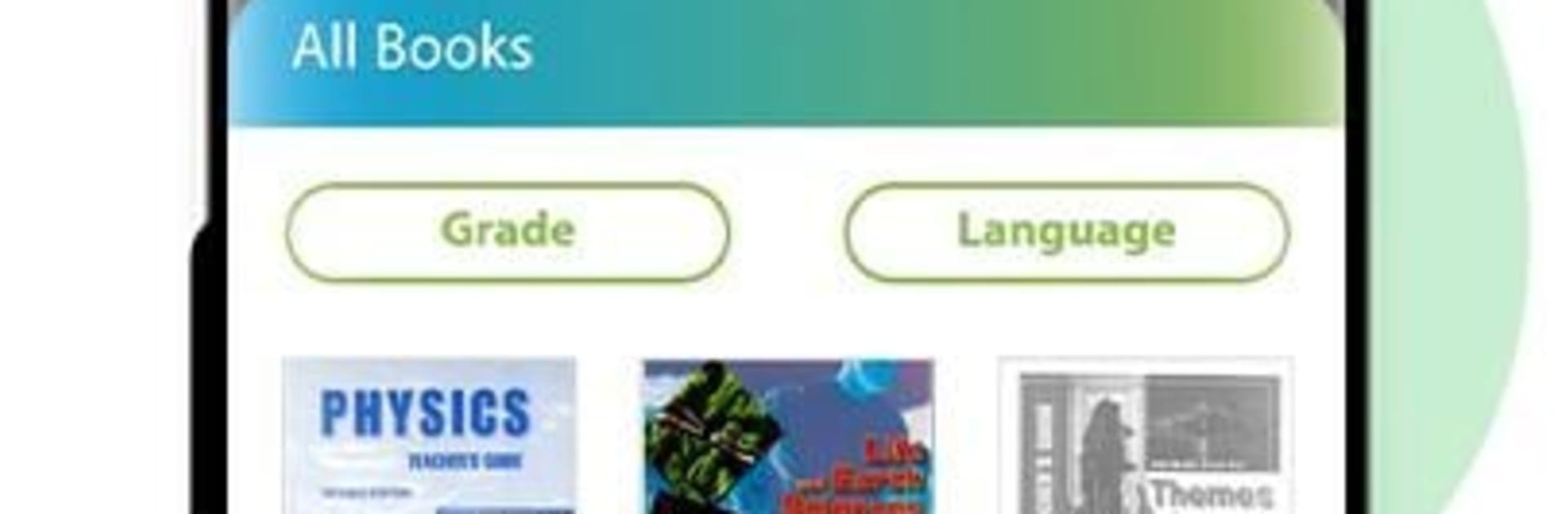
CRDP-Ebooks feels like a straightforward library for Lebanon’s official school textbooks, all in one place. It covers everything from preschool up to third secondary, across all sections and subjects, plus the related teaching guides. The idea is simple. Pick the grade, download the books once, and then they stay available offline for the rest of the school year. No fancy extras, just the content students and teachers actually need. It is free, and it is clearly built to help with distance learning without making anyone jump through hoops.

On a PC with BlueStacks, it works nicely if someone prefers a bigger screen. Paging through chapters, zooming in on diagrams, and keeping a few books open side by side is easier when there is a keyboard and mouse. The app itself is plain and quick to figure out, which is a good thing when someone just wants to grab a textbook and study. First-time downloads can be a bit heavy depending on the grade, so a decent connection helps, but after that it runs offline and stays reliable. It is not interactive yet, but the plan is to add more interactive features later so teachers and learners can communicate inside the app. For anyone in Lebanon’s public schools who needs official textbooks without carrying a stack of them, this gets the job done with minimal fuss.

Ready to experience CRDP-Ebooks on a bigger screen, in all its glory? Download BlueStacks now.

How to Download and Run CRDP-Ebooks on PC or Mac

  • Download and install BlueStacks on your PC or Mac

  • Complete Google sign-in to access the Play Store, or do it later

  • Look for CRDP-Ebooks in the search bar at the top right corner

  • Click to install CRDP-Ebooks from the search results

  • Complete Google sign-in (if you skipped step 2) to install CRDP-Ebooks

  • Click the CRDP-Ebooks icon on the home screen to start playing

video
Watch Video

Minimum System Requirements

With BlueStacks 5, you can get started on a PC that fulfills the following requirements.

  • Operating System

    Microsoft Windows 7 or above, macOS 11 (Big Sur) or above

  • Processor

    Intel, AMD or Apple Silicon Processor

  • RAM

    at least 4GB

  • HDD

    10GB Free Disk Space

Note:

* You must be an Administrator on your PC. Up to date graphics drivers from Microsoft or the chipset vendor.

CRDP-Ebooks - FAQs

  • How to Run CRDP-Ebooks on Windows PC & Mac?

    Run CRDP-Ebooks on your PC or Mac by following these simple steps.

    • Click on ‘Download CRDP-Ebooks on PC’ to download BlueStacks
    • Install it and log-in to Google Play Store
    • Launch and run the app.
  • Why is BlueStacks the fastest and safest platform to play games on PC?

    BlueStacks respects your privacy and is always safe and secure to use. It does not carry any malware, spyware, or any sort of additional software that could harm your PC.

    It is engineered to optimize speed and performance for a seamless gaming experience.

  • What are CRDP-Ebooks PC requirements?

    Minimum requirement to run CRDP-Ebooks on your PC

    • OS: Microsoft Windows 7 and above:
    • Processor: Intel or AMD Processor:
    • RAM: Your PC must have at least 2GB of RAM. (Note that having 2GB or more disk space is not a substitute for RAM):
    • HDD: 5GB Free Disk Space.
    • You must be an Administrator on your PC.




