
Проезд перекрестков. Тренажер

Проезд перекрестков. Тренажер

Education

| VolgaApps

Play on PC with BlueStacks or from our cloud

  • Overview
  • How to Download

Page Modified On: January 09, 2026

Run Проезд перекрестков. Тренажер on PC or Mac

Let BlueStacks turn your PC, Mac, or laptop into the perfect home for Проезд перекрестков. Тренажер, a fun Education app from VolgaApps.

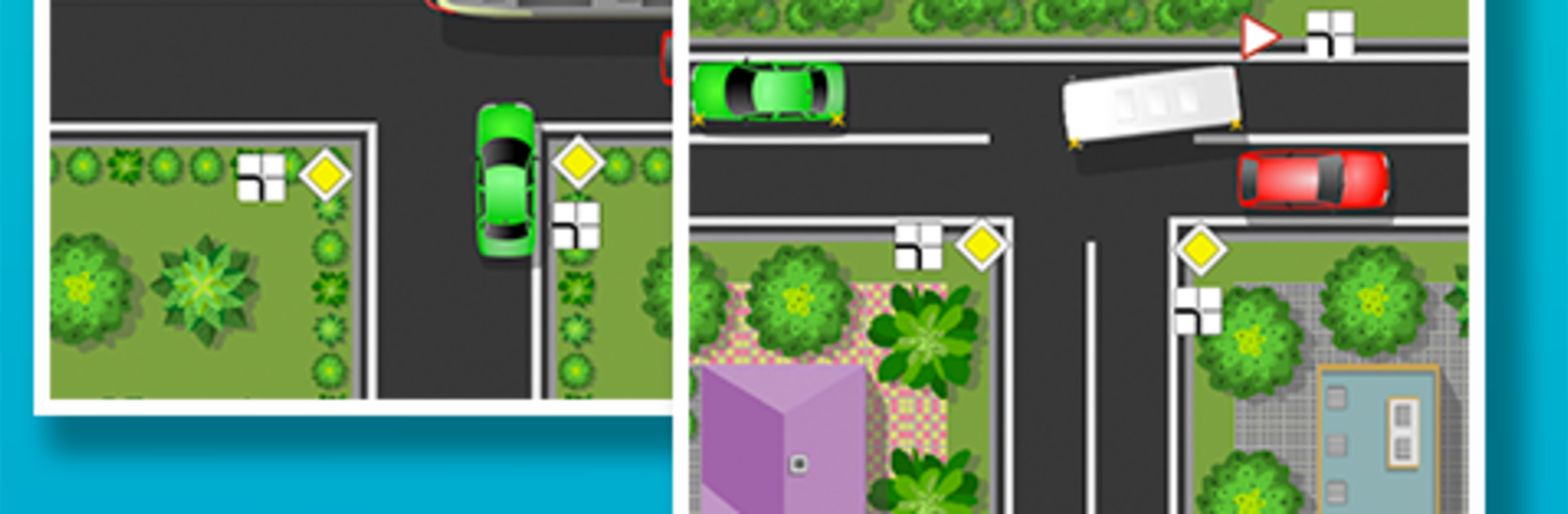
This is a traffic intersection trainer that sticks to the Russian road rules, and it treats them seriously without being dry. It throws a bunch of animated situations on screen and asks what a driver should do next. Regulated lights, unregulated crossroads, roundabouts, trams cutting through, pedestrians stepping off the curb, even cyclists coming from odd angles. It feels close to the real mental juggling at a busy junction, just without the horn behind. On PC with BlueStacks it works well, the larger screen helps spot signs and lane markings, and clicking through answers with a mouse is quick.

What stands out is the explanations after each task. It does not just say correct or wrong, it spells out why that move was right, which priority rule applied, who yields first, and what to watch for next time. Progress tracking keeps a tally so a person can see which topics still trip them up, then rerun those. The visuals are simple but readable, and the pace is snappy enough that short practice sessions make sense. It clearly aims at anyone preparing for the GIBDD theory or anyone who has a license but wants to refresh right-of-way at weird junctions. No flashy game stuff, just a focused trainer that builds confidence where most new drivers stumble.

BlueStacks brings your apps to life on a bigger screen—seamless and straightforward.

How to Download and Run Проезд перекрестков. Тренажер on PC or Mac

  • Download and install BlueStacks on your PC or Mac

  • Complete Google sign-in to access the Play Store, or do it later

  • Look for Проезд перекрестков. Тренажер in the search bar at the top right corner

  • Click to install Проезд перекрестков. Тренажер from the search results

  • Complete Google sign-in (if you skipped step 2) to install Проезд перекрестков. Тренажер

  • Click the Проезд перекрестков. Тренажер icon on the home screen to start playing

video
Watch Video

Minimum System Requirements

With BlueStacks 5, you can get started on a PC that fulfills the following requirements.

  • Operating System

    Microsoft Windows 7 or above, macOS 11 (Big Sur) or above

  • Processor

    Intel, AMD or Apple Silicon Processor

  • RAM

    at least 4GB

  • HDD

    10GB Free Disk Space

Note:

* You must be an Administrator on your PC. Up to date graphics drivers from Microsoft or the chipset vendor.

Проезд перекрестков. Тренажер - FAQs

  • How to Run Проезд перекрестков. Тренажер on Windows PC & Mac?

    Run Проезд перекрестков. Тренажер on your PC or Mac by following these simple steps.

    • Click on ‘Download Проезд перекрестков. Тренажер on PC’ to download BlueStacks
    • Install it and log-in to Google Play Store
    • Launch and run the app.
  • Why is BlueStacks the fastest and safest platform to play games on PC?

    BlueStacks respects your privacy and is always safe and secure to use. It does not carry any malware, spyware, or any sort of additional software that could harm your PC.

    It is engineered to optimize speed and performance for a seamless gaming experience.

  • What are Проезд перекрестков. Тренажер PC requirements?

    Minimum requirement to run Проезд перекрестков. Тренажер on your PC

    • OS: Microsoft Windows 7 and above:
    • Processor: Intel or AMD Processor:
    • RAM: Your PC must have at least 2GB of RAM. (Note that having 2GB or more disk space is not a substitute for RAM):
    • HDD: 5GB Free Disk Space.
    • You must be an Administrator on your PC.




