




Get freedom from your phone’s obvious limitations. Use KNUST AIM, made by KNUST UITS, a Education app on your PC or Mac with BlueStacks, and level up your experience.
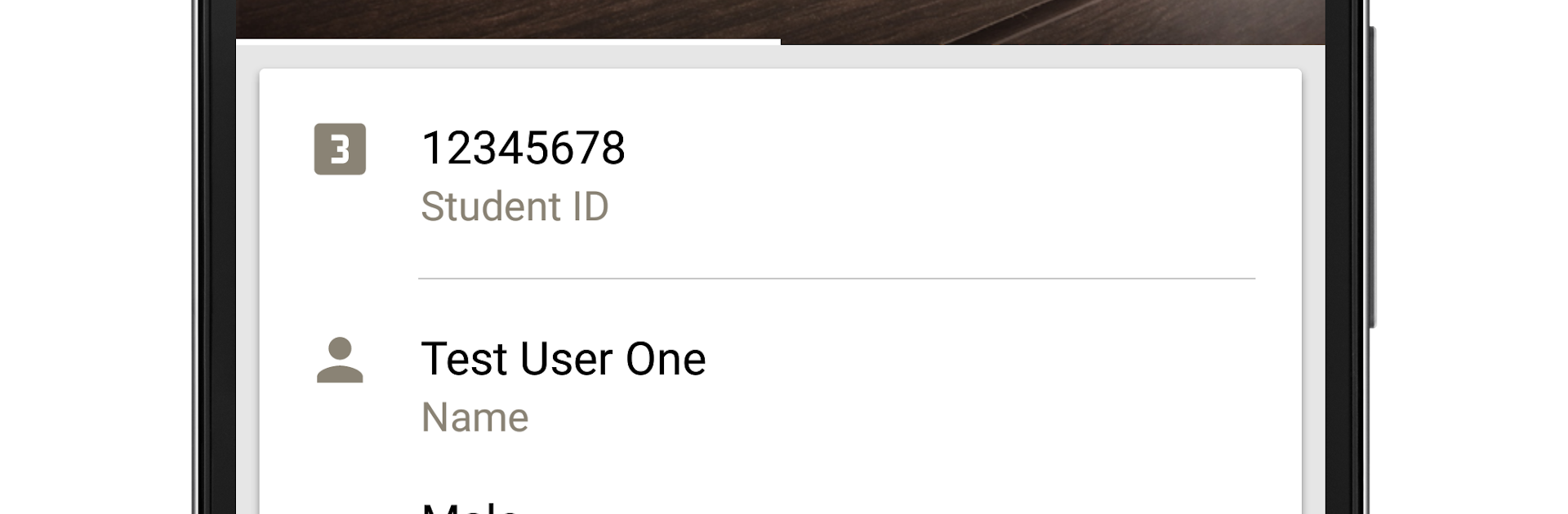
KNUST AIM feels like the student portal shrunk into a clean, simple app that actually gets out of the way. A student opens it, registers courses without digging through pages, checks results, tweaks personal details, and grabs fee bills to download when needed. It also pulls in news from the university site and pushes notifications, so there is less missing of updates. There is a basic chat feature for quick messages, and a handy Google Maps view that helps with finding places on or around campus. It is official, so what shows up aligns with the records the university already has, which is really what matters here.
On a PC with BlueStacks, it works like a neat dashboard. Typing course codes is faster on a keyboard, copying info into a spreadsheet or note is easy, and downloading bills straight to the computer for printing is smooth. The layout is not flashy, but it is clear. Menus are labeled in a way that makes sense, and most actions take just a couple taps or clicks. Logging in feels straightforward. It is the kind of app someone keeps open during registration week, or when results drop, or when the school posts an important notice. Nothing complicated, just the essentials in one spot, and it runs fine in a window alongside other school stuff.
Switch to BlueStacks and make the most of your apps on your PC or Mac.





