
Dental Boards Mastery: NBDE I

Dental Boards Mastery: NBDE I

Education

| Higher Learning Technologies Inc

Play on PC with BlueStacks or from our cloud

  • Overview
  • How to Download

Page Modified On: January 09, 2026

Run Dental Boards Mastery: NBDE I on PC or Mac

Upgrade your experience. Try Dental Boards Mastery: NBDE I, the fantastic Education app from Higher Learning Technologies Inc, from the comfort of your laptop, PC, or Mac, only on BlueStacks.

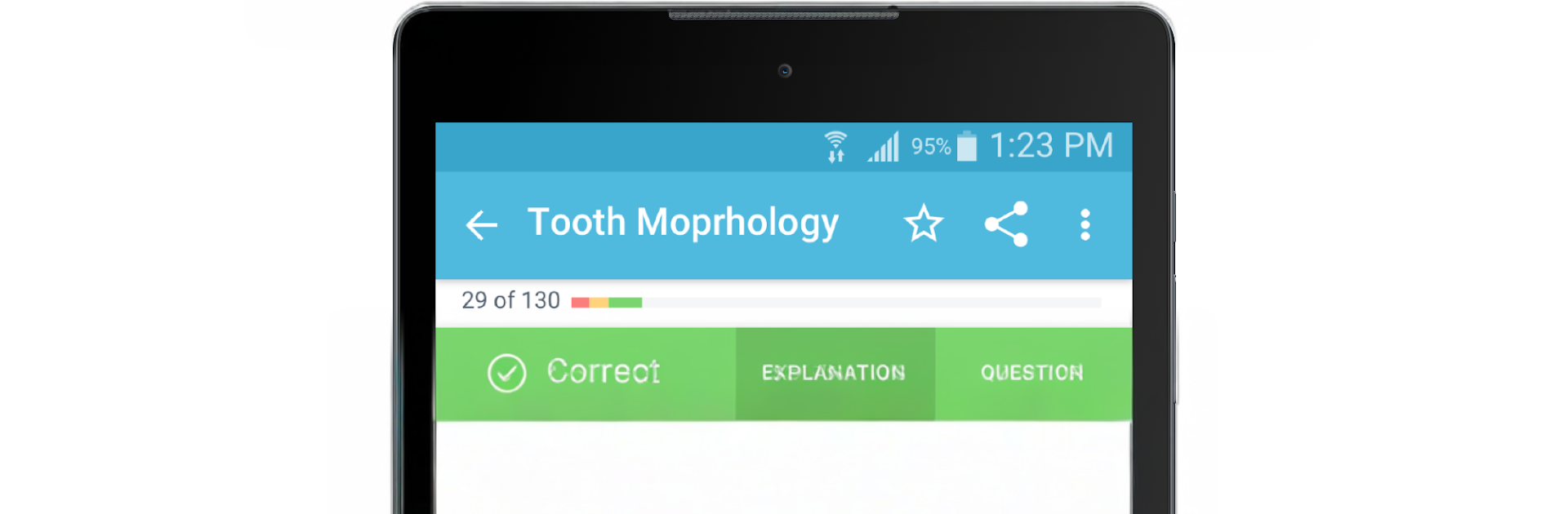
Dental Boards Mastery: NBDE I feels like a no-nonsense study buddy for dental students. It centers everything around exam style questions, with clear explanations and full color images that make tough topics click a little faster. There are themed quizzes to build confidence without wasting time, and a bunch of mnemonics and key vocab sprinkled in so facts actually stick. The progress tracking is helpful, not noisy, with stats that show where someone is solid and where they are missing points. On PC with BlueStacks it is extra comfortable to use, since flipping through questions on a bigger screen and glancing at explanations while taking notes is just easier at a desk.

The content comes from dental professionals and is built with input from real educators, so it feels aligned with what the NBDE I actually asks. There is a free version to test the waters with a smaller set of questions and basic metrics, then a subscription unlocks the full bank, all the quizzes, and deeper analytics. Monthly and annual plans are there, nothing complex. It is not flashy, but that is the point. It keeps someone moving through high yield material without distractions, and the explanations do the heavy lifting when a topic does not make sense on first pass. For anyone who studies best by doing questions and wants structure without thier own spreadsheet, this hits that lane.

Eager to take your app experience to the next level? Start right away by downloading BlueStacks on your PC or Mac.


How to Download and Run Dental Boards Mastery: NBDE I on PC or Mac

  • Download and install BlueStacks on your PC or Mac

  • Complete Google sign-in to access the Play Store, or do it later

  • Look for Dental Boards Mastery: NBDE I in the search bar at the top right corner

  • Click to install Dental Boards Mastery: NBDE I from the search results

  • Complete Google sign-in (if you skipped step 2) to install Dental Boards Mastery: NBDE I

  • Click the Dental Boards Mastery: NBDE I icon on the home screen to start playing

video
Watch Video

Minimum System Requirements

With BlueStacks 5, you can get started on a PC that fulfills the following requirements.

  • Operating System

    Microsoft Windows 7 or above, macOS 11 (Big Sur) or above

  • Processor

    Intel, AMD or Apple Silicon Processor

  • RAM

    at least 4GB

  • HDD

    10GB Free Disk Space

Note:

* You must be an Administrator on your PC. Up to date graphics drivers from Microsoft or the chipset vendor.

Dental Boards Mastery: NBDE I - FAQs

  • How to Run Dental Boards Mastery: NBDE I on Windows PC & Mac?

    Run Dental Boards Mastery: NBDE I on your PC or Mac by following these simple steps.

    • Click on ‘Download Dental Boards Mastery: NBDE I on PC’ to download BlueStacks
    • Install it and log-in to Google Play Store
    • Launch and run the app.
  • Why is BlueStacks the fastest and safest platform to play games on PC?

    BlueStacks respects your privacy and is always safe and secure to use. It does not carry any malware, spyware, or any sort of additional software that could harm your PC.

    It is engineered to optimize speed and performance for a seamless gaming experience.

  • What are Dental Boards Mastery: NBDE I PC requirements?

    Minimum requirement to run Dental Boards Mastery: NBDE I on your PC

    • OS: Microsoft Windows 7 and above:
    • Processor: Intel or AMD Processor:
    • RAM: Your PC must have at least 2GB of RAM. (Note that having 2GB or more disk space is not a substitute for RAM):
    • HDD: 5GB Free Disk Space.
    • You must be an Administrator on your PC.



