
Easy Circle of Fifths

Easy Circle of Fifths

Education

| Francis Shanahan

Play on PC with BlueStacks or from our cloud

  • Overview
  • How to Download

Page Modified On: January 02, 2026

Run Easy Circle of Fifths on PC or Mac

Multitask effortlessly on your PC or Mac as you try out Easy Circle of Fifths, a Education app by Francis Shanahan on BlueStacks.

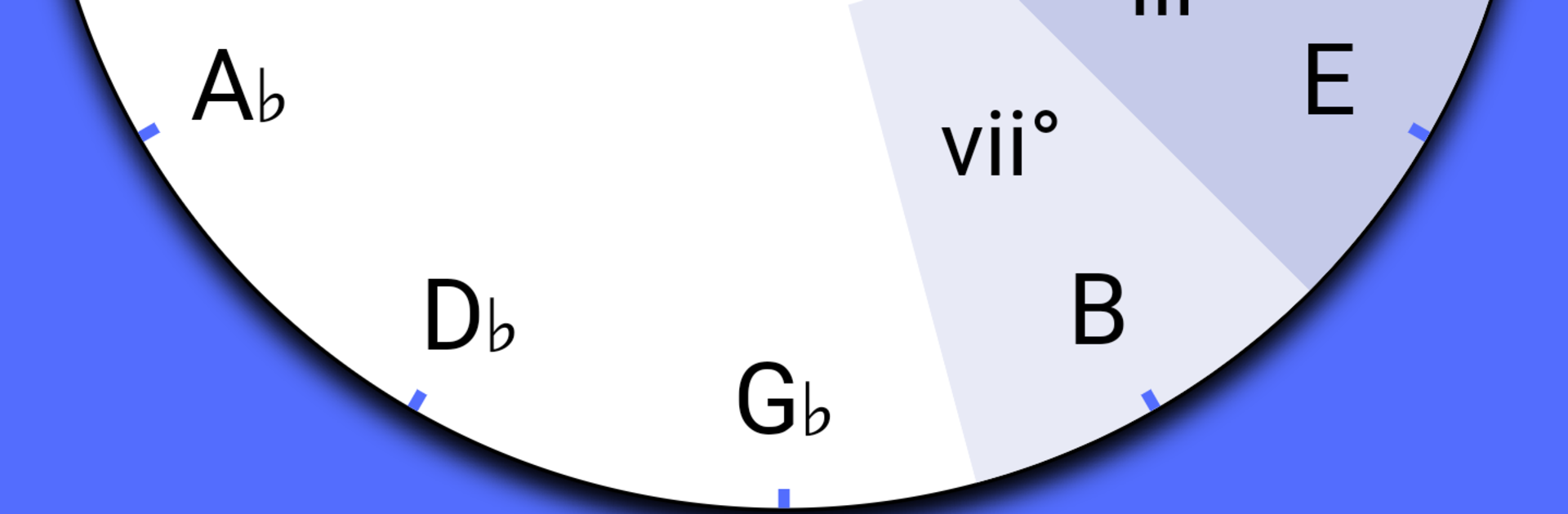
Easy Circle of Fifths feels more like a tiny music coach than a flashy app. On PC through BlueStacks, it opens as a clean interactive wheel. Pick a key and the wheel shows which chords belong, with quick I, IV, V labels and the relative minor right there. Modes are not hidden behind jargon either. Switch to Dorian, Mixolydian, or another mode, and the notes update so a person sees exactly what stays in bounds.

Guitar players will notice the diagrams right away. Each chord shows the root, third, and fifth highlighted, so the fretboard stops looking like a maze. It is useful for sketching progressions or transposing a song, jumping from C to E flat in a couple clicks. The layout is plain and friendly, no noise, no sign ups, no ads. Everything loads fast and stays out of the way, which is rare and honestly nice for practice.

Using BlueStacks makes it easy to keep the window next to a DAW or a tab sheet. Mouse clicks swap keys instantly and the wheel scales well, so it works on a big monitor or a small laptop without fuss. It is clearly aimed at guitar learners who want theory to feel practical, but anyone who needs a quick key and chord reference could get value from it. Free, simple, and it looks like it was made with care, not a sales pitch.

BlueStacks brings your apps to life on a bigger screen—seamless and straightforward.

How to Download and Run Easy Circle of Fifths on PC or Mac

  • Download and install BlueStacks on your PC or Mac

  • Complete Google sign-in to access the Play Store, or do it later

  • Look for Easy Circle of Fifths in the search bar at the top right corner

  • Click to install Easy Circle of Fifths from the search results

  • Complete Google sign-in (if you skipped step 2) to install Easy Circle of Fifths

  • Click the Easy Circle of Fifths icon on the home screen to start playing

video
Watch Video

Minimum System Requirements

With BlueStacks 5, you can get started on a PC that fulfills the following requirements.

  • Operating System

    Microsoft Windows 7 or above, macOS 11 (Big Sur) or above

  • Processor

    Intel, AMD or Apple Silicon Processor

  • RAM

    at least 4GB

  • HDD

    10GB Free Disk Space

Note:

* You must be an Administrator on your PC. Up to date graphics drivers from Microsoft or the chipset vendor.

Easy Circle of Fifths - FAQs

  • How to Run Easy Circle of Fifths on Windows PC & Mac?

    Run Easy Circle of Fifths on your PC or Mac by following these simple steps.

    • Click on ‘Download Easy Circle of Fifths on PC’ to download BlueStacks
    • Install it and log-in to Google Play Store
    • Launch and run the app.
  • Why is BlueStacks the fastest and safest platform to play games on PC?

    BlueStacks respects your privacy and is always safe and secure to use. It does not carry any malware, spyware, or any sort of additional software that could harm your PC.

    It is engineered to optimize speed and performance for a seamless gaming experience.

  • What are Easy Circle of Fifths PC requirements?

    Minimum requirement to run Easy Circle of Fifths on your PC

    • OS: Microsoft Windows 7 and above:
    • Processor: Intel or AMD Processor:
    • RAM: Your PC must have at least 2GB of RAM. (Note that having 2GB or more disk space is not a substitute for RAM):
    • HDD: 5GB Free Disk Space.
    • You must be an Administrator on your PC.




