
Edumarshal
Edumarshal

Edumarshal

Education

| Edumarshal

Play on PC with BlueStacks or from our cloud

  • Overview
  • How to Download

Page Modified On: January 09, 2026

Run Edumarshal on PC or Mac

What’s better than using Edumarshal by Edumarshal? Well, try it on a big screen, on your PC or Mac, with BlueStacks to see the difference.

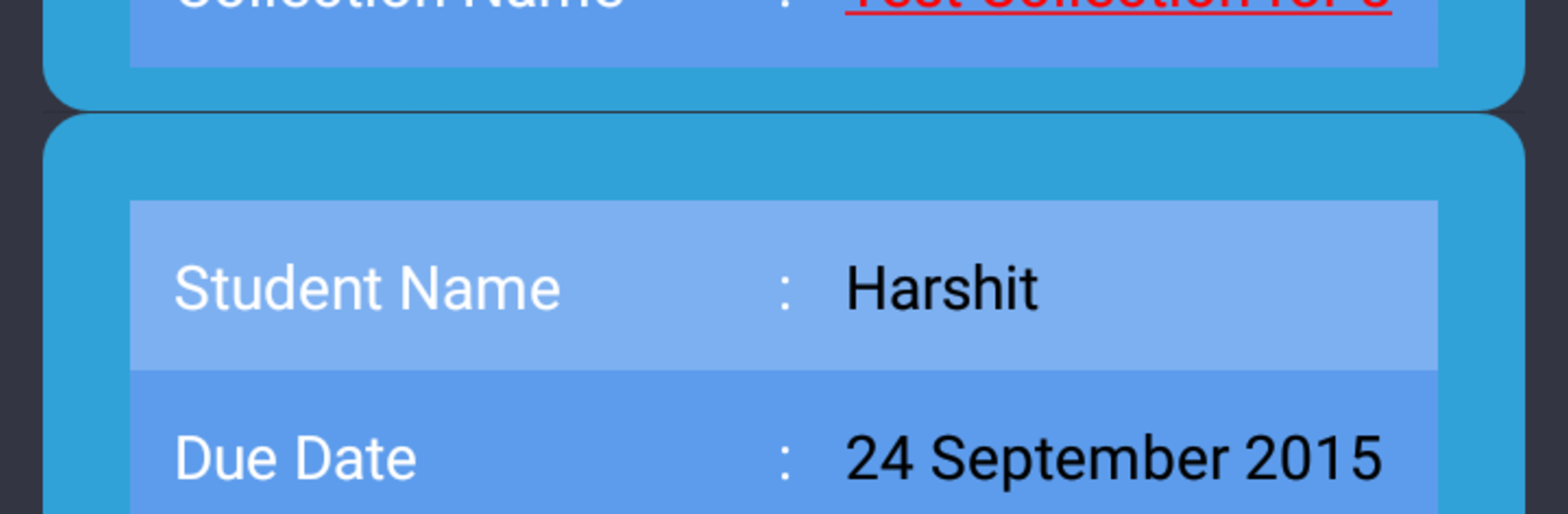
Edumarshal feels like a clean control panel for a whole school, not flashy, just practical. It opens with simple dashboards for whoever logs in, whether that is a teacher, student, parent, or admin, so everyone lands on the stuff they actually need. The app splits things into modules that cover the usual school life from the first admission step to when students finish up. Timetable checks, attendance marking, exam schedules and results, library lookups, hostel rooms, bus routes, and campus events are all tucked into tidy sections that are easy to hop between. There is a built in messaging box too, so students and parents get nudges about updates without digging through emails.

On a PC with BlueStacks, the layout breathes a bit more, and clicking through long lists or typing notes feels quicker with a keyboard. It is very form based, with clear labels and predictable buttons, so it does not take long to learn where things live. Teachers can jump between classes and mark attendance without extra taps, parents can peek at attendance and results in a couple clicks, and management gets a view that actually shows what is happening. A few screens cram in a lot of info, but the structure keeps it steady and it runs smooth enough for daily use.

Big screen. Bigger performance. Use BlueStacks on your PC or Mac to run your favorite apps.

How to Download and Run Edumarshal on PC or Mac

  • Download and install BlueStacks on your PC or Mac

  • Complete Google sign-in to access the Play Store, or do it later

  • Look for Edumarshal in the search bar at the top right corner

  • Click to install Edumarshal from the search results

  • Complete Google sign-in (if you skipped step 2) to install Edumarshal

  • Click the Edumarshal icon on the home screen to start playing

video
Watch Video

Minimum System Requirements

With BlueStacks 5, you can get started on a PC that fulfills the following requirements.

  • Operating System

    Microsoft Windows 7 or above, macOS 11 (Big Sur) or above

  • Processor

    Intel, AMD or Apple Silicon Processor

  • RAM

    at least 4GB

  • HDD

    10GB Free Disk Space

Note:

* You must be an Administrator on your PC. Up to date graphics drivers from Microsoft or the chipset vendor.

Edumarshal - FAQs

  • How to Run Edumarshal on Windows PC & Mac?

    Run Edumarshal on your PC or Mac by following these simple steps.

    • Click on ‘Download Edumarshal on PC’ to download BlueStacks
    • Install it and log-in to Google Play Store
    • Launch and run the app.
  • Why is BlueStacks the fastest and safest platform to play games on PC?

    BlueStacks respects your privacy and is always safe and secure to use. It does not carry any malware, spyware, or any sort of additional software that could harm your PC.

    It is engineered to optimize speed and performance for a seamless gaming experience.

  • What are Edumarshal PC requirements?

    Minimum requirement to run Edumarshal on your PC

    • OS: Microsoft Windows 7 and above:
    • Processor: Intel or AMD Processor:
    • RAM: Your PC must have at least 2GB of RAM. (Note that having 2GB or more disk space is not a substitute for RAM):
    • HDD: 5GB Free Disk Space.
    • You must be an Administrator on your PC.




