
Электробезопасность тесты

Электробезопасность тесты

Education

| Понасенков Виталий

Play on PC with BlueStacks or from our cloud

  • Overview
  • How to Download

Page Modified On: October 03, 2025

Run Электробезопасность тесты on PC or Mac

Let BlueStacks turn your PC, Mac, or laptop into the perfect home for Электробезопасность тесты, a fun Education app from Понасенков Виталий.

About the App

Электробезопасность тесты is a straightforward study tool for anyone prepping for electrical safety certification. Built around question sets aligned with Rostekhnadzor (Ростехнадзор) requirements, it helps you practice the exact topics you’ll face on exams. It’s an Education app by Понасенков Виталий, and it keeps things simple, flexible, and available offline. Prefer a bigger screen? You can also use it on your PC with BlueStacks.

App Features

  • Current groups and categories: Practice questions for II, III, IV, and V groups, covering up to and above 1,000 V. Legacy categories are available too for reference.
  • Exam simulation: Sit a realistic test that mirrors the certification experience, so you can gauge your readiness under pressure.
  • Tickets mode: Go through the full set of “tickets” for a category, one by one, until you’ve seen every question.
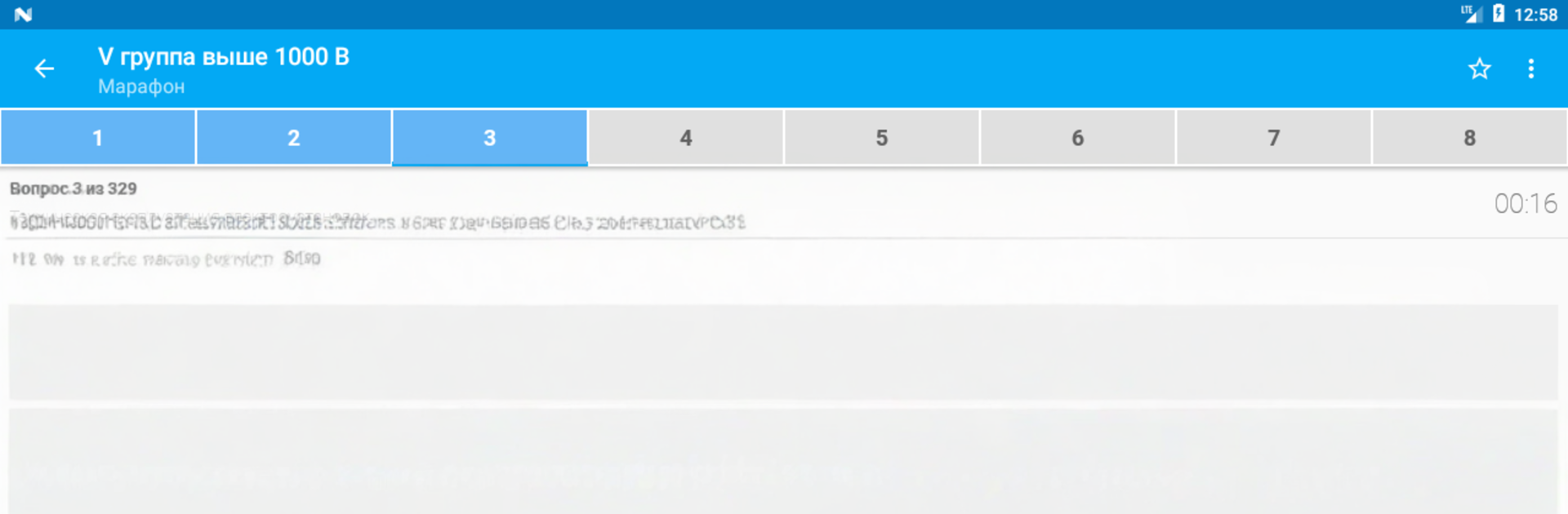
  • Marathon builder: Create your own long-form practice session—pick a category, set the number of questions, and go.
  • My mistakes: Zero in on what tripped you up. Review and retest only the questions you missed.
  • Favorites list: Bookmark tricky questions and run focused drills on your saved set.
  • Topics mode: Choose specific subjects within a category and practice only what you need right now.
  • Question browser with search: Browse all questions by category and quickly find what you’re looking for.
  • Personal notes: Add your own notes to any question to capture tips, reminders, or clarifications.
  • Stats and charts: Track progress over time with clear visuals that make strengths and gaps obvious.
  • Works offline: Study anywhere—no constant internet required.
  • For study and reference: All materials are provided for familiarization and self-prep.

BlueStacks gives you the much-needed freedom to experience your favorite apps on a bigger screen. Get it now.


How to Download and Run Электробезопасность тесты on PC or Mac

  • Download and install BlueStacks on your PC or Mac

  • Complete Google sign-in to access the Play Store, or do it later

  • Look for Электробезопасность тесты in the search bar at the top right corner

  • Click to install Электробезопасность тесты from the search results

  • Complete Google sign-in (if you skipped step 2) to install Электробезопасность тесты

  • Click the Электробезопасность тесты icon on the home screen to start playing

video
Watch Video

Minimum System Requirements

With BlueStacks 5, you can get started on a PC that fulfills the following requirements.

  • Operating System

    Microsoft Windows 7 or above, macOS 11 (Big Sur) or above

  • Processor

    Intel, AMD or Apple Silicon Processor

  • RAM

    at least 4GB

  • HDD

    10GB Free Disk Space

Note:

* You must be an Administrator on your PC. Up to date graphics drivers from Microsoft or the chipset vendor.

Электробезопасность тесты - FAQs

  • How to Run Электробезопасность тесты on Windows PC & Mac?

    Run Электробезопасность тесты on your PC or Mac by following these simple steps.

    • Click on ‘Download Электробезопасность тесты on PC’ to download BlueStacks
    • Install it and log-in to Google Play Store
    • Launch and run the app.
  • Why is BlueStacks the fastest and safest platform to play games on PC?

    BlueStacks respects your privacy and is always safe and secure to use. It does not carry any malware, spyware, or any sort of additional software that could harm your PC.

    It is engineered to optimize speed and performance for a seamless gaming experience.

  • What are Электробезопасность тесты PC requirements?

    Minimum requirement to run Электробезопасность тесты on your PC

    • OS: Microsoft Windows 7 and above:
    • Processor: Intel or AMD Processor:
    • RAM: Your PC must have at least 2GB of RAM. (Note that having 2GB or more disk space is not a substitute for RAM):
    • HDD: 5GB Free Disk Space.
    • You must be an Administrator on your PC.



