
English Pronunciation - Awabe

English Pronunciation - Awabe

Education

| Awabe - Learn Languages

Play on PC with BlueStacks or from our cloud

  • Overview
  • How to Download

Page Modified On: August 21, 2025

Run English Pronunciation - Awabe on PC or Mac

Multitask effortlessly on your PC or Mac as you try out English Pronunciation – Awabe, a Education app by Awabe – Learn Languages on BlueStacks.

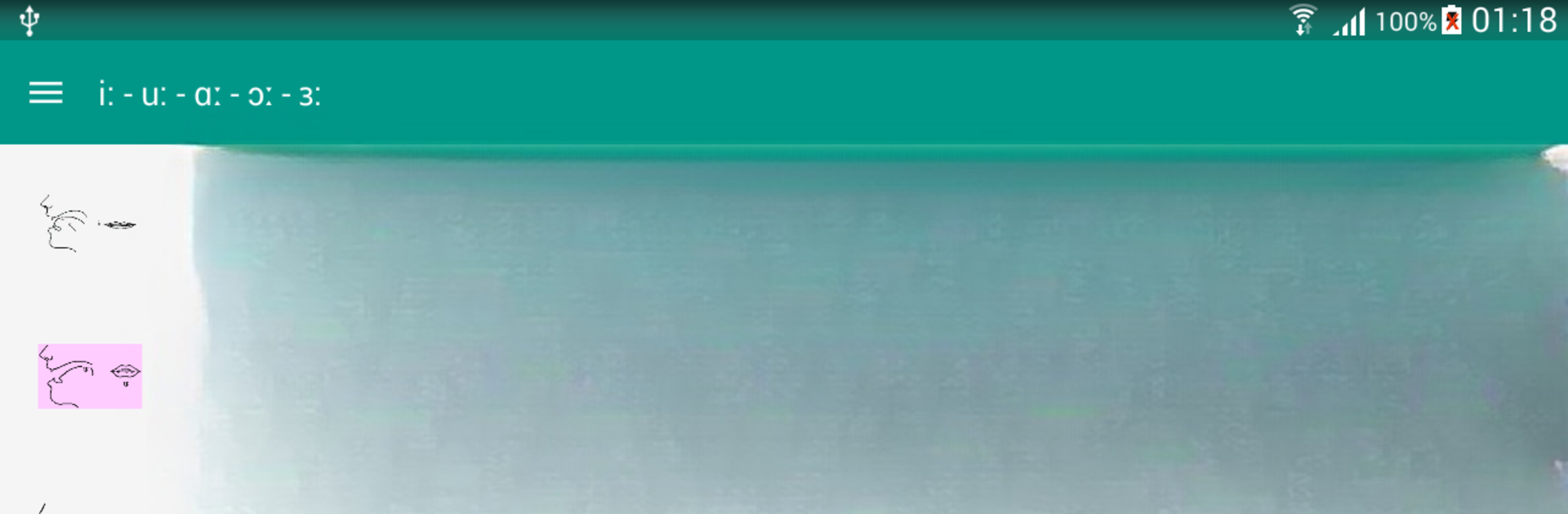
English Pronunciation – Awabe is one of those apps that really tries to break things down for anyone who wants to improve their spoken English. It doesn’t just play a bunch of words and leave you to figure it out — there are sections for all the tricky sounds, like those short and long vowels, double vowels, and all the consonants that don’t always match up with the spelling. What stands out is that it actually explains how to move your mouth and tongue, which can be super helpful if those sounds aren’t in a language someone’s used to. The app lays everything out in pretty simple chunks, so nothing feels overwhelming.

There’s a good mix of audio and even videos, showing you what to do with your mouth when saying certain sounds. Users can tap on any word and hear it spoken, then try recording their own voice to check if they’re on track. It also lets users save words they want to keep practicing, and there’s that reminder feature if someone’s the type who forgets to practice. The design is clean, nothing flashy, just straight to the point and easy to get around. Running it on PC with BlueStacks is smooth — it works just like on a phone, but having it on a bigger screen makes watching the videos and checking out the sound explanations easier. Plus, it doesn’t require internet for most things, so there’s less worry about connecting every time. It’s a solid tool for practicing English speaking, especially if someone wants direct feedback and clear instructions.

BlueStacks brings your apps to life on a bigger screen—seamless and straightforward.

How to Download and Run English Pronunciation - Awabe on PC or Mac

  • Download and install BlueStacks on your PC or Mac

  • Complete Google sign-in to access the Play Store, or do it later

  • Look for English Pronunciation - Awabe in the search bar at the top right corner

  • Click to install English Pronunciation - Awabe from the search results

  • Complete Google sign-in (if you skipped step 2) to install English Pronunciation - Awabe

  • Click the English Pronunciation - Awabe icon on the home screen to start playing

video
Watch Video

Minimum System Requirements

With BlueStacks 5, you can get started on a PC that fulfills the following requirements.

  • Operating System

    Microsoft Windows 7 or above, macOS 11 (Big Sur) or above

  • Processor

    Intel, AMD or Apple Silicon Processor

  • RAM

    at least 4GB

  • HDD

    10GB Free Disk Space

Note:

* You must be an Administrator on your PC. Up to date graphics drivers from Microsoft or the chipset vendor.

English Pronunciation - Awabe - FAQs

  • How to Run English Pronunciation - Awabe on Windows PC & Mac?

    Run English Pronunciation - Awabe on your PC or Mac by following these simple steps.

    • Click on ‘Download English Pronunciation - Awabe on PC’ to download BlueStacks
    • Install it and log-in to Google Play Store
    • Launch and run the app.
  • Why is BlueStacks the fastest and safest platform to play games on PC?

    BlueStacks respects your privacy and is always safe and secure to use. It does not carry any malware, spyware, or any sort of additional software that could harm your PC.

    It is engineered to optimize speed and performance for a seamless gaming experience.

  • What are English Pronunciation - Awabe PC requirements?

    Minimum requirement to run English Pronunciation - Awabe on your PC

    • OS: Microsoft Windows 7 and above:
    • Processor: Intel or AMD Processor:
    • RAM: Your PC must have at least 2GB of RAM. (Note that having 2GB or more disk space is not a substitute for RAM):
    • HDD: 5GB Free Disk Space.
    • You must be an Administrator on your PC.




