
English Vocabulary Advanced

English Vocabulary Advanced

Education

| bbest

Play on PC with BlueStacks or from our cloud

  • Overview
  • How to Download

Page Modified On: January 05, 2026

Run English Vocabulary Advanced on PC or Mac

What’s better than using English Vocabulary Advanced by bbest? Well, try it on a big screen, on your PC or Mac, with BlueStacks to see the difference.

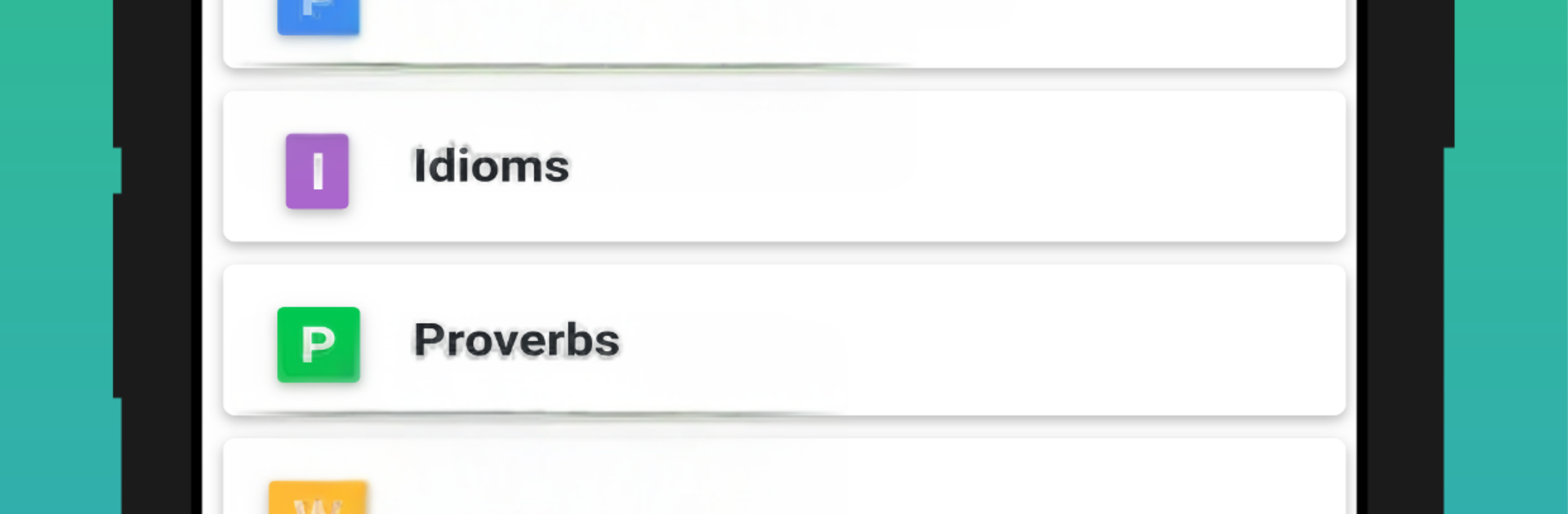
English Vocabulary Advanced feels like a tidy toolbox for word nerds and exam prep folks who like structure. It groups everything into clear topics so a person can hop into phrasal verbs, idioms, and proverbs, then switch to word pairs, opposites, or the classic confusing words that trip people up. There are extra sets that keep it fresh, like blended words, personality and character terms, better words to use instead of very, and themed lists for phobias, manias, weather, money, natural disasters, collective nouns, symbol names, and even number names. Each entry comes with a short usage example and audio, so pronunciation is not a guessing game.

The learning loop is simple. Study a list, take a quick quiz or a longer test, then read the explained answers to see what went wrong or right. Progress tracking shows how each topic is moving along, which is genuinely helpful when a person does not want to forget what they covered last week. Nothing flashy, but it gets the job done.

On a PC with BlueStacks, it works like a small study desk. A mouse click jumps between categories, typing answers feels faster, and the bigger screen makes the examples easier to scan. It suits learners who enjoy steady practice and real explanations over gamified fluff. Someone aiming to polish writing and speaking will likely spend time in idioms and word pairs, while phrasal verbs and confusing words are perfect for test prep or work emails that must be clear.

BlueStacks brings your apps to life on a bigger screen—seamless and straightforward.

How to Download and Run English Vocabulary Advanced on PC or Mac

  • Download and install BlueStacks on your PC or Mac

  • Complete Google sign-in to access the Play Store, or do it later

  • Look for English Vocabulary Advanced in the search bar at the top right corner

  • Click to install English Vocabulary Advanced from the search results

  • Complete Google sign-in (if you skipped step 2) to install English Vocabulary Advanced

  • Click the English Vocabulary Advanced icon on the home screen to start playing

video
Watch Video

Minimum System Requirements

With BlueStacks 5, you can get started on a PC that fulfills the following requirements.

  • Operating System

    Microsoft Windows 7 or above, macOS 11 (Big Sur) or above

  • Processor

    Intel, AMD or Apple Silicon Processor

  • RAM

    at least 4GB

  • HDD

    10GB Free Disk Space

Note:

* You must be an Administrator on your PC. Up to date graphics drivers from Microsoft or the chipset vendor.

English Vocabulary Advanced - FAQs

  • How to Run English Vocabulary Advanced on Windows PC & Mac?

    Run English Vocabulary Advanced on your PC or Mac by following these simple steps.

    • Click on ‘Download English Vocabulary Advanced on PC’ to download BlueStacks
    • Install it and log-in to Google Play Store
    • Launch and run the app.
  • Why is BlueStacks the fastest and safest platform to play games on PC?

    BlueStacks respects your privacy and is always safe and secure to use. It does not carry any malware, spyware, or any sort of additional software that could harm your PC.

    It is engineered to optimize speed and performance for a seamless gaming experience.

  • What are English Vocabulary Advanced PC requirements?

    Minimum requirement to run English Vocabulary Advanced on your PC

    • OS: Microsoft Windows 7 and above:
    • Processor: Intel or AMD Processor:
    • RAM: Your PC must have at least 2GB of RAM. (Note that having 2GB or more disk space is not a substitute for RAM):
    • HDD: 5GB Free Disk Space.
    • You must be an Administrator on your PC.




