
FahrAPP
FahrAPP

FahrAPP

Education

| Wendel-Verlag GmbH

Play on PC with BlueStacks or from our cloud

  • Overview
  • How to Download

Page Modified On: November 03, 2025

Run FahrAPP on PC or Mac

Let BlueStacks turn your PC, Mac, or laptop into the perfect home for FahrAPP, a fun Education app from Wendel-Verlag GmbH.

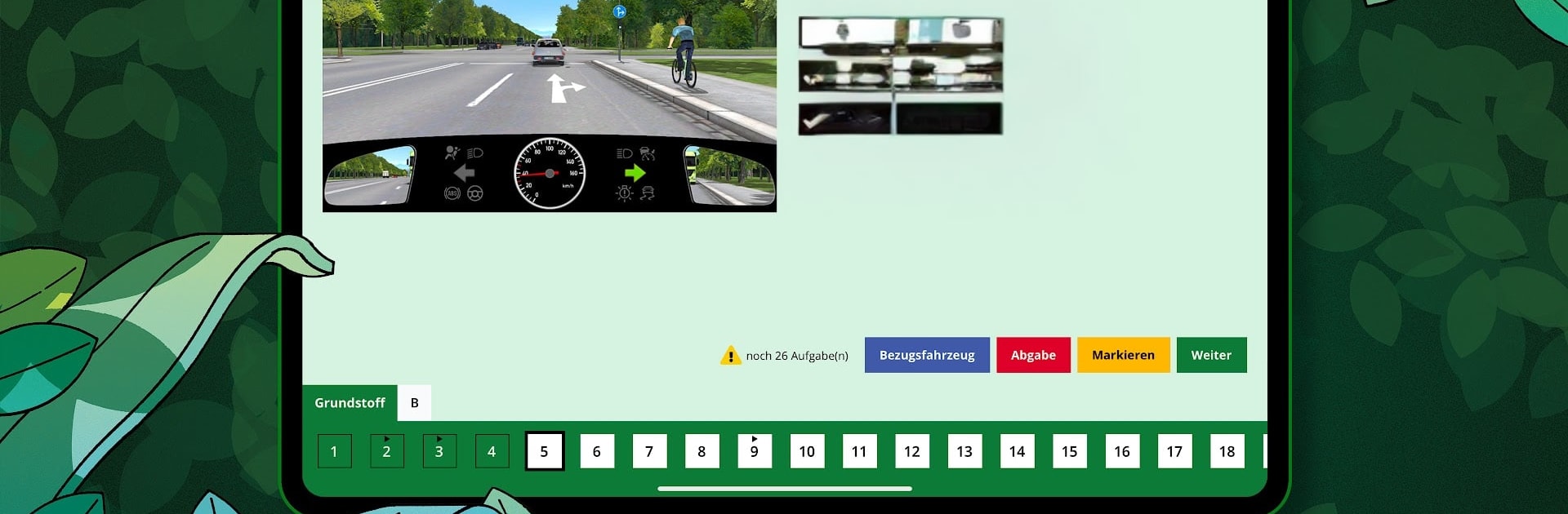
FahrAPP is a straight-up study tool for the driving theory test, and it feels very focused. It only works with an access code from a real driving school, so this is for people actually enrolled, not random browsing. Once the account is set up, progress syncs across phone, tablet, and PC, and on BlueStacks it is nice to sit at a desk and run through questions faster with a keyboard and a bigger screen. There is a small quirk where some updates may ask for a reinstall, which is odd but not a big deal.

What stands out is how structured it is. The Clevertraining mode starts with the easy stuff and nudges the learner into harder questions over time, so it never feels like getting dumped into the deep end. The question pool is the official catalog and kept current, with licensing from TÜV and DEKRA, and it covers all license classes. Language support is huge, including Arabic and plenty of others, and most questions can be read aloud, which helps when the brain is tired. There are image and video variants that match the official material, plus realistic mock exams that look like the real test, so nothing feels surprising later. Offline learning works after downloading, and there are tips for each question. Some extras, like the eBook and film aids, come with a premium setup from the school. An email and a bit of data are needed to get going, but content can be cached at home. The app has picked up a few awards in Germany, and it comes across as solid, no fluff, get-it-done study.

BlueStacks brings your apps to life on a bigger screen—seamless and straightforward.

How to Download and Run FahrAPP on PC or Mac

  • Download and install BlueStacks on your PC or Mac

  • Complete Google sign-in to access the Play Store, or do it later

  • Look for FahrAPP in the search bar at the top right corner

  • Click to install FahrAPP from the search results

  • Complete Google sign-in (if you skipped step 2) to install FahrAPP

  • Click the FahrAPP icon on the home screen to start playing

video
Watch Video

Minimum System Requirements

With BlueStacks 5, you can get started on a PC that fulfills the following requirements.

  • Operating System

    Microsoft Windows 7 or above, macOS 11 (Big Sur) or above

  • Processor

    Intel, AMD or Apple Silicon Processor

  • RAM

    at least 4GB

  • HDD

    10GB Free Disk Space

Note:

* You must be an Administrator on your PC. Up to date graphics drivers from Microsoft or the chipset vendor.

FahrAPP - FAQs

  • How to Run FahrAPP on Windows PC & Mac?

    Run FahrAPP on your PC or Mac by following these simple steps.

    • Click on ‘Download FahrAPP on PC’ to download BlueStacks
    • Install it and log-in to Google Play Store
    • Launch and run the app.
  • Why is BlueStacks the fastest and safest platform to play games on PC?

    BlueStacks respects your privacy and is always safe and secure to use. It does not carry any malware, spyware, or any sort of additional software that could harm your PC.

    It is engineered to optimize speed and performance for a seamless gaming experience.

  • What are FahrAPP PC requirements?

    Minimum requirement to run FahrAPP on your PC

    • OS: Microsoft Windows 7 and above:
    • Processor: Intel or AMD Processor:
    • RAM: Your PC must have at least 2GB of RAM. (Note that having 2GB or more disk space is not a substitute for RAM):
    • HDD: 5GB Free Disk Space.
    • You must be an Administrator on your PC.




