


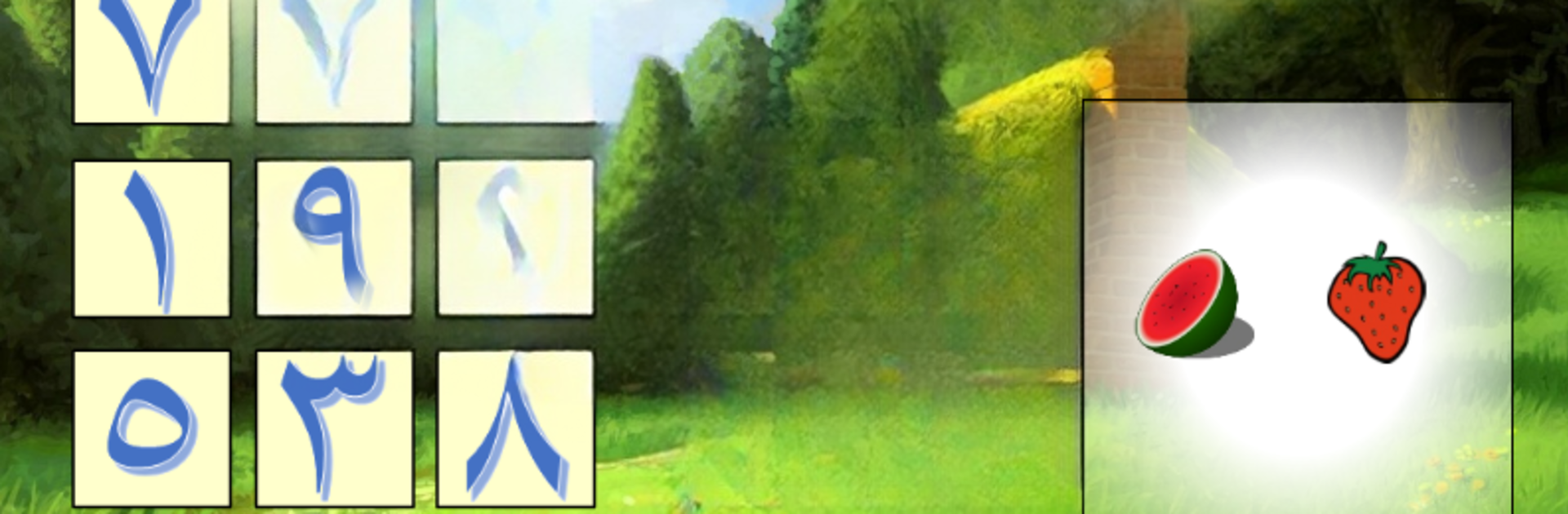


What’s better than using First Grade Math App by Flash Toons? Well, try it on a big screen, on your PC or Mac, with BlueStacks to see the difference.
About the App
First Grade Math App, created by Flash Toons, is all about making math practice feel like play for kids. If you’re hoping your child will start seeing addition and number sense as fun challenges rather than chores, this is the place to start. Packed with interactive lessons and a mix of imaginative exercises, it helps first graders (and maybe curious kindergartners) build a solid math foundation—without the stress.
App Features
-
Number Recognition
Kids get plenty of chances to see, hear, and work with numbers from 0 to 9. Each lesson gives them hands-on practice to help recognize and remember these basics, whether they’re just starting out or need a little refresher. -
Ordering Numbers
It’s not just about memorizing—children get to play with numbers in both ascending and descending order. They’re asked to spot what comes next or figure out which number came before, making ordering feel more like a puzzle than a test. -
Ordinal Numbers
Learning about “first,” “second,” and “third” can be tricky, but the app weaves it into playful activities. Kids get the hang of where things belong in a sequence with a few simple, voice-guided steps. -
Hands-On Addition and Subtraction
The app challenges kids to combine and take apart numbers (all within 9), reinforcing the basics in ways that stick. Instead of just solving equations, children interact with animated objects—sometimes coloring or moving them around to visualize the answer. -
Comparing Groups and Numbers
Activities like matching groups with the same number of objects, comparing which pile has more or less, and choosing the right comparison signal help kids sharpen their reasoning skills. -
Creative Counting Games
Some lessons ask children to count objects and then select, move, or color the right amount—great for staying engaged and active while learning. -
Even and Odd Numbers
Using lighthearted examples (like a “train of rabbits”), kids get a quick intro into the difference between even and odd numbers—no complicated math talk, just simple visual exercises. -
Flexible Number Formats
If you want to switch things up, you can pick either Arabic or Indian number styles for your child to learn with, depending on your preference. -
Randomized Questions
There aren’t any boring repeats here—practice questions switch up the numbers each time, so kids stay on their toes and can try as much as they like. -
Voice Guidance and Simple Controls
Friendly voice prompts and intuitive design mean even younger learners can navigate the app independently. No frustration—just clear instructions and gentle encouragement. -
Play on Different Devices
While it’s great on a tablet, the app works smoothly with BlueStacks too, letting your child practice math from a bigger screen if you want.
You’ll find a mix of coloring, counting, comparing, and solving, all bundled in short, cheerful lessons that take the pressure off learning first grade math.
Big screen. Bigger performance. Use BlueStacks on your PC or Mac to run your favorite apps.





