
French Today - Learn French

French Today - Learn French

Education

| French Today

Play on PC with BlueStacks or from our cloud

  • Overview
  • How to Download

Page Modified On: November 28, 2025

Run French Today - Learn French on PC or Mac

Let BlueStacks turn your PC, Mac, or laptop into the perfect home for French Today – Learn French, a fun Education app from French Today.

French Today – Learn French feels more like a set of story-based audiobooks than a flashcard app. It focuses on the French people actually speak today, so the dialogues sound natural and the grammar notes are explained in plain English. Everything sits inside an ongoing story with recurring characters and real situations, which makes new words stick without feeling like drills.

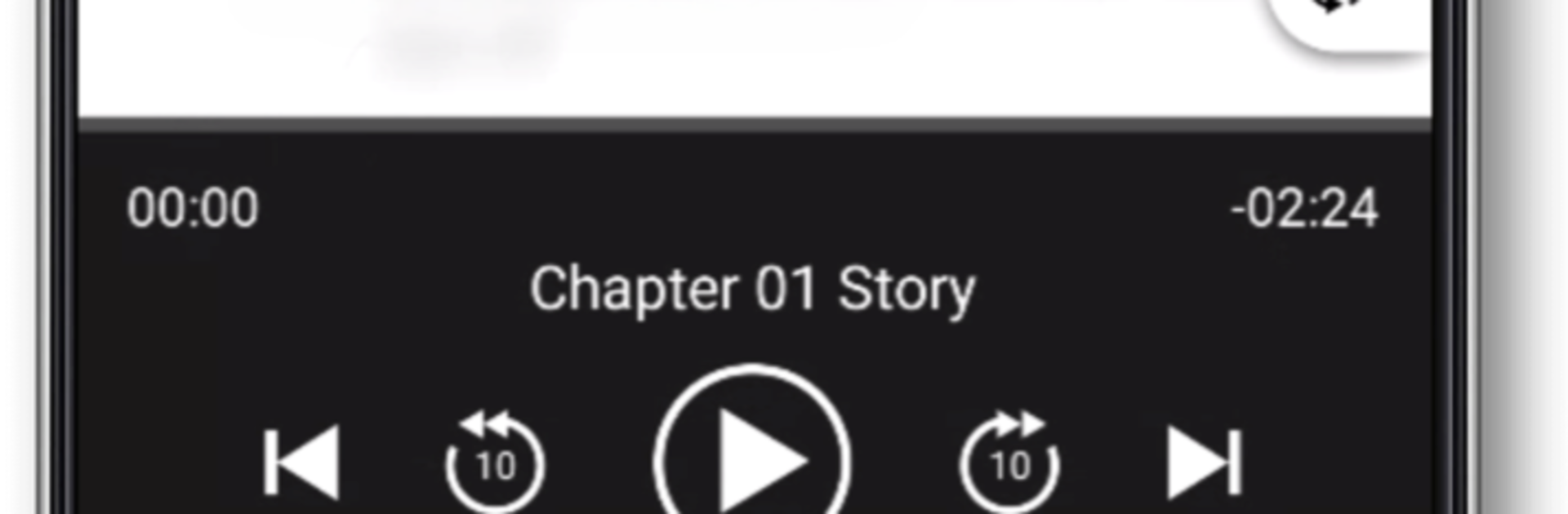
The standout piece is the audio. Each chapter is recorded at several speeds and levels of clarity, not a robotic slowdown, so ears get used to real rhythm while still having a slower option when needed. The transcript sits right there with adjustable fonts and a night mode, and English translations can be shown or hidden with a tap. Navigation is clean, there is a full table of contents, quick skip forward or back, and the text syncs to the exact line the audio is on. Offline works well, and there are two full audiobooks included for free, so there is plenty to try before deciding. Car mode is simple if someone wants to listen on the go.

Running it on BlueStacks on a computer makes it even easier to follow the text while listening, and jumping between sections with a keyboard feels smooth. It suits learners who want real conversation skills rather than just passing tests, and it clearly comes from years of teaching adults. Paid books exist, with a refund window, but the free content is already generous.

BlueStacks gives you the much-needed freedom to experience your favorite apps on a bigger screen. Get it now.


How to Download and Run French Today - Learn French on PC or Mac

  • Download and install BlueStacks on your PC or Mac

  • Complete Google sign-in to access the Play Store, or do it later

  • Look for French Today - Learn French in the search bar at the top right corner

  • Click to install French Today - Learn French from the search results

  • Complete Google sign-in (if you skipped step 2) to install French Today - Learn French

  • Click the French Today - Learn French icon on the home screen to start playing

video
Watch Video

Minimum System Requirements

With BlueStacks 5, you can get started on a PC that fulfills the following requirements.

  • Operating System

    Microsoft Windows 7 or above, macOS 11 (Big Sur) or above

  • Processor

    Intel, AMD or Apple Silicon Processor

  • RAM

    at least 4GB

  • HDD

    10GB Free Disk Space

Note:

* You must be an Administrator on your PC. Up to date graphics drivers from Microsoft or the chipset vendor.

French Today - Learn French - FAQs

  • How to Run French Today - Learn French on Windows PC & Mac?

    Run French Today - Learn French on your PC or Mac by following these simple steps.

    • Click on ‘Download French Today - Learn French on PC’ to download BlueStacks
    • Install it and log-in to Google Play Store
    • Launch and run the app.
  • Why is BlueStacks the fastest and safest platform to play games on PC?

    BlueStacks respects your privacy and is always safe and secure to use. It does not carry any malware, spyware, or any sort of additional software that could harm your PC.

    It is engineered to optimize speed and performance for a seamless gaming experience.

  • What are French Today - Learn French PC requirements?

    Minimum requirement to run French Today - Learn French on your PC

    • OS: Microsoft Windows 7 and above:
    • Processor: Intel or AMD Processor:
    • RAM: Your PC must have at least 2GB of RAM. (Note that having 2GB or more disk space is not a substitute for RAM):
    • HDD: 5GB Free Disk Space.
    • You must be an Administrator on your PC.



