
FretBuzz
FretBuzz

FretBuzz

Education

| G7alt

Play on PC with BlueStacks or from our cloud

  • Overview
  • How to Download

Page Modified On: August 29, 2025

Run FretBuzz on PC or Mac

Why limit yourself to your small screen on the phone? Run FretBuzz, an app by G7alt, best experienced on your PC or Mac with BlueStacks, the world’s #1 Android emulator.

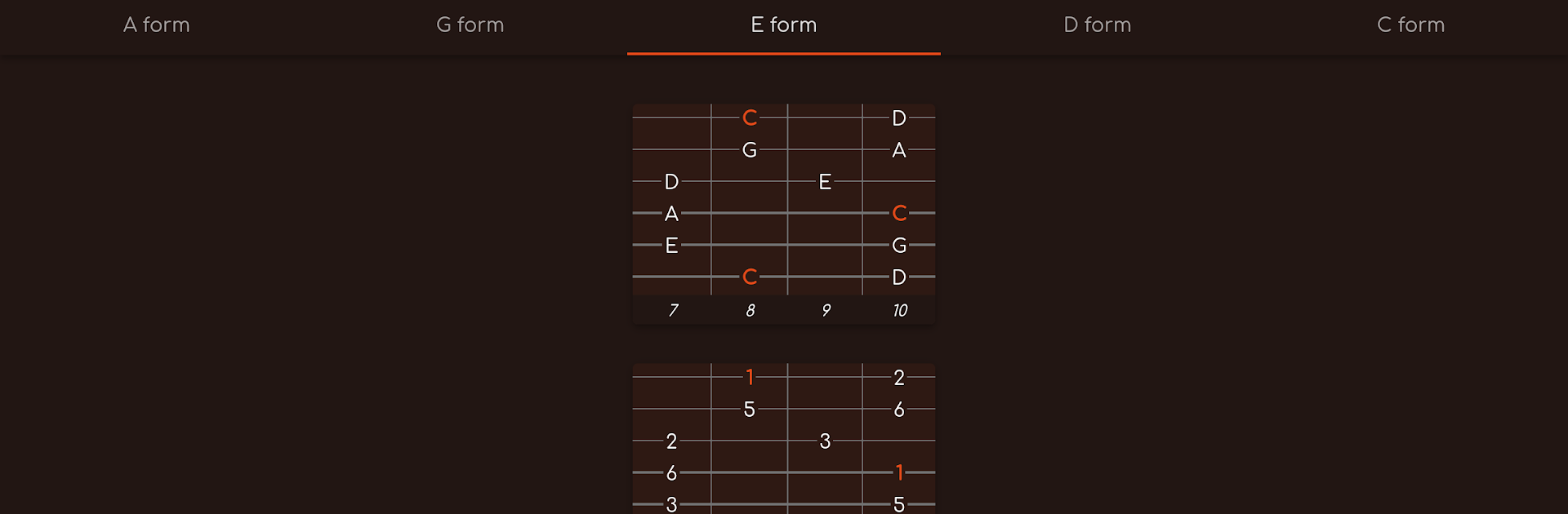
FretBuzz feels like a clean fretboard map for anyone working on scales and arpeggios, no fluff. It sticks to the CAGED idea, so everything is broken into shapes that actually make sense under the fingers. The app covers a lot without getting messy: triads, sixth and seventh chord arpeggios, the usual pentatonic and blues stuff, then all the modes from major, melodic minor, and harmonic minor. There is even bebop, diminished, and whole tone, so it is not just beginner material. Pick an instrument layout, see the positions, and walk through the shapes until the neck starts looking familiar instead of mysterious. There is a left handed toggle, which is nice, and it supports six string guitar plus four or five string bass, so no one is left out.

Running it on BlueStacks on a PC or laptop makes the fretboard diagrams big enough to sit back and study without squinting, and clicking through shapes with a mouse is oddly relaxing. The whole thing feels more like flashcards for the fingers than a rigid course. It is also framed as a first volume to the sibling app FretBuzz Augmented, which uses these scales inside jazz progressions, so this one is really about building the vocabulary and getting the shapes down. Simple idea, useful tool, and the focus on CAGED keeps practice grounded in real positions instead of theory haze.

Eager to take your app experience to the next level? Start right away by downloading BlueStacks on your PC or Mac.


How to Download and Run FretBuzz on PC or Mac

  • Download and install BlueStacks on your PC or Mac

  • Complete Google sign-in to access the Play Store, or do it later

  • Look for FretBuzz in the search bar at the top right corner

  • Click to install FretBuzz from the search results

  • Complete Google sign-in (if you skipped step 2) to install FretBuzz

  • Click the FretBuzz icon on the home screen to start playing

video
Watch Video

Minimum System Requirements

With BlueStacks 5, you can get started on a PC that fulfills the following requirements.

  • Operating System

    Microsoft Windows 7 or above, macOS 11 (Big Sur) or above

  • Processor

    Intel, AMD or Apple Silicon Processor

  • RAM

    at least 4GB

  • HDD

    10GB Free Disk Space

Note:

* You must be an Administrator on your PC. Up to date graphics drivers from Microsoft or the chipset vendor.

FretBuzz - FAQs

  • How to Run FretBuzz on Windows PC & Mac?

    Run FretBuzz on your PC or Mac by following these simple steps.

    • Click on ‘Download FretBuzz on PC’ to download BlueStacks
    • Install it and log-in to Google Play Store
    • Launch and run the app.
  • Why is BlueStacks the fastest and safest platform to play games on PC?

    BlueStacks respects your privacy and is always safe and secure to use. It does not carry any malware, spyware, or any sort of additional software that could harm your PC.

    It is engineered to optimize speed and performance for a seamless gaming experience.

  • What are FretBuzz PC requirements?

    Minimum requirement to run FretBuzz on your PC

    • OS: Microsoft Windows 7 and above:
    • Processor: Intel or AMD Processor:
    • RAM: Your PC must have at least 2GB of RAM. (Note that having 2GB or more disk space is not a substitute for RAM):
    • HDD: 5GB Free Disk Space.
    • You must be an Administrator on your PC.



