


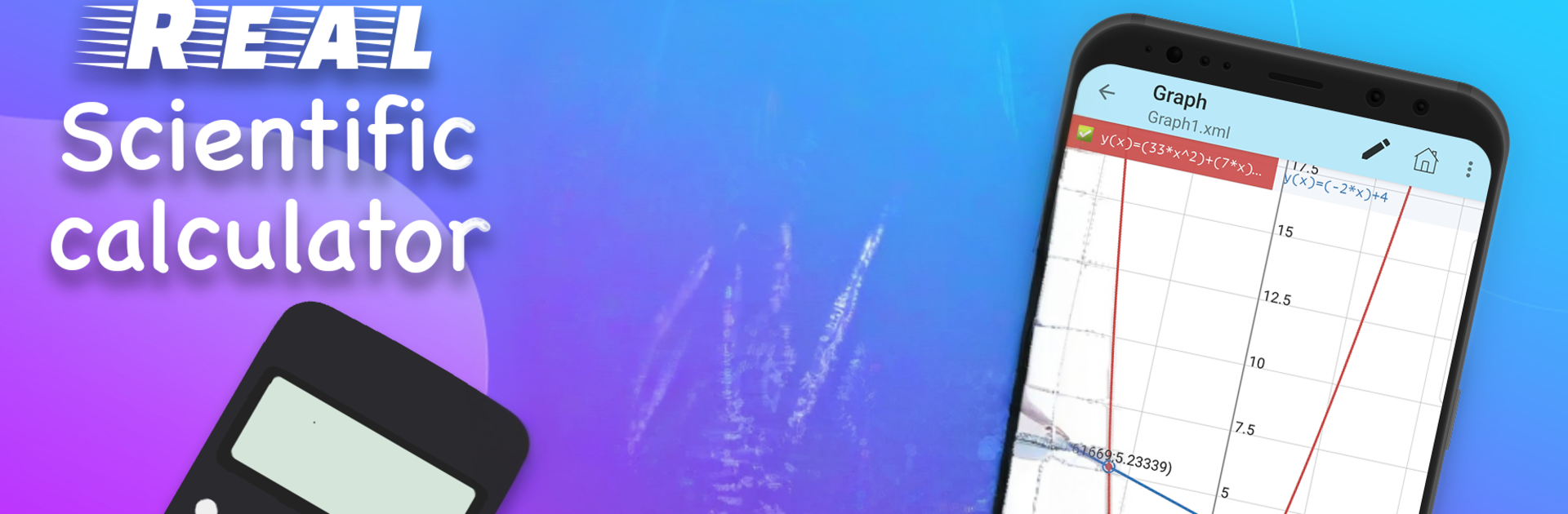


Multitask effortlessly on your PC or Mac as you try out Graphing Scientific Calculator, a Education app by HUYNH TRA MY on BlueStacks.
Graphing Scientific Calculator feels like a serious math toolbox that still stays easy to live with. It is more than a basic calculator. There is the usual quick math for percent, powers, roots, and fractions, then it opens up into real scientific stuff like complex numbers, calculus bits (integrals, derivatives, limits), prime factorization, matrices and vectors, plus statistics and distributions. There is even a base converter for decimal, binary, octal, and hex, so it suits both homework and little coding tasks. The history feature is nice when a result needs to be checked again later, no need to retype a long line.
The graphing is the fun part. In 2D it handles cartesian, polar, parametric, and even implicit graphs, and the 3D plots make surfaces easy to visualize. It renders cleanly and switching graph types is straightforward. There is an equation solver for quadratic, cubic, and quartic, a system solver for 2 to 4 unknowns, and an inequality solver for common polynomial degrees, which saves a lot of time. Extra touches include a unit converter, a compact formula reference for math, physics, and chemistry, and a periodic table. The QR scanner and generator look random at first, but they make sharing or pulling values quick. On a PC with BlueStacks, the big screen and a keyboard make long expressions, matrices, and comparing multiple graphs feel way less painful. It is not flashy, but it is reliable and all in one, which matters more here.
Switch to BlueStacks and make the most of your apps on your PC or Mac.





