
Hanif: Temukan Kajian Islam di Sekitarmu

Hanif: Temukan Kajian Islam di Sekitarmu

Education

| Hanif Official

Play on PC with BlueStacks or from our cloud

  • Overview
  • How to Download

Page Modified On: January 06, 2026

Run Hanif: Temukan Kajian Islam di Sekitarmu on PC or Mac

Get freedom from your phone’s obvious limitations. Use Hanif: Temukan Kajian Islam di Sekitarmu, made by Hanif Official, a Education app on your PC or Mac with BlueStacks, and level up your experience.

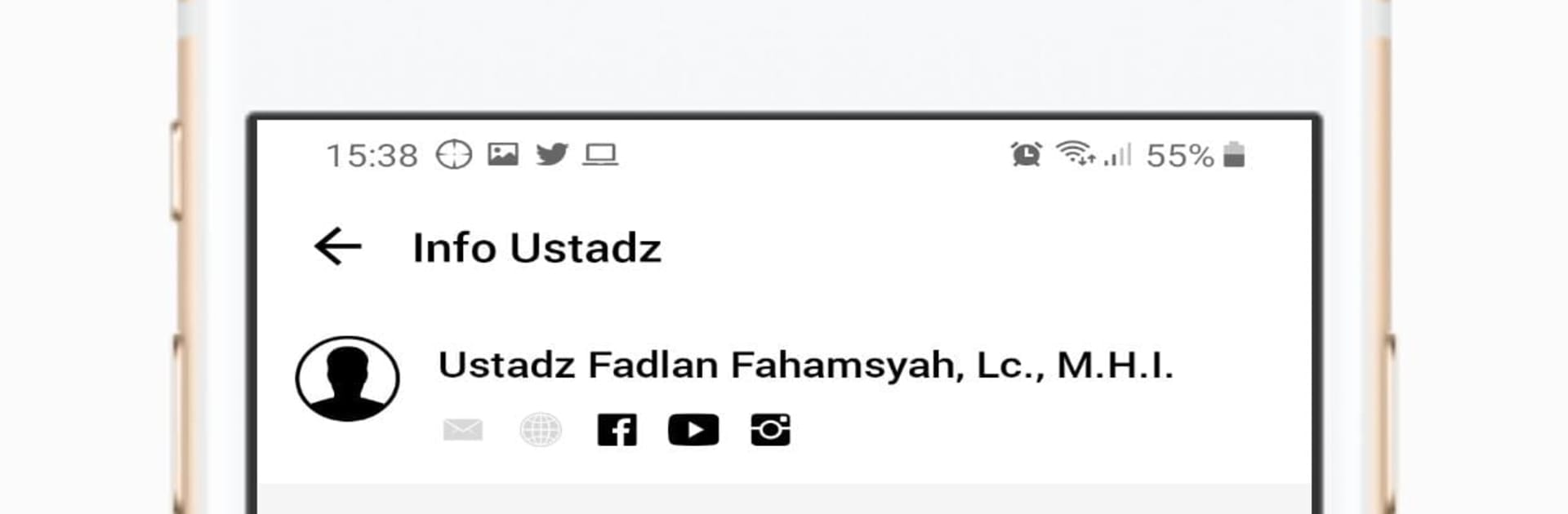
Hanif feels like a handy little guide for finding real-world Islamic study sessions without fuss. It opens straight to nearby kajian based on the device location, so someone can see what is happening around them today and where. The layout is plain and calm, nothing flashy, which actually suits the purpose. Each entry shows the time and place, and there is an easy way to switch between schedules by ustadz, location, or city. It aims for Quran and Sunnah learning with a respectful tone, so the app keeps things focused on the essentials rather than a lot of extras. It is more about getting people to a majelis ilmu than scrolling forever on a feed.

Running it on a PC through BlueStacks works well if someone prefers a bigger screen to scan schedules or check a map. Clicking around is smooth, and filtering by city or teacher is quicker with a keyboard. Location on a computer may need a quick tweak so the app knows where the user is, but once set it shows the closest sessions cleanly. What stands out is how direct it is. No maze of menus, just find a lesson, see where it is, and go. It will be most useful in areas where the community adds or maintains schedules, so in some towns there may be fewer listings than others. But for travelers, students, or anyone trying to plan study time around the week, it gets the job done.

BlueStacks gives you the much-needed freedom to experience your favorite apps on a bigger screen. Get it now.


How to Download and Run Hanif: Temukan Kajian Islam di Sekitarmu on PC or Mac

  • Download and install BlueStacks on your PC or Mac

  • Complete Google sign-in to access the Play Store, or do it later

  • Look for Hanif: Temukan Kajian Islam di Sekitarmu in the search bar at the top right corner

  • Click to install Hanif: Temukan Kajian Islam di Sekitarmu from the search results

  • Complete Google sign-in (if you skipped step 2) to install Hanif: Temukan Kajian Islam di Sekitarmu

  • Click the Hanif: Temukan Kajian Islam di Sekitarmu icon on the home screen to start playing

video
Watch Video

Minimum System Requirements

With BlueStacks 5, you can get started on a PC that fulfills the following requirements.

  • Operating System

    Microsoft Windows 7 or above, macOS 11 (Big Sur) or above

  • Processor

    Intel, AMD or Apple Silicon Processor

  • RAM

    at least 4GB

  • HDD

    10GB Free Disk Space

Note:

* You must be an Administrator on your PC. Up to date graphics drivers from Microsoft or the chipset vendor.

Hanif: Temukan Kajian Islam di Sekitarmu - FAQs

  • How to Run Hanif: Temukan Kajian Islam di Sekitarmu on Windows PC & Mac?

    Run Hanif: Temukan Kajian Islam di Sekitarmu on your PC or Mac by following these simple steps.

    • Click on ‘Download Hanif: Temukan Kajian Islam di Sekitarmu on PC’ to download BlueStacks
    • Install it and log-in to Google Play Store
    • Launch and run the app.
  • Why is BlueStacks the fastest and safest platform to play games on PC?

    BlueStacks respects your privacy and is always safe and secure to use. It does not carry any malware, spyware, or any sort of additional software that could harm your PC.

    It is engineered to optimize speed and performance for a seamless gaming experience.

  • What are Hanif: Temukan Kajian Islam di Sekitarmu PC requirements?

    Minimum requirement to run Hanif: Temukan Kajian Islam di Sekitarmu on your PC

    • OS: Microsoft Windows 7 and above:
    • Processor: Intel or AMD Processor:
    • RAM: Your PC must have at least 2GB of RAM. (Note that having 2GB or more disk space is not a substitute for RAM):
    • HDD: 5GB Free Disk Space.
    • You must be an Administrator on your PC.



