
illustrated Everyday Expressio

illustrated Everyday Expressio

Education

| Kelyn Le Studio

Play on PC with BlueStacks or from our cloud

  • Overview
  • How to Download

Page Modified On: January 09, 2026

Run illustrated Everyday Expressio on PC or Mac

Upgrade your experience. Try illustrated Everyday Expressio, the fantastic Education app from Kelyn Le Studio, from the comfort of your laptop, PC, or Mac, only on BlueStacks.

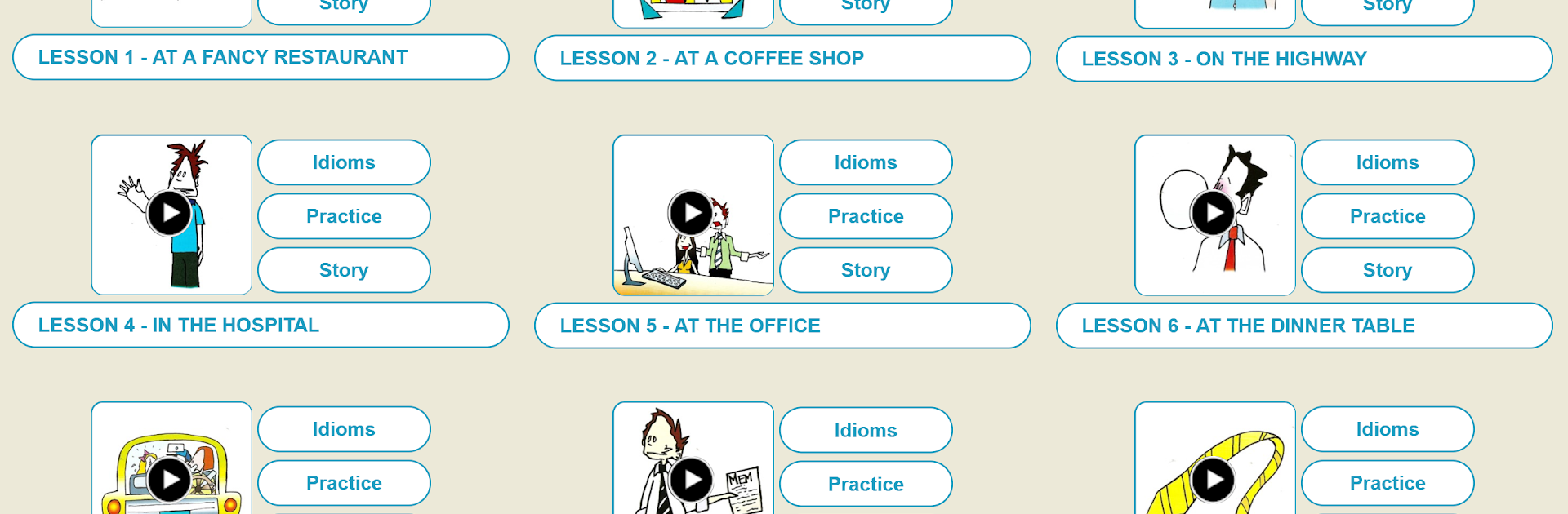
illustrated Everyday Expressio is basically a friendly guide to English idioms that feels part comic, part phrasebook. Each lesson opens with a set of twenty idioms, and they are laid out alphabetically so it is easy to jump around or find something later. The flow is simple. a short definition in plain words, a few sample sentences or a tiny dialog to show how people actually say it, then a funny little drawing that nails the meaning in a way that sticks. It does not feel like homework. More like leafing through an illustrated notebook where the jokes help the phrases land. After a few units it starts working like an illustrated dictionary, so someone can keep it around for quick lookups.

On a PC with BlueStacks, the pictures and text get more room, which suits the format a lot. Clicking through lessons is like reading a light workbook on a big page, no squinting, no fuss. The idioms are practical, the definitions do not overcomplicate things, and the short dialogs make the usage feel natural, not stiff. It suits learners who want context more than memorization drills, and also anyone who enjoys collecting everyday expressions without wading through grammar chapters. The humor is gentle, not noisy, and the artwork gives each phrase a clear mental hook. It is steady, organized, and somehow still playful, which is rare for this kind of app.

BlueStacks brings your apps to life on a bigger screen—seamless and straightforward.

How to Download and Run illustrated Everyday Expressio on PC or Mac

  • Download and install BlueStacks on your PC or Mac

  • Complete Google sign-in to access the Play Store, or do it later

  • Look for illustrated Everyday Expressio in the search bar at the top right corner

  • Click to install illustrated Everyday Expressio from the search results

  • Complete Google sign-in (if you skipped step 2) to install illustrated Everyday Expressio

  • Click the illustrated Everyday Expressio icon on the home screen to start playing

video
Watch Video

Minimum System Requirements

With BlueStacks 5, you can get started on a PC that fulfills the following requirements.

  • Operating System

    Microsoft Windows 7 or above, macOS 11 (Big Sur) or above

  • Processor

    Intel, AMD or Apple Silicon Processor

  • RAM

    at least 4GB

  • HDD

    10GB Free Disk Space

Note:

* You must be an Administrator on your PC. Up to date graphics drivers from Microsoft or the chipset vendor.

illustrated Everyday Expressio - FAQs

  • How to Run illustrated Everyday Expressio on Windows PC & Mac?

    Run illustrated Everyday Expressio on your PC or Mac by following these simple steps.

    • Click on ‘Download illustrated Everyday Expressio on PC’ to download BlueStacks
    • Install it and log-in to Google Play Store
    • Launch and run the app.
  • Why is BlueStacks the fastest and safest platform to play games on PC?

    BlueStacks respects your privacy and is always safe and secure to use. It does not carry any malware, spyware, or any sort of additional software that could harm your PC.

    It is engineered to optimize speed and performance for a seamless gaming experience.

  • What are illustrated Everyday Expressio PC requirements?

    Minimum requirement to run illustrated Everyday Expressio on your PC

    • OS: Microsoft Windows 7 and above:
    • Processor: Intel or AMD Processor:
    • RAM: Your PC must have at least 2GB of RAM. (Note that having 2GB or more disk space is not a substitute for RAM):
    • HDD: 5GB Free Disk Space.
    • You must be an Administrator on your PC.




