




What’s better than using Italian – Spanish by eflasoft? Well, try it on a big screen, on your PC or Mac, with BlueStacks to see the difference.
Italian – Spanish feels like a no‑frills toolkit for switching between the two languages, more study buddy than flashy course. The heart of it is a fast offline dictionary in both directions, with auto suggestions, example sentences you can listen to, and even a little percentage hint about how common a meaning is. Search history and favorites are saved, then the app nudges those saved words back at you with quizzes and mini games, so nothing just sits there. When a full sentence needs help, there is an online translator with voice input and audio playback, which is handy.
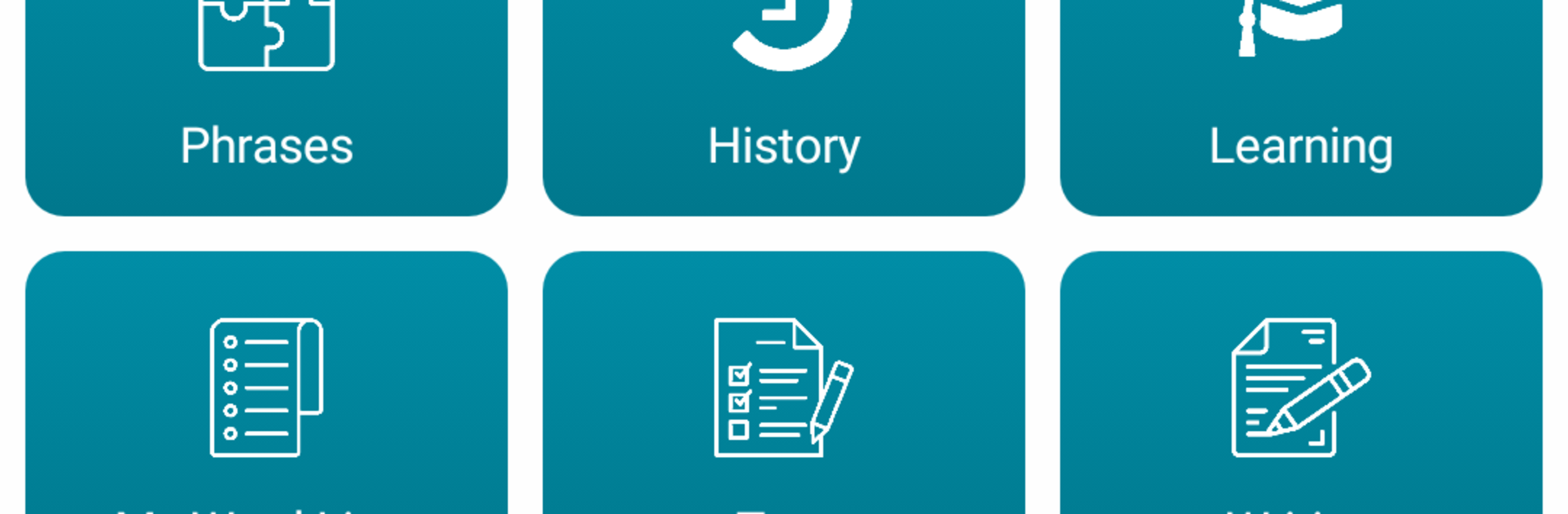
What stands out are the bite sized practice modes. Matching pairs, a grid game where you hunt 16 word pairs, quick true or false rounds, gap fill for sentences, spelling checks, and a falling words game that turns vocab into a light arcade moment. There is a pronunciation test using the mic, plus a listening and writing combo that actually makes the ears work. A phrases section has about a thousand daily expressions with audio. An audio player can stitch chosen words into a playlist, so study can keep going while doing other things. Power users will like the import or export options for word lists in csv or txt. On PC with BlueStacks, typing answers with a keyboard feels quicker, and the bigger screen makes the tables and examples easier to scan. The look is simple, but everything is quick and practical.
BlueStacks gives you the much-needed freedom to experience your favorite apps on a bigger screen. Get it now.





