




What’s better than using Japanese characters by Mironov Aleksandr? Well, try it on a big screen, on your PC or Mac, with BlueStacks to see the difference.
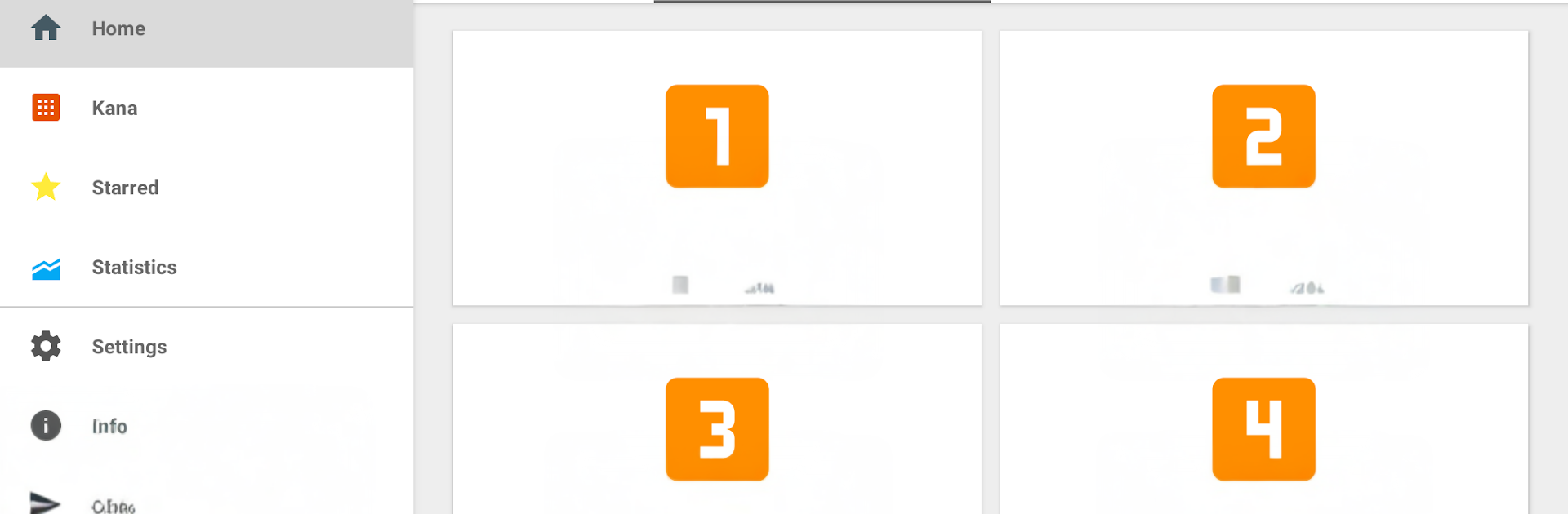
This feels like a straight-to-the-point study app for learning Japanese characters, with a clean flow and no fluff. It focuses on kanji first, and lays them out by Japanese school grades, so someone can move from easy to tougher stuff without guessing where to start. Each chunk is about ten characters, which keeps sessions short and not too tiring. A lesson usually shows the characters with their basic meanings and readings, then moves into practice, then a quick review. The flashcards are simple and quick to flip through, and the tests give instant results so it is obvious what stuck and what did not. There is also a Kana section for Hiragana and Katakana, which is great for beginners who need the basics solid before touching more complex kanji.
On PC with BlueStacks, it works nicely. Clicking through cards with a mouse is smooth, and typing readings with a keyboard feels faster than tapping on a small phone screen. The bigger display helps with stroke details, so it is easier to see what is going on without squinting. The design is plain in a good way, so there is no distraction, just steady memorizing and checking progress. It is not a game, more like a dependable workbook that actually respects a person’s time. If someone wants a clear path and small, repeatable study blocks, this hits that spot.
Switch to BlueStacks and make the most of your apps on your PC or Mac.





