




Why limit yourself to your small screen on the phone? Run Japanese Conjugation City, an app by Stoic Knight, best experienced on your PC or Mac with BlueStacks, the world’s #1 Android emulator.
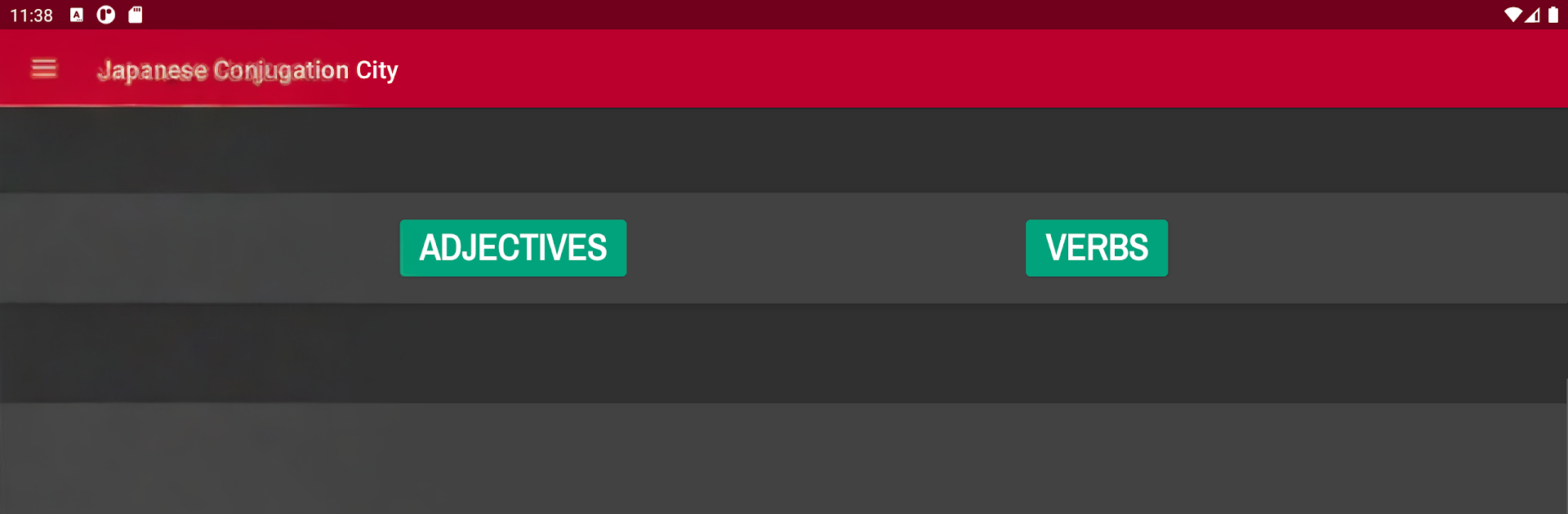
Japanese Conjugation City feels like a straight-up practice hub for verbs and adjectives, with hardly any fluff. It lets someone set up quick tests for nearly 30 verb forms and several adjective patterns, and each bit has a short lesson with examples in romaji or full Japanese. Tests can be multiple choice or fill in the blank, which keeps things from getting stale, and all the content is labeled by JLPT level from N5 through N1. If a question is missed, it shows a clear explanation instead of just flashing a red X, and there is a neat stats page so they can see what keeps tripping them up over time. The app also lets the display swap between hiragana, romaji, and kanji, which is great when a learner is easing away from romaji or needs kanji on for recognition practice.
It is not flashy, and that is kind of the point. There is a searchable list of verbs and adjectives, plus conjugation sheets for each entry that act like a quick reference window. Tests are scored and can be paused whenever life interrupts. On a PC through BlueStacks, the fill in the blank stuff is nicer thanks to a proper keyboard, and the bigger screen makes the conjugation sheets way easier to scan without squinting. It suits anyone who wants no-nonsense drills, clean feedback, and a way to target JLPT goals without guessing where to start. Beginners can keep everything in romaji while building confidence, and more advanced learners can switch to kanji-only and push speed. It is very much study-first, game-second, but it feels steady and useful day to day.
BlueStacks brings your apps to life on a bigger screen—seamless and straightforward.





